Website Migration Services
Move to Webflow or off it, with every URL mapped and 30 days of monitoring.
We inventory every indexed URL, redirect only what changes, and monitor rankings for 30 days after launch. We move you onto Webflow when it fits, and off it when you have outgrown it.
Trusted by 20+ fastest post-funding startups.

300%
Demo engagement increase

100/100
Technical SEO score (was 67)

When we asked for their feedback, they shared without hesitation, which is exactly what we wanted/needed.
Michael Bell
COO @Regenerative & Hormone Medicine

Since the revamp, the site has seen a 240% increase in organic traffic and a steady rise in qualified leads. The animations and smooth UX get constant praise — and the site now plays a key role in closing deals.
Kimon Tousmanof
Marketing Lead @Morphoses

+504%
Traffic growth

0
Traffic lost in migration
What is a website migration?
A website migration is any change to a site’s platform, domain, hosting, URL structure or protocol that can affect how search engines find and rank it. Every indexed URL, redirect and tracking tag has to survive the move. How much SEO risk a move carries depends on its type:
| Type of migration | SEO risk, and what protects rankings |
|---|---|
| Platform or CMS migration | High risk. Templates, URLs, metadata and schema are rebuilt, then checked against the old site before launch. |
| Domain migration | High risk. Every URL changes, so each one needs a 301 and Search Console needs a Change of Address. See our own move to khod.io. |
| Hosting migration | Low risk. URLs stay the same. The new host is set up and tested before DNS switches. |
| Redesign or URL structure change | Medium to high risk. Renamed or merged pages need 301 redirects and repointed internal links. |
| HTTP to HTTPS | Low risk. One 301 per URL, no redirect chains, and canonicals and the sitemap updated to https. |
Why teams move

Every Update Turns Into a Project
The site worked fine when it was smaller. Now every new page, navigation change, or campaign seems to touch three other things. What should be a quick update turns into a project.

Nothing Gets Done Without the Developers
Changing a headline should take five minutes. Instead, it becomes a ticket, joins the dev queue, and waits. Marketing moves at the speed of engineering, even when the work has nothing to do with engineering.

Too Much Work to Publish a Page
The CMS technically works, but only because everyone has learned the rules. Too many fields, duplicated content, unclear relationships, and workarounds that made sense once but somehow became permanent.

Website Bill Became Too Expensive
Another seat. Another locale. Another add-on. Another agency or developer retainer. The bill keeps climbing, but it's hard to point to what you're actually getting for the extra cost.

Every SEO Fix Requires a Workaround
Structured data, canonical control, and redirect handling are where most builders stop. If search is a real channel for you, that ceiling has a number attached to it.

Outgrown the Template
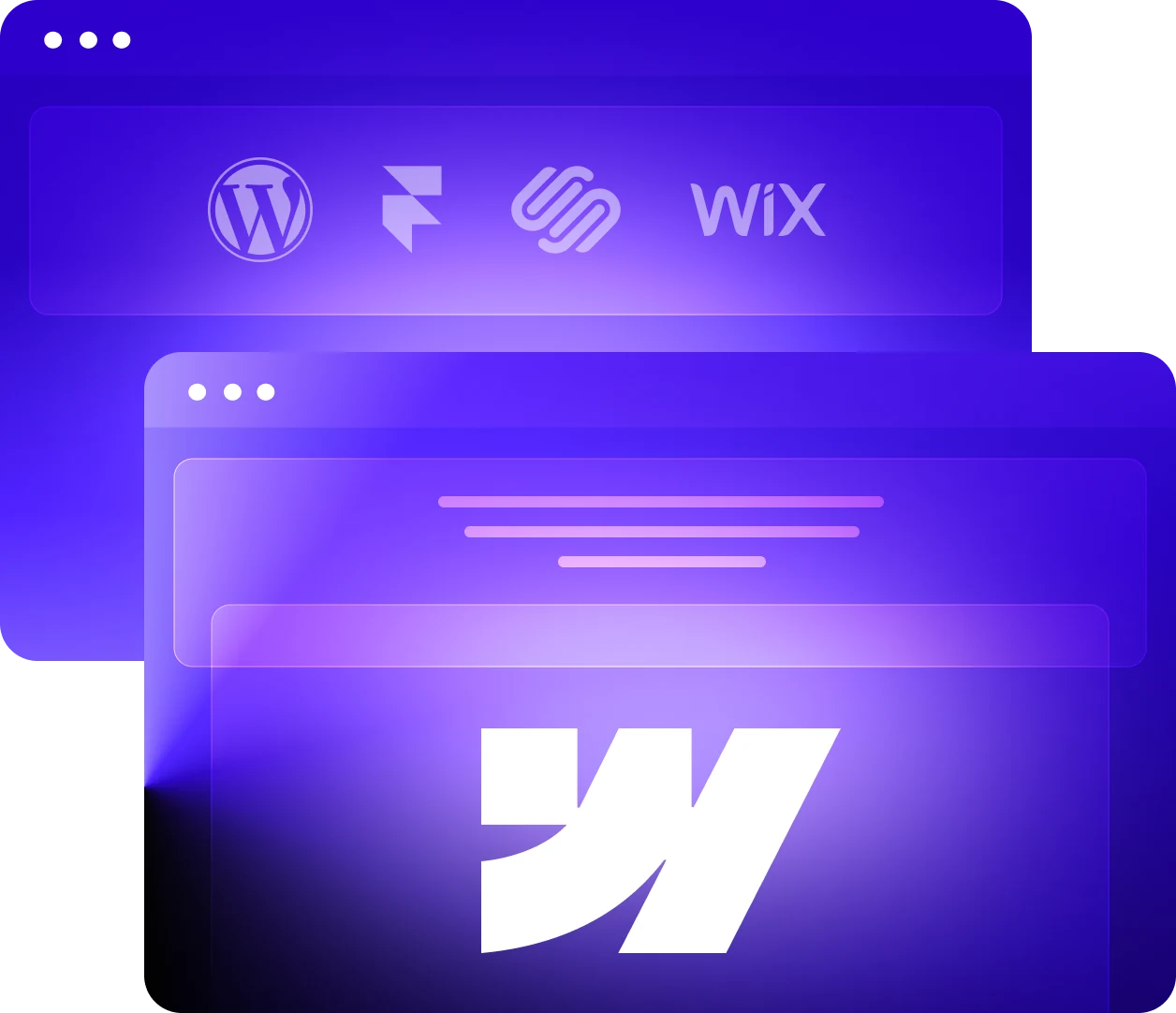
Wix, Squarespace and Framer hold up until the site has to do more than the template allows. That ceiling arrives sooner than most teams plan for.

CMS Limits Start Getting in the Way
Webflow limits how deeply and how often CMS content can be nested. More complex content models quickly turn into extra collections, workarounds, or custom code.

Locked Inside the Box
More features start relying on embeds, scripts, and third-party tools. The workarounds you use become harder to maintain than the feature itself.

Hitting Limits Can Mean Enterprise Pricing
Once you outgrow standard plan limits, the next step can be a major jump. In client quotes we’ve seen, Webflow Enterprise has started around $25k/year.

The Website Starts Acting Like Software
Personalization, gated areas, generated pages, product data, and deeper integrations push the site beyond what a visual builder handles comfortably.

The Builder Starts Shaping Your Roadmap
New ideas increasingly start with “can Webflow do that?” Once the platform decides what gets built, the site becomes a constraint.

A Rebuild Stopped Being Expensive
Custom code used to mean more developer hours. With coding agents handling much of the repetitive build work, teams get more freedom without the time and cost that used to come with it.
Migration paths
Not sure which direction fits? See the FAQ below, or talk to us directly.
 WordPress to Webflow migration
Plugin upkeep, and a dev ticket for every edit. Content, CMS structure, and every redirect move across.
 Squarespace to Webflow migration
Usually the point where the template stops stretching. Pages, collections, and rankings carry over intact.
 Framer to Webflow migration
Usually the point where marketing starts queuing behind a designer. CMS, interactions, and rankings all come across.
 Wix to Webflow migration
Usually the point where the design and the SEO controls both run out of room. Pages, Collections, and rankings carry over.
 Webflow to Next.js migration
Outgrown the builder. Move to Next.js and a headless CMS with every indexed URL accounted for.
 Webflow to Astro migration
Move a content-heavy Webflow site to Astro and a headless CMS, with every indexed URL accounted for before launch.
 Webflow to Sanity migration
Replace Webflow's collection workarounds with a structured Sanity CMS, rebuild the frontend in Next.js or Astro, and carry every indexed URL across.
Our website and SEO migration process
Every migration we run is an SEO migration. Six stages, each with a deliverable that protects the rankings you already have.

Audit
We crawl every indexed URL, form and CMS field, and benchmark rankings, traffic and Core Web Vitals. The crawl becomes the redirect map, and the benchmark is what launch gets measured against. Every check is in our website migration checklist.

Design (optional)
Not every migration needs a redesign, plenty of sites just need to change platforms as-is. But if yours does, our B2B web design team finishes the UI before development starts.

Build
We rebuild the site against the audit and the redirect map, page for page and field for field. GA4, tags and form events move with it, so reporting doesn’t break at launch. Where it lands is settled in the audit: Webflow, or Next.js, Astro and a headless CMS once a site has outgrown the builder.

SEO and redirect QA
Every entry in the redirect map is tested as a single 301 from old URL to new URL. Internal links are repointed so none of them passes through a redirect, and metadata, schema and canonicals are checked against the audit. Same standard as the technical SEO work we run for tech startups outside of a migration.

Launch
We run the DNS cutover on a schedule set in advance and watch it in real time. The new sitemap goes to Google Search Console on launch day, with a Change of Address request when the domain changes.

Monitor
We track rankings, crawl errors and Core Web Vitals for 30 days after launch. Anything the migration broke, we fix, for the full 30 days, and it is not billed as new work.
Migration Highlights
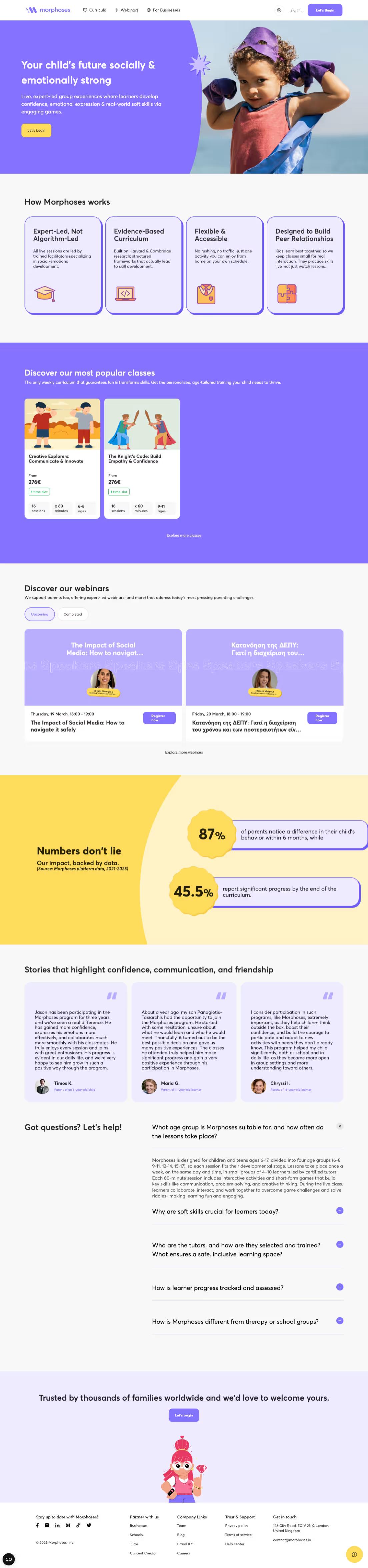
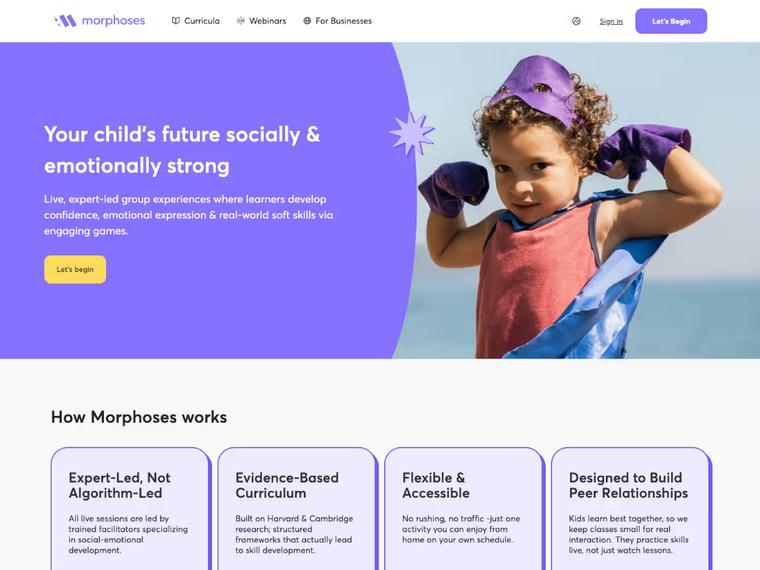
Morphoses: UX-First Revamp That Boosted Organic Traffic by 240%
A revamped site experience helped Morphoses grow from 500 to 1,700 monthly organic visitors — and turn the website into a key asset for closing deals.

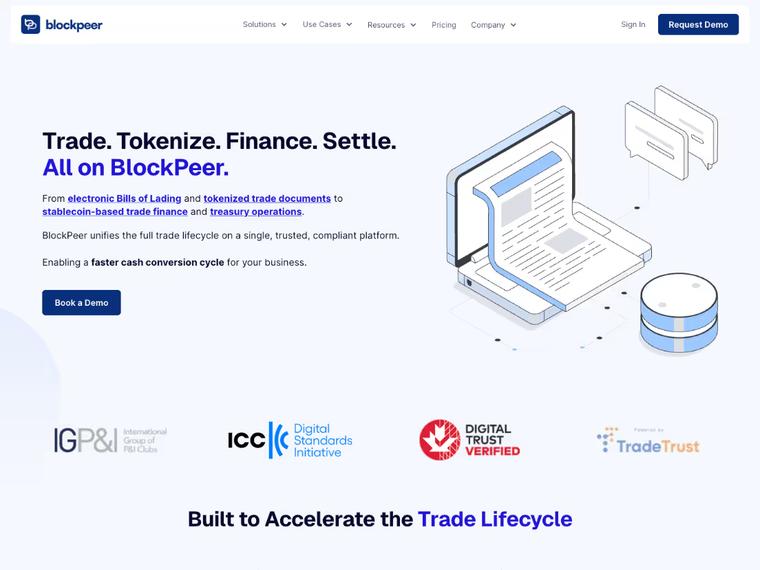
Blockpeer Finance: From Product Launch to 504% Traffic Growth
The revamp supported their v2 launch, boosting monthly traffic from 51 to 308 and giving Blockpeer a polished online presence that helped attract serious leads.
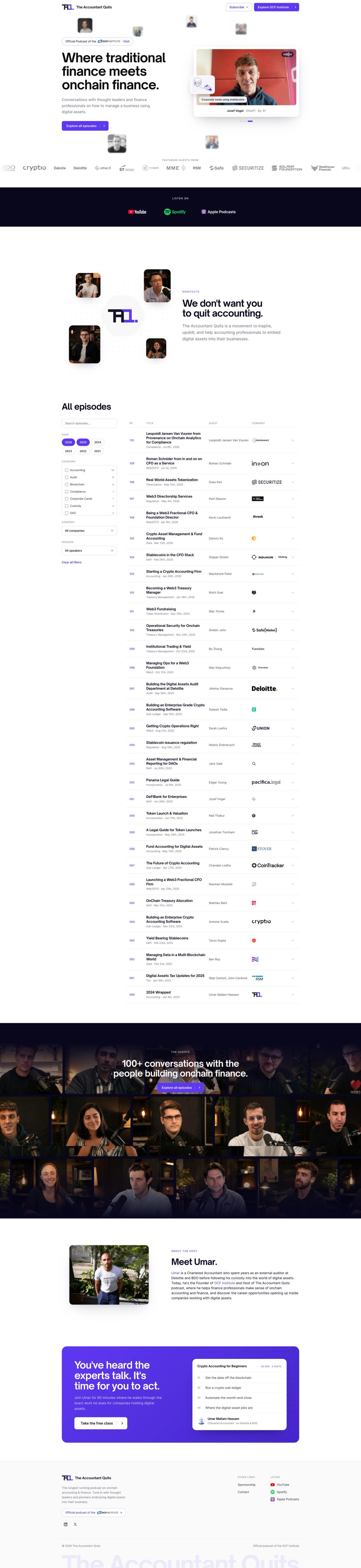

The Accountant Quits: A Brand Going Back to Its Roots
Khod moved The Accountant Quits' 110-episode site off Webflow onto a custom Astro/Sanity stack in about a week, after its education arm split off into its own brand. The client can still edit everything themselves — just not in Webflow anymore.
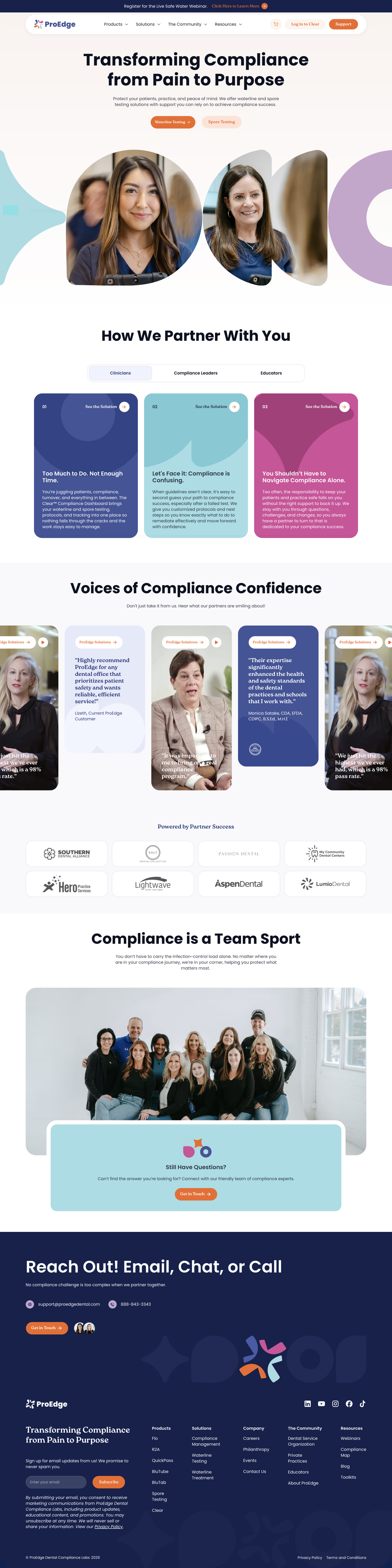
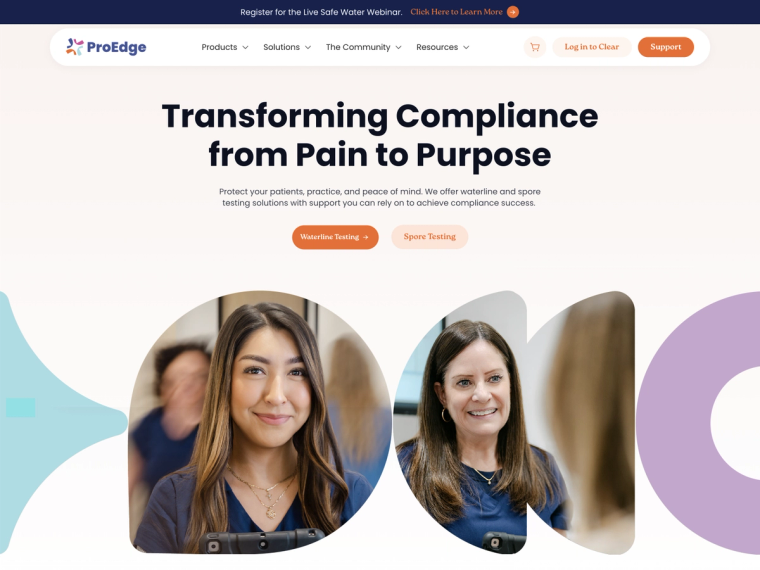
ProEdge Dental: Recovering Technical SEO After a Broken Webflow Migration
A broken Webflow migration cost ProEdge four months of search visibility. Root-cause diagnosis plus 80+ fixed pages took technical SEO health from 67 to 100.

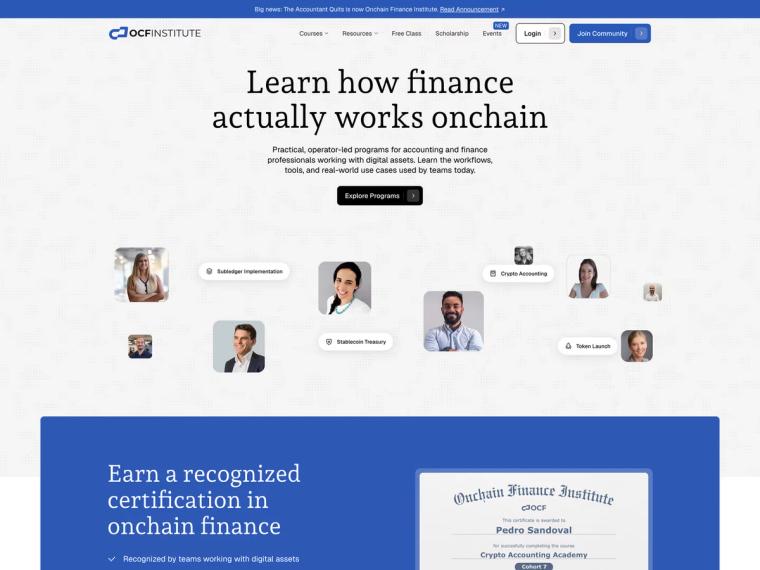
On-Chain Finance Institute: Splitting the Brand Without Losing the Traffic
One web3 brand became two. 207 URLs moved with ~98% clean 301s and zero rankings lost.

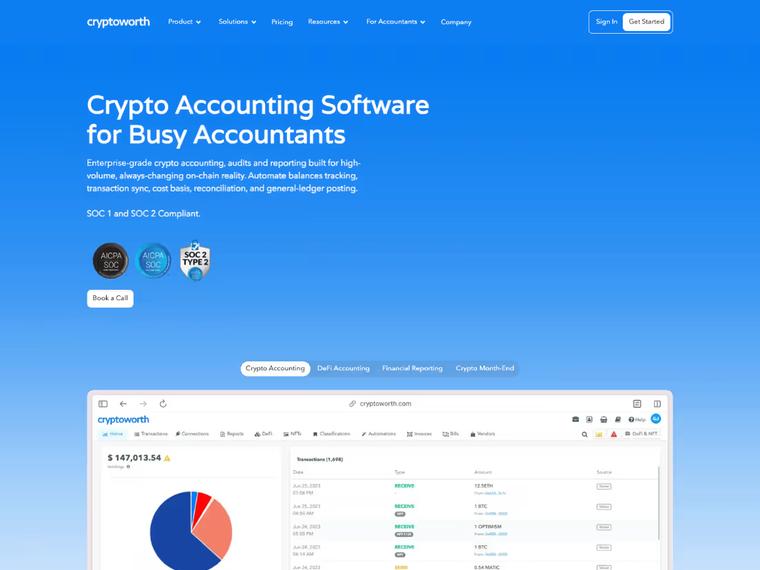
When AI answers replaced the results page, Cryptoworth became the brand AI cites
A flawless Webflow migration that preserved traffic, eliminated 440+ SEO errors, and boosted Cryptoworth’s site health to 95%.
What Our Clients Say

"Only a couple weeks after launch we have consistently received multiple leads and demos scheduled every day . All of this has been organic up to this point which is awesome."

Kyle Fedewa
Co-Founder @Speculo AI

"Since the revamp, the site has seen a 240% increase in organic traffic and a steady rise in qualified leads. The animations and smooth UX get constant praise — and the site now plays a key role in closing deals."

Kimon Tousmanof
Marketing Lead @Morphoses

"When we asked for their feedback, they shared without hesitation, which is exactly what we wanted/needed."

Michael Bell
COO, RHMMed (Regenerative & Hormone Medicine)

"Khod's project management was amazing. They were very transparent and organized, so I knew exactly what needed my attention, what was getting fixed, and what was launched."

Javier Lozano
Director of Marketing @ProEdge Dental Water Labs

"Khod helped us grow website traffic by 500% and unlock new revenue streams through our online academies. It now drives revenue month over month."

Umar Mallam Hassam
CEO @The Accountant Quits

"The revamp gave us instant credibility — traffic is up 504% and we’re getting more interest from leads than ever before."

Venkatesh Rengarajan Muthu
Co-Founder & CEO @Blockpeer

"Khod tackled the challenge of complex design even with the changes in scope."

Ekaterina Kapotina
Co-Founder & Ops Director @Vis-on

Your site is slow
Heavy images, scripts and third-party tags cause most slow pages. A performance pass fixes them where the site is.
Publishing is a mess
A cleaner content model and clear editor roles fix that on the platform you already have.

The bill went up
Unused seats, add-ons and oversized plans are cheaper to cut than to leave.

You’re only changing hosts
Your URLs stay the same, so the new host can usually move the site for you.
Pricing and Timeline
Every migration is scoped after an audit. What moves the number is complexity more than size: the CMS structure, interactions, integrations and custom functionality, and whether the design is rebuilt along the way.
Start with a migration, then keep building with us every month.
One-time projects
Ongoing
Your site on a new platform, looking the way it does today.
Investment from $5,000
“Khod helped us grow website traffic by 500%… It now drives revenue month over month.”
Umar Mallam Hassam, CEO @The Accountant Quits
Best for
Teams happy with how the site looks but held back by the platform. The design stays; everything underneath changes.
What’s included
- GROW week: URL inventory, redirect map and content architecture
- Content model: your content remodelled for the new CMS
- Development: your current design rebuilt in Webflow, Next.js or Astro
- Migration: every page and CMS item moved across
- Redirects: every indexed URL mapped and tested before launch
- SEO: metadata and structured data on every page
- Launch: rankings and traffic monitored after go-live
Timeline
Frequently asked questions
How can I migrate my website without losing SEO?
Build the redirect map before the new site launches, not as a cleanup pass afterwards. That is why it is step one of the process above. A 301 is only needed where the structure changes; URLs that stay put keep their addresses. We follow Google's site move guidance and monitor rankings and crawl errors for 30 days after launch, because the risk window does not close on launch day.
What can go wrong in a website migration?
Six things, and each one has a step in our process that prevents it. Lost redirects and dropped metadata are caught in SEO and redirect QA. Broken tracking and forms are rebuilt and tested during the build. Indexation drops are handled at launch with a new sitemap in Search Console, then 30 days of monitoring. Downtime is avoided with a DNS cutover scheduled in advance and watched live.
How much does it cost to migrate a website?
A migration starts at $5,000 when the site moves across as it looks today, and at $10,000 with a redesign. The size of the site matters, but complexity matters more: CMS structure, interactions, custom functionality, integrations, and whether the design is being rebuilt along the way. The audit produces the number before any build starts.
How long does it take to migrate a website?
Two to six weeks when the site moves across as it looks today, six to ten with a redesign. A straightforward marketing site moves faster. More pages, a new content model, memberships or ecommerce push it out. The audit sets the timeline before work begins.
How involved does my team need to be?
Less than you would expect, and more than nothing. We need access to the current site and its integrations, decisions on anything being retired rather than rebuilt, and a review pass on content and design. Everything else is ours. The heaviest week for your team is the audit, because that is when we ask what each thing on the site is actually for.
Should I hire an agency, a freelancer or migrate my website myself?
It depends on what the site earns from search. Do it yourself when there is little organic traffic to protect and the URLs stay the same. A freelancer fits a single-platform move with a short redirect list and one person who owns both the build and the SEO checks. Hire an agency when search brings in leads, the domain or platform changes, or design, CMS and tracking all move at once, because that is more to check before launch than one person can cover. More on choosing between an agency and a freelancer.
How do I choose a migration agency?
Ask three things. First, what happens to URLs that are not changing, because an agency that answers "we redirect everything" has not inventoried your site. Second, what they monitor after launch and for how long; the damage from a bad migration shows up weeks later, once Google has recrawled. Third, ask for a migration they have done, with a live URL you can open. Webflow's own guide for agencies is a reasonable checklist to hold any of us to. If your site is a brochure that your team edits happily and nothing is breaking, the honest answer is that you do not need a migration at all.
What happens to my blog posts, case studies and other CMS content?
It moves with the site. We map each collection field to its destination before anything is rebuilt, so references, categories and slugs survive rather than flattening into text. Webflow exports collection items as CSV, with rich text as HTML and images still on Webflow's CDN, so assets get moved deliberately rather than left pointing at the old site.
Can I redesign the site at the same time?
Yes, and it is often the cheaper moment to do it, since the pages are being rebuilt anyway. Design is an optional stage in the process above. The tradeoff is that a redesign and a migration launching together make it harder to tell which one caused a change in performance, so we benchmark before launch either way.
What happens to my domain, analytics and tracking?
They carry over. We reconnect the domain, move analytics, tag manager and CRM tracking, and verify events fire on the new site before launch rather than discovering gaps afterwards. If you are also changing domains, that is a separate redirect layer on top of the page-level map, and Google's guidance on moving with URL changes covers what Search Console needs. We have done that move on our own domain.
Do you migrate off Webflow too, or only onto it?
Both. We are Webflow Certified Partners and most of our client work runs on Webflow, and we also move sites off it to Next.js or Astro with a headless CMS when a site has outgrown the builder. We did it to our own site first. Which direction suits you depends on what the site has to do, and we will tell you if the answer is to stay where you are.
How do AI coding agents change a migration?
They change the speed of the rebuild, not the judgement. Agents handle the repetitive work well: porting components, moving content, wiring redirects. Architecture, design decisions and QA stay human, because an agent will happily rebuild a mistake faithfully. We rebuilt khod.io this way, roughly 180 pages in under a month, and wrote up what it did and did not buy us in Khod Labs.
Playbooks for Planning Your Migration
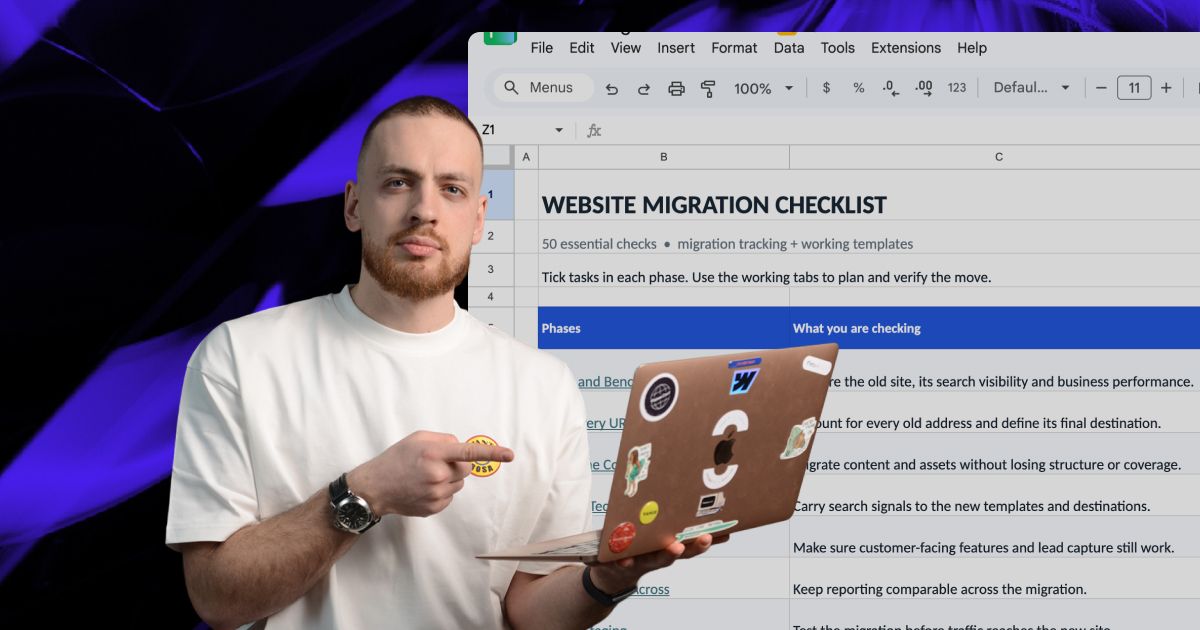

Know which direction is right before you commit to either.
A migration audit tells you what the move actually costs, what it protects, and whether Webflow is even the right destination. No commitment to build until you've seen it.