
Move From Wix to Webflow. Keep the Rankings You Earned.
We rebuild your site in Webflow, map every important URL, and replace the Wix apps and integrations you need to keep.
We Know What Has to Go Right When Moving off Wix.

+35%
Organic traffic from ideal-fit accounts.

+30%
Scroll depth after the UX rebuild.

They went above and beyond to get our site enterprise-ready. Flexible, fast, and incredibly responsive, even with last-minute changes.
Anna Maikova
Head of Product Marketing & GTM @Synthflow AI

Khod did a fantastic job developing a website for us quickly and professionally with rapid revision cycles.
J. Paul Meyer
Founder & CEO @Votre

+504%
Traffic growth post migration.

0
Traffic lost in migration.
Why teams move off Wix

The Design Hits a Ceiling
Wix gets a site live quickly. As the brand gets more ambitious, custom layouts, interactions, and visual details start taking more work than they should.

Technical SEO Stops at the Platform
Wix gives you most of the standard SEO controls. The limitation shows up when you need to go beyond what the platform exposes and control the implementation itself.

Managing Responsiveness Gets Painful
On classic Wix, desktop and mobile often need separate attention. More pages means more layouts to check and more manual work keeping everything behaving properly.

You Can Only Optimize So Much
You can improve images, scripts, and page content. Once those fixes are done, Wix still controls the underlying stack and gives you fewer performance levers to pull.

Custom Features Leave the Visual Editor
Once you need something Wix doesn’t provide natively, the job can quickly move into Velo, custom elements, or third-party code instead of a simple visual build.

The Site Starts Hitting Hard Limits
Wix works well for smaller sites. Growing marketing sites can eventually run into concrete constraints, including a 100-static-page limit, and have to restructure around dynamic pages.
Benefits of Migrating From Wix to Webflow
Webflow tends to make more sense at the point where Wix is still easy to use, but no longer gives your team enough control over design, responsiveness, SEO, and performance.

Design Without Template Limits
Build layouts and interactions around the brand instead of adapting the design to what Wix makes easiest.

Fine-Tune Every Breakpoint
Decide how each layout behaves across desktop, tablet, and mobile instead of settling for the responsive behavior you’re given.

Turn Pages Into a Reusable System
Build reusable components and patterns so new pages stay consistent without recreating the design from scratch every time.


Improve Performance Beyond the Basics
Make deliberate decisions about assets, interactions, scripts, and page structure when performance needs more than basic optimization.

SEO Changes Without Workarounds
Handle redirects, metadata, structured data, indexing, and other technical SEO work directly as the site evolves.
What Happens to Your Wix Setup in Webflow?
A Wix migration means rebuilding the parts of the site that currently depend on Wix, not just recreating the pages.
| What you have in Wix | What happens in Webflow |
|---|---|
| Wix Editor or Wix Studio layouts | Rebuilt as a reusable Webflow design system. |
| Wix CMS Collections | Remapped into structured Webflow CMS Collections. |
| Wix Apps | Rebuilt natively, replaced with integrations, or removed. |
| Wix SEO settings | Metadata, indexing settings, and redirects are migrated and checked. |
| Wix Forms | Rebuilt in Webflow and reconnected to your CRM, whether that is HubSpot, Mailchimp, or whatever else the marketing stack runs on. |
| Velo and custom code | Rebuilt or replaced based on what the site still needs. |
| Wix hosting | Replaced by Webflow hosting and deployment. |
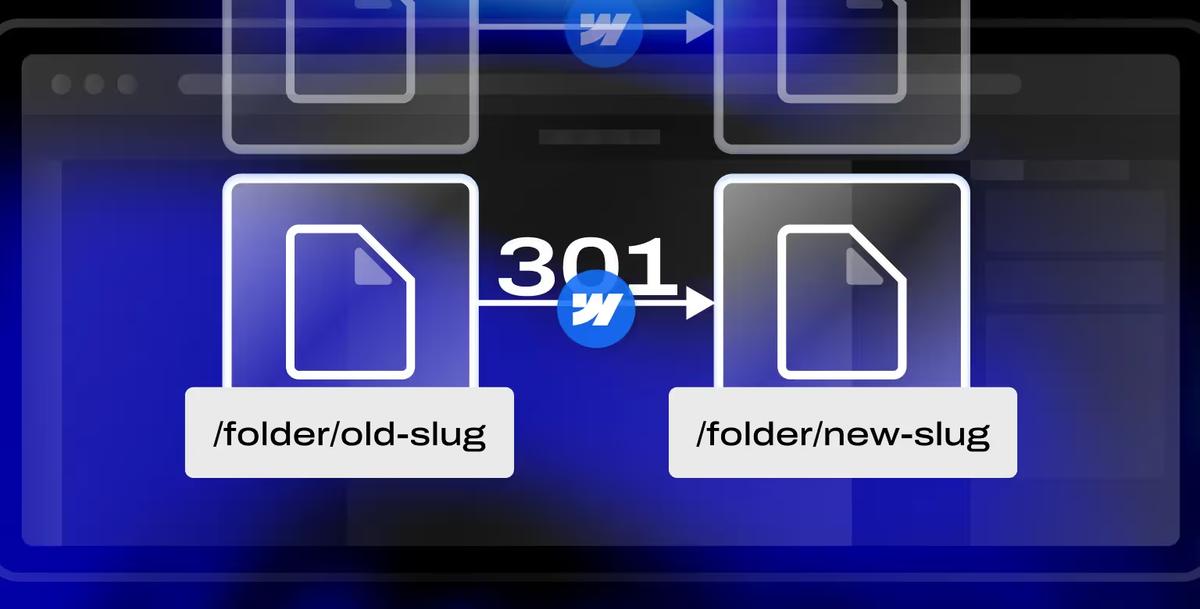
| Existing URLs | Preserved where possible, with 301 redirects where needed. |
| Analytics and tracking | GA4, GTM, pixels, and other tracking are reinstalled and tested. |
How the migration runs
Six stages, the same ones we run on any migration. What changes for Wix is what gets rebuilt, remapped, and tested inside them.

Audit
We crawl the live site: every URL, CMS Collection, form, Wix App, Velo function, integration, and tracking script. From that, we build the migration plan and redirect map before development starts.

Design (optional)
If the current design still works, we rebuild it as-is. If you want a redesign, our B2B web design team finishes that first so development starts from an approved system rather than changing direction mid-build.

Build
Our Webflow development team rebuilds the layouts in Webflow, maps Wix CMS content into Collections, and rebuilds or replaces forms, Apps, Velo functionality, and integrations based on what the site actually needs.

SEO and redirect QA
Metadata, indexing settings, structured data, and URLs are checked against the current site. Every redirect is tested before launch, not assumed to work, to the same technical SEO standards we run outside a migration.

Launch
We handle the DNS cutover on a scheduled window and watch the site in real time while the new version goes live.

Monitor
Rankings are tracked for 30 days after launch. If something technical shifts after the migration, we catch it while there is still time to fix it.
Project Highlights

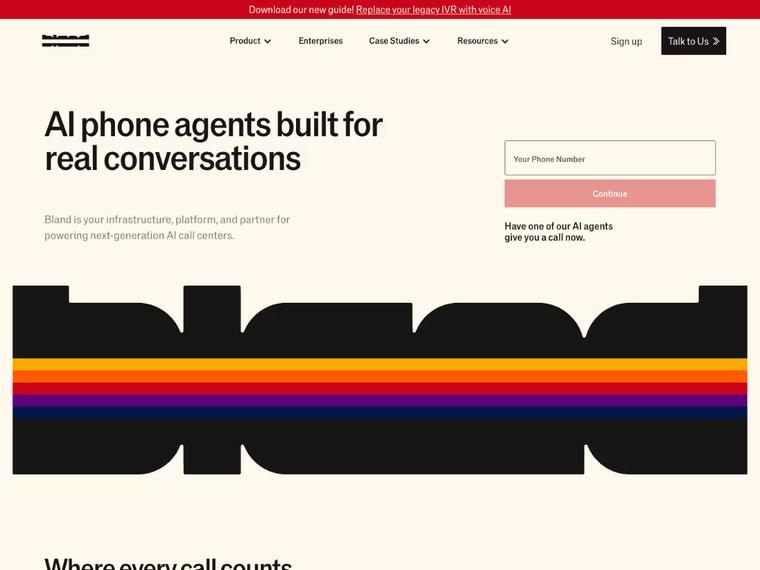
Bland AI: A High-Speed Revamp That Drove 35% More Traffic Post-Series B
Delivered in record time ahead of their Series B announcement. Since launch, Bland AI saw a 35% increase in organic traffic from their ideal customer profiles — plus stronger on-site conversions.


Blockpeer Finance: From Product Launch to 504% Traffic Growth
The revamp supported their v2 launch, boosting monthly traffic from 51 to 308 and giving Blockpeer a polished online presence that helped attract serious leads.

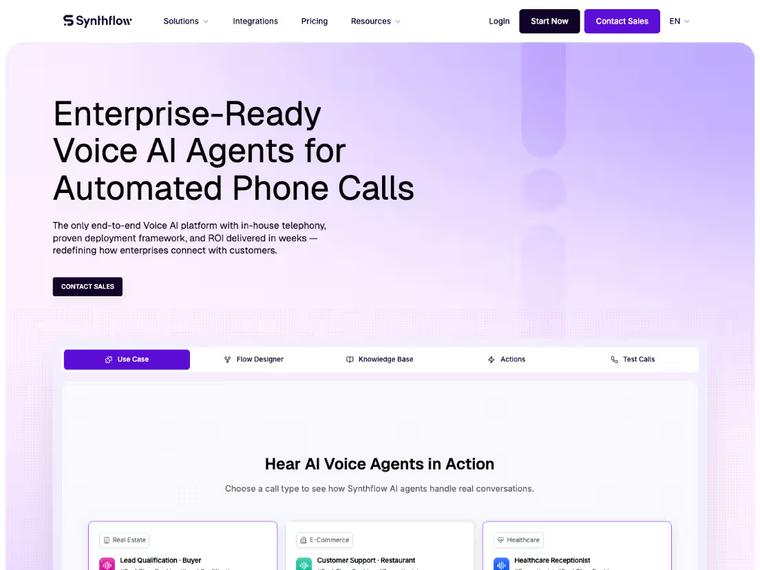
Synthflow AI: Turning $20M Raise Into a Scalable Web Presence
Launched with a speedy delivery just ahead of Synthflow’s Series A announcement. The new homepage now anchors their go-to-market efforts with a product-led, conversion-focused experience.
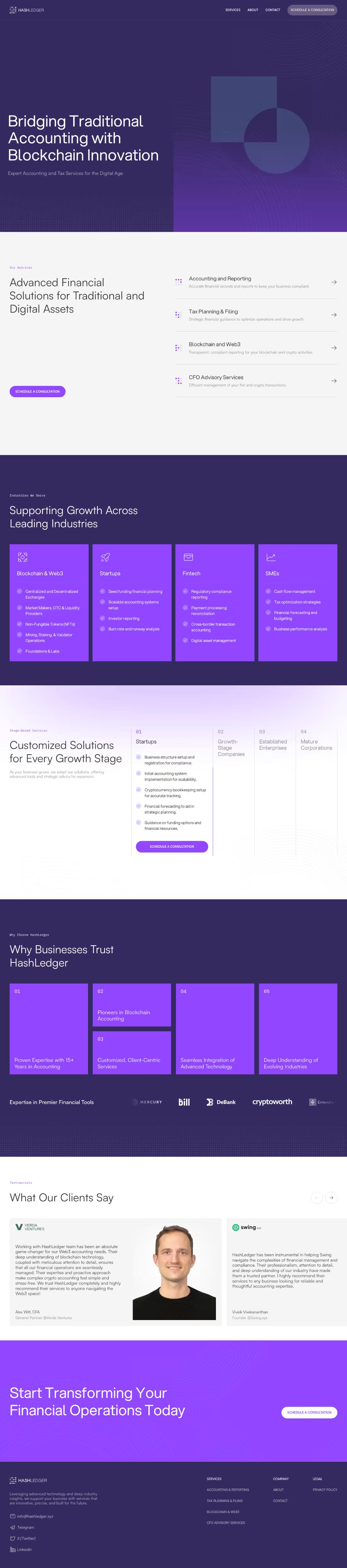

HashLedger: From Idea to a Trustworthy Web3 Brand
Starting from just a name, the site and branding helped HashLedger establish credibility in the Web3 space — closing leads and building trust with prospects.

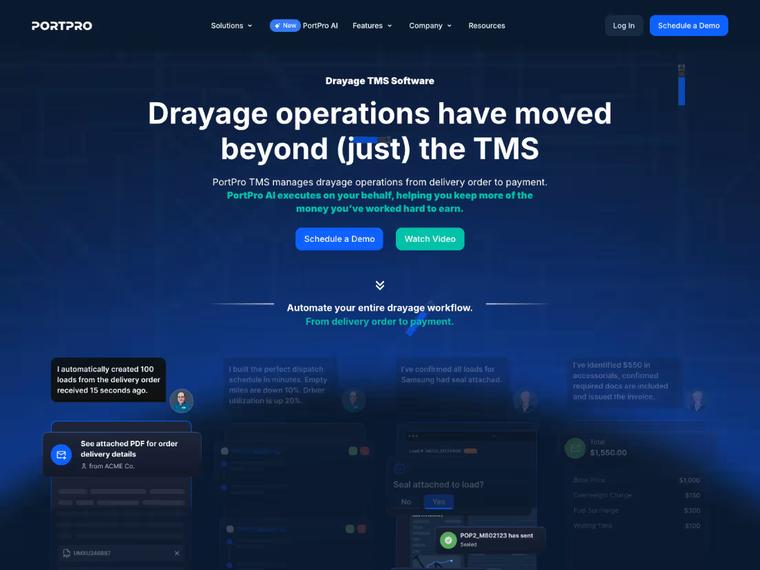
How PortPro’s Marketing Team Regained Control of Their Website
Campaigns go live faster, the brand stays consistent, and developer bottlenecks are gone.


Votre: From DeFi Mechanics to a $3.75M Seed-Backed Investor Narrative
Repositioned the brand from protocol-heavy messaging to a trust-first, premium story—supporting Votre’s $3.75M seed round and market maturity.
What Our Clients Say

"Khod rebuilt our site across multiple iterations and kept the process tight. They communicate proactively, and are now helping us scale around 60 SEO landing pages ."

Ethan Clouser
Head of Marketing @Bland AI

"The revamp gave us instant credibility — traffic is up 504% and we’re getting more interest from leads than ever before."

Venkatesh Rengarajan Muthu
Co-Founder & CEO @Blockpeer

"They went above and beyond to get our site enterprise-ready . Flexible, fast, and incredibly responsive, even with last-minute changes. They kept multiple stakeholders aligned and never missed a deadline."

Anna Maikova
Head of Product Marketing & GTM @Synthflow AI

"We had nothing but a name and an idea — Khod helped us launch a brand that now wins calls , earns interest , and builds trust in the Web3 space."

Nauman N. Mustafa, cpa
Founder @HashLedger

"Khod did a fantastic job developing a website for us quickly and professionally with rapid revision cycles."

J. Paul Meyer
Founder & CEO @Votre

"Because of their quick turnarounds, we're able to launch campaigns on time, push new pages live when we need them, and ultimately drive pipeline faster ."

Madeleine Work
Head of Marketing @PortPro

Your store runs on Wix Stores
A large Wix Stores catalog is better staying put or moving to Shopify. Webflow suits small catalogs.

Velo runs your core features
Custom Velo code and database logic have no Webflow equivalent, so each piece gets rebuilt from scratch.

Most of the site is Wix Apps
Bookings, events and loyalty apps each need a Webflow replacement. A site built on apps turns the move into an app rebuild.

Wix already works for you
If your team edits it without help and it ranks, Wix is the better fit.
Pricing and Timeline
Three things drive both numbers: how many pages and CMS Collection items exist, how many Wix Apps are doing real work, and how much Velo or custom functionality has to be rebuilt rather than carried over. A ten-page marketing site and a 200-item Collection with custom code are not the same project.
Start with a migration, then keep building with us every month.
One-time projects
Ongoing
Your Wix site on Webflow, looking the way it does today.
Investment from $5,000
“Khod helped us grow website traffic by 500%… It now drives revenue month over month.”
Umar Mallam Hassam, CEO @The Accountant Quits
Best for
Teams happy with how the site looks but held back by Wix. The design stays; the platform underneath changes.
What’s included
- GROW week: URL inventory, redirect map and content architecture
- Content model: Wix pages and CMS collections rebuilt as Webflow collections
- Development: your current design rebuilt in Webflow
- Migration: every page and CMS item moved across
- Redirects: every indexed URL mapped and tested before launch
- SEO: metadata and structured data on every page
- Launch: rankings and traffic monitored after go-live
Timeline
Frequently Asked Questions
Will I lose my search rankings when moving from Wix to Webflow?
Some movement is normal while Google recrawls the site, and a well-run migration keeps it short. We map existing URLs, preserve what should stay the same, and create 301 redirects where URLs need to change. A 301 status code is the permanent form of redirect, which is what tells crawlers the old URL has moved for good.
Will there be downtime during the migration?
There should not be meaningful downtime. The existing Wix site stays live until the Webflow build is ready, then we handle the DNS cutover during a planned launch window.
How much does a Wix to Webflow migration cost?
A Wix to Webflow migration starts at $5,000, or $10,000 with a redesign. Where it lands depends on page count, CMS complexity, custom functionality, integrations, and whether you are redesigning at the same time. We scope that during the migration audit. See the full cost breakdown and calculator.
How long does a Wix to Webflow migration take?
Most smaller sites take a few weeks. Larger sites with more CMS content, Wix Apps, Velo functionality, or integrations take longer. The audit gives you a realistic timeline before the build starts.
What happens to my Wix CMS content?
We map your existing content structure into Webflow CMS Collections and migrate the content into the new setup.
What happens to Wix Apps after the migration?
We audit each one and determine whether the functionality should be rebuilt natively in Webflow, replaced with another integration, or removed if it is no longer needed.
What happens to Velo or custom functionality?
Anything custom gets reviewed separately. We rebuild the functionality in Webflow or replace it with a better-fit integration depending on what the site actually needs. We audit against Wix's Velo documentation so nothing the current site depends on gets missed.
Will my forms and CRM integrations still work?
Yes. Forms are rebuilt and connected back to your CRM, email platform, automation tools, or whatever else the current site relies on.
Can you migrate a Wix ecommerce site?
Potentially, but ecommerce needs to be scoped separately. Wix Stores can range from very simple setups to more complex ones, so we would review the store before confirming whether Webflow is the right destination.
Can you keep the same design when moving from Wix to Webflow?
Yes. We can rebuild the current design closely in Webflow, or use the migration as an opportunity to redesign the site.
What happens to my domain?
You keep the same domain. We update the DNS records so it points to the new Webflow site once the migration is ready to launch.
How do I transfer my domain from Wix to Webflow?
You don’t usually transfer the domain itself to Webflow. Instead, you keep the domain with your current registrar and update its DNS records so it points to the new Webflow site. We handle that as part of launch and make sure the old Wix site stays live until the new one is ready.
What happens after launch?
We monitor rankings and technical issues for 30 days after launch so problems caused by the migration can be caught and fixed quickly. Google's site move guidance treats post-launch monitoring as part of the move rather than an extra. We run the same window on WordPress to Webflow, Squarespace to Webflow and Framer to Webflow migrations.
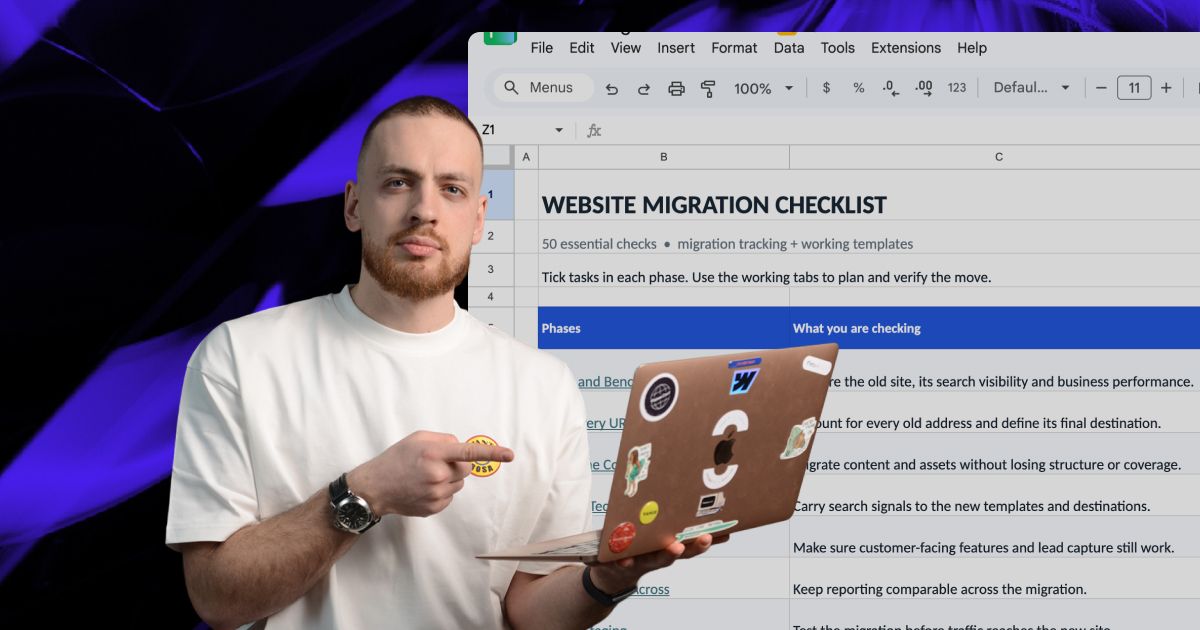
Actionable Playbooks for Migrating off Wix
Ready to Move Beyond Wix?
We’ll handle the migration from audit through launch, with your content, SEO, integrations, and Wix-specific functionality mapped before anything moves.