Move From Webflow to Astro Without Losing Marketing Control.
We rebuild your Webflow site in Astro, Tailwind, and Sanity, migrate your content and indexed URLs, and give marketing live preview and reusable page blocks. You own the codebase without turning routine content updates into developer tickets.
30+ B2B sites shipped. Teams we have built and migrated for:



Khod feels like an extension of our team; fast, proactive, and always delivering beyond expectations.

Batıkan Erdoğan
Head of Growth & Conversion Systems @Chili Piper


They rebuilt our site through multiple iterations and are now helping us scale 60+ SEO landing pages.

Ethan Clouser
Head of Marketing @Bland AI


They helped us launch an enterprise-ready site despite tight deadlines.

Anna Maikova
Head of Product Marketing & GTM @Synthflow AI




Their quick execution keeps our campaigns on schedule and our pipeline moving.

Madeleine Work
Head of Marketing @PortPro


Within six weeks of launch, traffic and conversions more than 2×-ed.

Brandon Redlinger
Fractional CMO @Avarra AI


They clarified our AI product for non-technical buyers — and within weeks, we were generating daily organic leads and demos.

Kyle Fedewa
Co-Founder @Speculo AI


They migrated our redesigned Webflow site without losing SEO momentum and boosted technical health to 95%.

Ariel Eiberman
CMO @Cryptoworth
Why would I move off
Webflow to Astro?

New Features Need Workarounds
What should be a normal website feature turns into custom embeds, third-party tools, scripts, or some awkward combination of all three.

The CMS Became Messy
Collections multiply, relationships are hard to model, and simple content structures start requiring increasingly complicated workarounds.

Simple Requests Keep Turning Into Bigger Projects
A new tool, gated area, personalized page, or deeper integration sounds straightforward. Then it needs another script, service, embed, or workaround just to make it fit the existing setup.

We keep asking “Can Webflow do this?”
New ideas get filtered through what the platform supports before the team even considers what would actually be best for the business.

Performance Keeps Getting Worse
Every new script, integration, and workaround adds more weight. Eventually, improving load times starts feeling like fighting the platform instead of fixing the site.

We’re paying more and still hitting limits
More traffic, more CMS usage, more seats, or more advanced requirements can push you toward increasingly expensive plans without solving the underlying constraints.
Benefits of Migrating to Astro
Moving off Webflow gives you more control over what the site can do, how content is structured, and what actually gets shipped to the browser.

Build What the Business Actually Needs
Astro renders most of the page as HTML and sends JavaScript only to the components that actually need it. Content-heavy pages stay lightweight by default.

Keep Interactivity Where You Need It
Forms, calculators, search, animations, and other interactive components can still behave like applications without making the entire site one.

Choose the CMS That Fits Your Team
Pair Astro with Sanity, Storyblok, Payload, Contentful, or another headless CMS based on how your team actually creates and publishes content.


Own a Simpler Frontend
Your pages, components, redirects, integrations, and styles live in a codebase you control without carrying a full application framework when the site does not need one.

Ship Faster With Coding Agents
Agents can work directly across the repository, handling repetitive implementation while architecture, design decisions, and QA stay human.
What happens to my Webflow setup in Astro?
You are not starting from zero. The content, design system, URLs, forms, integrations, and functionality all have a destination in the new stack.
| In Webflow | In Astro |
|---|---|
| Designer | Rebuilt as reusable components in code. Marketing controls content and predefined page sections through the CMS. |
| CMS collections | Become structured content types in Sanity, Storyblok, Payload, Contentful, or another headless CMS. |
| Classes and styles | Rebuilt as a reusable component and styling system, typically using Tailwind. |
| Interactions and animations | Recreated with CSS or lightweight JavaScript where needed. |
| Forms | Connected to your existing CRM, form provider, or backend endpoint. |
| Hosting | Moves to Vercel, Cloudflare, Netlify, or another Git-based host. |
| SSL and CDN | Handled by the hosting provider. |
| Redirects | Stored in code or hosting configuration and tested before launch. |
| Site search | Rebuilt using a search service or an index generated from your content. |
| Memberships | Replaced with the authentication provider that fits the requirement. |
| Ecommerce | Usually moves to Shopify, Stripe, or another commerce layer. |
| Third-party scripts | Loaded only on the pages or components that actually need them. |
| SEO setup | Metadata, canonicals, schema, sitemap logic, and indexed URLs are carried across and checked before launch. |
How the migration works
We move the site in six stages, from auditing the current Webflow setup to monitoring the new Astro site after launch. Most migrations take 2 to 6 weeks, depending on complexity and whether the site is being redesigned.

Audit
We map every indexed URL, CMS collection, form, interaction and integration. Each interaction gets marked as CSS-only or JavaScript, which decides what ships to the browser in the build.

Design (if needed)
If the current site still works visually, we rebuild it as-is. If you want to redesign during the migration, we handle that before development starts.

Build
Each Webflow template becomes an Astro component, and each CMS collection becomes a content type in the headless CMS, usually Sanity, with the same fields. Pages render to static HTML at build time. Only the parts that need JavaScript, such as forms, search or a calculator, load it as islands.

SEO and redirect QA
Every existing URL is accounted for. Redirects move into the Astro config or the host’s rules, and each one is tested as a single 301. Metadata, headings, canonicals, schema and the sitemap are compared page by page against the audit.

Launch
For static pages, we connect the CMS to the host so each publish triggers a rebuild, and test one before cutover. Then we switch DNS and watch the new site as real traffic arrives.

Monitor
We keep watching rankings, crawl errors, and Core Web Vitals for 30 days after launch so migration issues do not get discovered weeks later.
Project Highlights
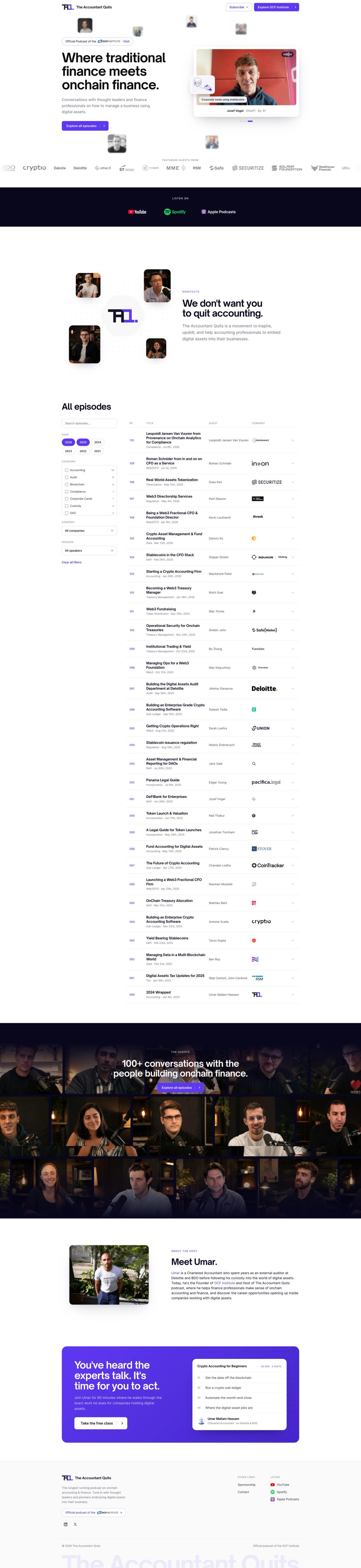

The Accountant Quits: A Brand Going Back to Its Roots
Khod moved The Accountant Quits' 110-episode site off Webflow onto a custom Astro/Sanity stack in about a week, after its education arm split off into its own brand. The client can still edit everything themselves — just not in Webflow anymore.

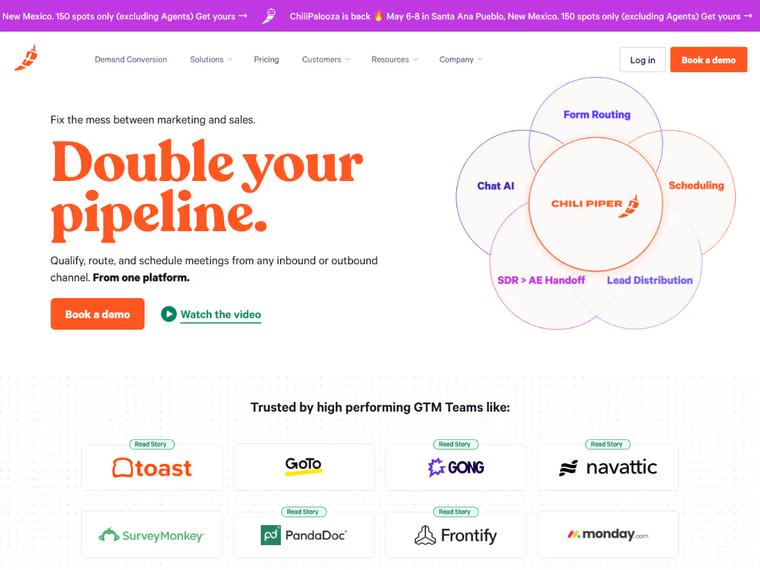
Chili Piper: Repositioning & Solving a $65K/Year Webflow Enterprise Problem
Switching Webflow partners unlocked a solution Chili Piper didn’t know existed—avoiding a forced Enterprise upgrade and saving $65K+ per year in hosting costs.

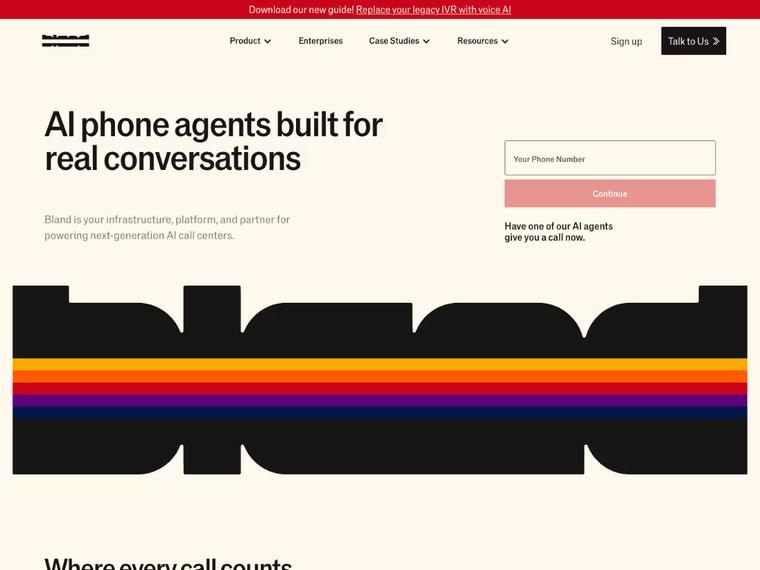
Bland AI: A High-Speed Revamp That Drove 35% More Traffic Post-Series B
Delivered in record time ahead of their Series B announcement. Since launch, Bland AI saw a 35% increase in organic traffic from their ideal customer profiles — plus stronger on-site conversions.


Synthflow AI: Turning $20M Raise Into a Scalable Web Presence
Launched with a speedy delivery just ahead of Synthflow’s Series A announcement. The new homepage now anchors their go-to-market efforts with a product-led, conversion-focused experience.
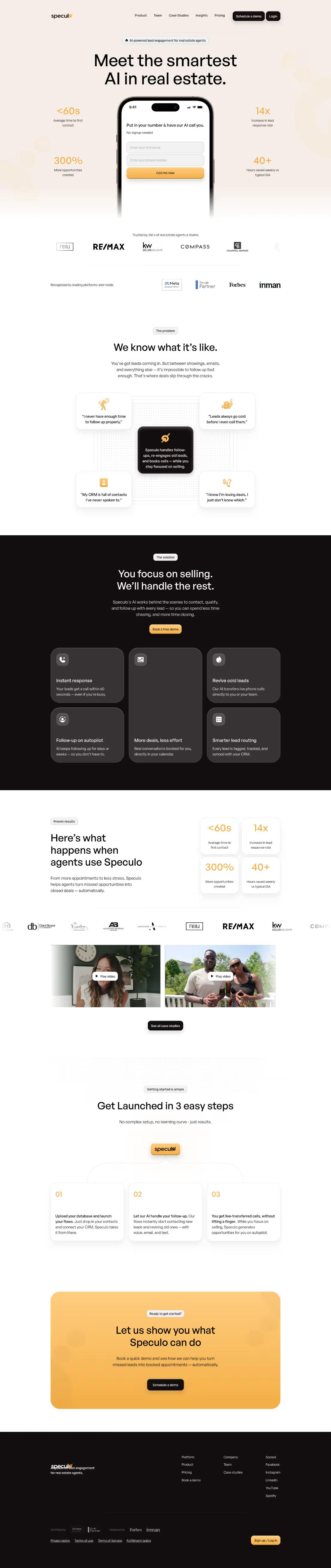

Speculo AI: From Legacy Website to High-Converting AI Demo Engine
A full website overhaul that tripled demo engagement and gave Speculo.ai the credibility, clarity, and conversion power needed to lead in the real estate AI space.

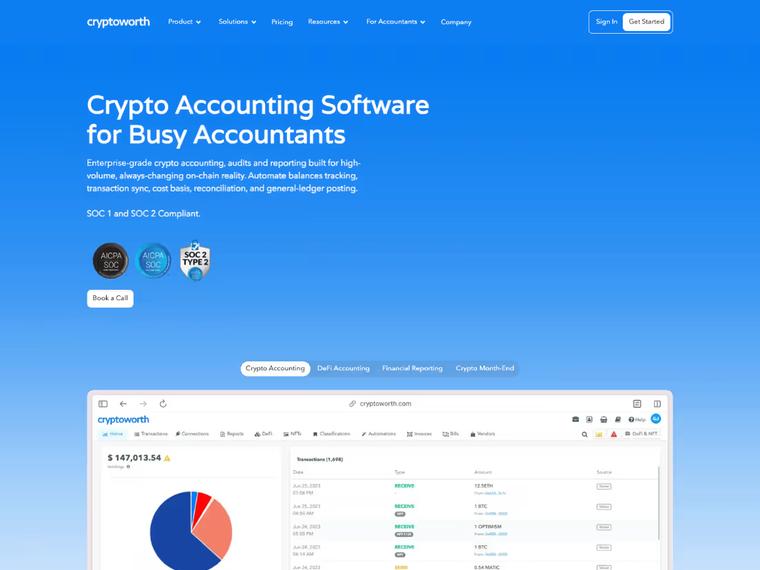
When AI answers replaced the results page, Cryptoworth became the brand AI cites
A flawless Webflow migration that preserved traffic, eliminated 440+ SEO errors, and boosted Cryptoworth’s site health to 95%.
What Our Clients Say

"Khod helped us grow website traffic by 500% and unlock new revenue streams through our online academies. It now drives revenue month over month."

Umar Mallam Hassam
CEO @The Accountant Quits

"We needed to migrate our redesigned Webflow site without losing SEO gains —and Khod nailed it. From boosting our technical health to 95% to content strategy, they’ve been phenomenal."

Ariel Eiberman
CMO @Cryptoworth

"Since the revamp, the site has seen a 240% increase in organic traffic and a steady rise in qualified leads. The animations and smooth UX get constant praise — and the site now plays a key role in closing deals."

Kimon Tousmanof
Marketing Lead @Morphoses

"The revamp gave us instant credibility — traffic is up 504% and we’re getting more interest from leads than ever before."

Venkatesh Rengarajan Muthu
Co-Founder & CEO @Blockpeer

"Working with Team Khod not only exceeded but completely shattered our expectations."

Wilma Eriksson
CEO @Vloxq

"Khod rebuilt our site across multiple iterations and kept the process tight. They communicate proactively, and are now helping us scale around 60 SEO landing pages ."

Ethan Clouser
Head of Marketing @Bland AI

You have no one to own the code
Astro is code. If nobody can prompt an agent or fix a failed build, Webflow is the safer call.

Your team designs pages in Webflow
Marketers can build pages from existing sections. New layouts need a developer, so Designer-heavy teams slow down.

Your site behaves like an app
Logins, dashboards and personalization point to Next.js. Astro earns its keep on content-heavy marketing sites.

Your pages are already fast
If Core Web Vitals pass on Webflow, speed alone won't pay for the rebuild.
Pricing and Timeline
The size of the site matters, but complexity matters more. CMS structure, interactions, integrations, custom functionality, and whether we redesign the site all affect the scope.
Start with a migration, then keep building with us every month.
One-time projects
Ongoing
Your Webflow site on Astro, looking the way it does today.
Investment from $5,000
“It turned out to be the best thing we could have done for our inbound marketing.”
Evgenii Tilipman, Founder @Khod
Best for
Teams happy with how the site looks but held back by Webflow. The design stays; the CMS and code underneath change.
What’s included
- GROW week: URL inventory, redirect map and content architecture
- Content model: Webflow collections moved into the new CMS
- Development: your current design rebuilt in Astro
- Migration: every page and CMS item moved across
- Redirects: every indexed URL mapped and tested before launch
- SEO: metadata and structured data on every page
- Launch: rankings and traffic monitored after go-live
Timeline
Frequently Asked Questions
Will moving from Webflow to Astro hurt SEO?
It can if the migration is handled badly. We map every indexed URL, test redirects, carry over metadata and schema, validate the sitemap, and monitor rankings and crawl errors after launch. It is the same process behind every website migration we run. See how we rebuilt The Accountant Quits on Astro.
How much does a Webflow to Astro migration cost?
A Webflow to Astro migration starts at $5,000, or $10,000 with a redesign. The final price depends on site size, CMS complexity, interactions, integrations and custom functionality. See the full cost breakdown and calculator.
How long does a Webflow to Astro migration take?
Most take 2 to 6 weeks. A like-for-like rebuild sits toward the short end, while redesigns, more complex content models, and heavier custom functionality take longer.
Can our marketing team still edit the site?
Yes. With a headless CMS such as Sanity, marketers can edit content, preview changes, and build pages from predefined sections without touching the codebase. New layout types still need to be created by a developer first.
Can you migrate Webflow directly to Astro?
Not with a one-click export. Webflow can export static frontend code, but CMS content, forms, search, interactions, and other platform functionality still need to be rebuilt or replaced. We use the existing site as the source of truth and migrate each part deliberately.
Do I need a new CMS?
Usually. We most often use Sanity, but Astro also works with Storyblok, Payload, Contentful, Git-based content, and other headless CMSs. The right choice depends on how your team creates and publishes content. Our Astro CMS guide compares 12 options, with costs at 5 to 20 editors.
What happens to Webflow forms and interactions?
Forms are connected to a new form handler, CRM, or backend endpoint. Webflow interactions are recreated in CSS or JavaScript where needed. We inventory both during the audit so they are included in the migration scope.
What happens after launch?
We monitor rankings, crawl errors and Core Web Vitals for 30 days after launch, so migration issues get caught while fixes are quick. Ongoing development, design and maintenance then run on a monthly retainer with reserved team capacity.
Astro or Next.js?
Astro is usually a better fit for content-heavy marketing sites where most pages do not need much client-side JavaScript. Next.js makes more sense when the site needs heavier application logic, authentication, personalization, or app-like functionality. We compared one live site on each in our Astro vs Next.js guide.
Should a B2B marketing site switch from Webflow to Astro?
Switch when Webflow is in the way: per-seat or Enterprise pricing that keeps climbing, pages you can't make faster in the Designer, or a team that wants to build with AI coding agents in a codebase. Stay when marketers build pages in the Designer themselves and the site already does what you need. When we moved The Accountant Quits from Webflow to Astro and Sanity, 118 pages went across in six days.
When should we stay on Webflow?
When it still does what you need without creating meaningful technical or commercial friction. If your team depends heavily on the Designer, the site is relatively straightforward, and the roadmap still fits the platform, rebuilding the stack may not be worth it.
Actionable Playbooks for Migrating off Webflow
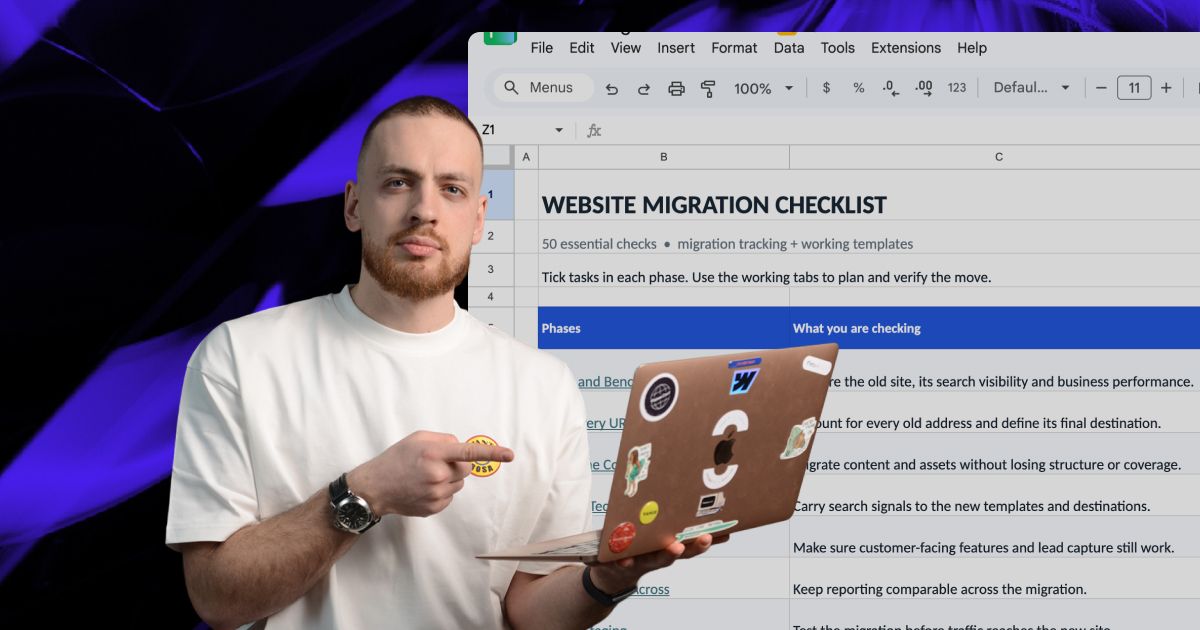

Let’s scope your move to Astro.
We’ll audit your current site, map what needs to move, and give you a clear plan for rebuilding it in Astro, with redirects and SEO checks built in.