Move From Framer to Webflow and Protect What Works
We rebuild your CMS, interactions, integrations, and SEO in Webflow, so your marketing team can manage the site without routing every change through a designer.

We Know What Has to Go Right When Moving off Framer.

+100%
Organic traffic after the rebuild.

+504%
Traffic growth post migration.

We had nothing but a name and an idea — Khod helped us launch a brand that now wins calls, earns interest, and builds trust in the Web3 space.
Nauman N. Mustafa
Founder @HashLedger

Because of their quick turnarounds, we're able to launch campaigns on time, push new pages live when we need them, and ultimately drive pipeline faster.
Madeleine Work
Head of Marketing @PortPro

0
Traffic lost in migration.

+240%
Organic traffic post migration.
Why teams move off Framer

Marketing Can't Build Out Pages
Updating copy is easy. Building a new campaign page or changing the structure still means getting someone comfortable in the Framer canvas involved.

CMS is Limited
A simple blog is fine. More content types, relationships, and volume start forcing the content model around what Framer can comfortably handle.

Who Even Knows React?
Code components can fill gaps, but now part of the marketing site depends on React and someone who knows how to maintain it.

Running Out of Pages
Framer works well for compact marketing sites. Larger SEO and content programs can start running into static-page and CMS capacity limits much sooner.

Too Much Design Attention Needed
New pages are easy to make look different. Keeping dozens of them consistent without someone policing the system is the harder part.

Site Outgrew Framer
Framer was great for getting the first version live. Now the site has to support campaigns, content, SEO, integrations, and a team publishing continuously.
Benefits of Migrating from Framer to Webflow
Webflow tends to make more sense once the website needs to operate as a marketing system, not primarily as a design canvas.

Build New Pages Without a Designer
Give marketing a structured way to launch new pages and campaigns without working directly in the design system.

A CMS With More Room
Support more content types, relationships, and publishing volume without designing around CMS limits.

Connect More of Your Stack
Give your forms, CRM, analytics, automation, and other marketing tools a more established integration layer around the site.


Scale Your Content Program
Add more landing pages, resources, and SEO content without page limits becoming part of the roadmap.

Keep Design and Marketing Separate
Designers control the system. Marketing publishes inside it without every new request becoming another design task.
What Happens to Your Framer Site in Webflow?
A Framer site doesn't transfer directly into Webflow. We rebuild the underlying system, then move over the content, SEO, and functionality that needs to stay.
| What you have in Framer | What happens in Webflow |
|---|---|
| Freeform page layouts | Rebuilt around reusable Webflow components and page structures. |
| Components and variants | Recreated using Webflow components and properties. |
| CMS Collections | Mapped into Webflow CMS with the fields and relationships rebuilt. |
| Interactions and animations | Recreated in Webflow to preserve the original behavior and intent. |
| Code components and overrides | Audited and rebuilt with Webflow-native functionality or custom code where needed. |
| Forms and integrations | Reconnected to your CRM, marketing tools, and other systems. |
| SEO settings | Metadata, canonicals, indexing settings, and other SEO data are migrated and checked. |
| Existing URLs | Preserved where possible, with 301 redirects where needed. |
| Analytics and tracking | GA4, GTM, pixels, and other tracking are reinstalled and tested. |
How the migration runs
Six stages, built to protect what already works in Framer while we rebuild the site in Webflow.

Audit
We crawl every indexed URL, map the CMS, and inventory interactions and integrations. The redirect plan is built before development starts.

Design (optional)
If the current design still works, we keep it. If the site needs a redesign too, our B2B web design team finishes that before the Webflow build begins.

Build
CMS Collections are rebuilt around the agreed content model by our Webflow development team. Forms, integrations, interactions, and custom functionality are recreated and tested as we go.

SEO and redirect QA
Metadata, canonicals, indexing, schema, and redirects are checked against the migration plan. Every redirect is tested before launch, to the same technical SEO standards we run for tech startups outside a migration.

Launch
We schedule the DNS cutover and monitor it in real time. Your Framer site stays live until the Webflow build is ready to replace it.

Monitor
We track rankings and technical SEO for 30 days after launch, giving us time to catch migration issues that don't show up on day one.
Project Highlights
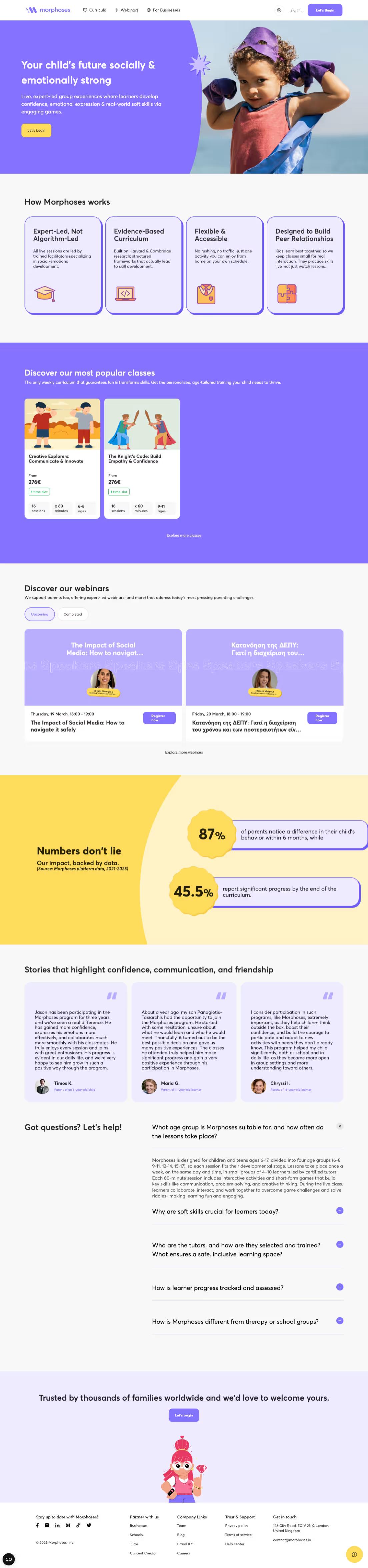
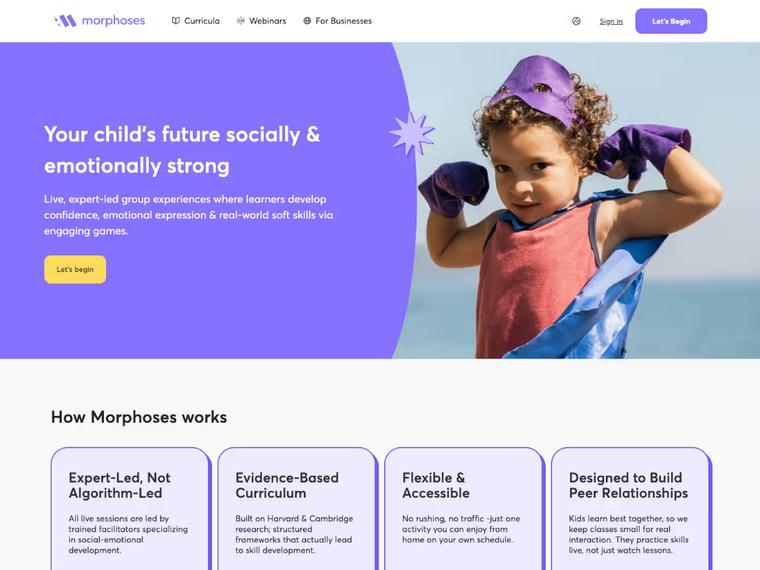
Morphoses: UX-First Revamp That Boosted Organic Traffic by 240%
A revamped site experience helped Morphoses grow from 500 to 1,700 monthly organic visitors — and turn the website into a key asset for closing deals.

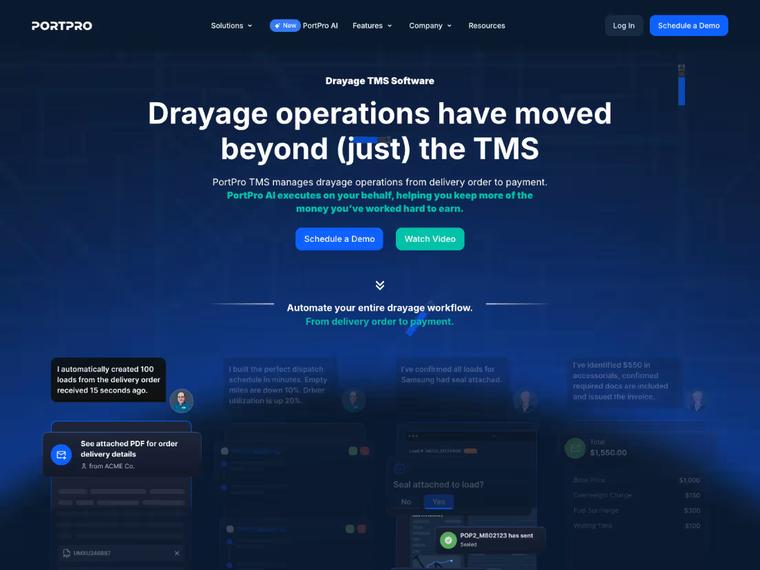
How PortPro’s Marketing Team Regained Control of Their Website
Campaigns go live faster, the brand stays consistent, and developer bottlenecks are gone.

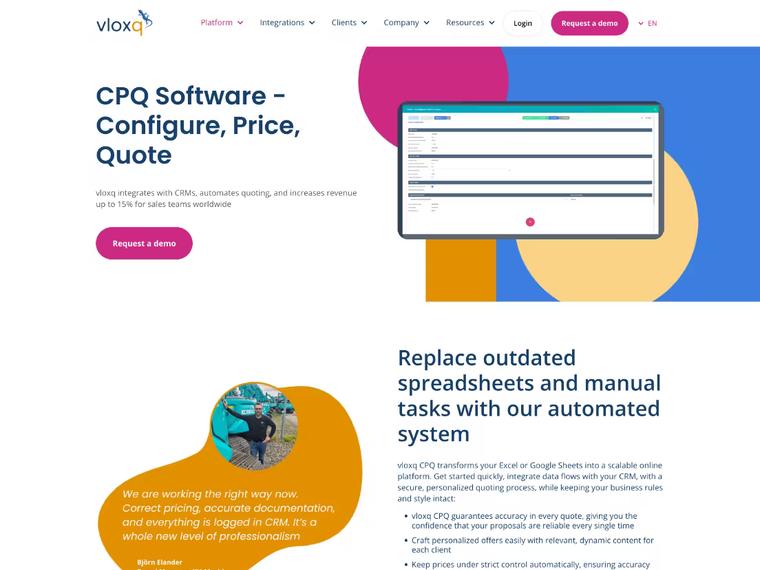
How Vloxq Doubled Engagement with a UX-Driven Website
A revamped website helped Vloxq simplify its messaging, improve user experience, and lay a solid SEO foundation—transforming it into a scalable, conversion-ready asset for long-term growth.
What Our Clients Say

"Since the revamp, the site has seen a 240% increase in organic traffic and a steady rise in qualified leads. The animations and smooth UX get constant praise — and the site now plays a key role in closing deals."

Kimon Tousmanof
Marketing Lead @Morphoses

"Because of their quick turnarounds, we're able to launch campaigns on time, push new pages live when we need them, and ultimately drive pipeline faster ."

Madeleine Work
Head of Marketing @PortPro

"They went above and beyond to get our site enterprise-ready . Flexible, fast, and incredibly responsive, even with last-minute changes. They kept multiple stakeholders aligned and never missed a deadline."

Anna Maikova
Head of Product Marketing & GTM @Synthflow AI

"Within six weeks of launching our new site with Khod, our traffic and conversions more than doubled . Their work had an immediate, measurable impact on our growth."

Brandon Redlinger
Fractional CMO @Avarra AI
When moving to Webflow isn’t for you

Designers own the site
If designers ship every change and marketing rarely edits, Framer’s canvas fits that workflow.

Motion is the product
For scroll-driven, experimental animation, Framer gets you to the result faster.

Your CMS is small
A few simple Collections fit Framer’s CMS. Webflow pays off as content volume and structure grow.

Framer already works for you
If your team ships changes without waiting on a designer, Framer is the better fit.
Pricing and Timeline
Three things drive both numbers: how many pages and CMS items exist, how complex the content model is, and how much interaction and animation work has to be recreated rather than carried over. A ten-page marketing site and a 200-item CMS with custom interactions are not the same project.
Start with a migration, then keep building with us every month.
One-time projects
Ongoing
Your Framer site on Webflow, looking the way it does today.
Investment from $5,000
“Khod helped us grow website traffic by 500%… It now drives revenue month over month.”
Umar Mallam Hassam, CEO @The Accountant Quits
Best for
Teams happy with how the site looks but held back by Framer. The design stays; the platform underneath changes.
What’s included
- GROW week: URL inventory, redirect map and content architecture
- Content model: Framer pages and CMS collections rebuilt as Webflow collections
- Development: your current design rebuilt in Webflow
- Migration: every page and CMS item moved across
- Redirects: every indexed URL mapped and tested before launch
- SEO: metadata and structured data on every page
- Launch: rankings and traffic monitored after go-live
Timeline
Frequently Asked Questions
About Framer to Webflow migration
Will I lose SEO rankings when migrating from Framer to Webflow?
Some movement is normal while Google recrawls the site, and a well-run migration keeps it short. We audit existing URLs, preserve them where possible, map 301 redirects where needed, migrate SEO settings, and monitor rankings for 30 days after launch. The mapping follows Google's guidance on site moves with URL changes.
Will there be any downtime during the migration?
The existing Framer site stays live while the Webflow version is being built. The domain is switched only after the new site has passed QA, keeping the cutover window as small as possible.
How much does a Framer to Webflow migration cost?
A Framer to Webflow migration starts at $5,000, or $10,000 with a redesign. Where it lands depends on the number of pages, CMS complexity, integrations, and how much interaction or animation work needs to be recreated. We scope the project before you commit. See the full cost breakdown and calculator.
How long does a Framer to Webflow migration take?
Most straightforward migrations take a few weeks. Larger sites, complex CMS structures, custom interactions, or a redesign can extend the timeline. We scope the exact timeline during the migration audit.
Can my marketing team manage the Webflow site without a designer?
That's often one of the main reasons for migrating. We structure the Webflow build so marketers can update CMS content, publish pages, and make routine changes without working directly inside a freeform design canvas.
How does Framer CMS content move to Webflow?
We map your Framer Collections and fields to the appropriate Webflow CMS structure, then migrate the content into those Collections. The CMS architecture can also be cleaned up where the existing structure no longer makes sense. Framer's CMS documentation is the reference for what each Collection field type holds, so nothing gets flattened on the way over.
Can Webflow replicate Framer animations and interactions?
Yes. The goal is the same animation on the live site, with the same timing, easing and trigger. Most Framer effects, like appear animations, hover states, scroll-linked movement and tickers, rebuild in Webflow Interactions. Sequenced timelines, split-text effects and pinned scroll sections use GSAP, which is built into Webflow. Framer code components get rewritten in JavaScript. We list every animation during the audit and check each one against the Framer original before launch.
Which Framer animations can’t be matched exactly in Webflow?
Very few. Framer’s spring transitions are physics-based, while Webflow uses easing curves. GSAP’s eases get visually very close, and custom code can run a true spring when it has to be exact. Automatic layout animations between component variants are rebuilt element by element, and effects built as Framer code components are rewritten. We flag each of these in the audit and agree on the approach before the build.
Can my team edit the animations after the migration?
Yes, for anything built with Webflow Interactions, including the GSAP-powered ones. Your team adjusts triggers, timing and easing visually in the Designer, without code. Animations that needed custom code are documented and handed over with the site.
Will my forms, analytics, and integrations still work?
Yes, but they need to be reconnected to the new site. We audit your existing forms, analytics, tracking scripts, and third-party integrations and rebuild or reconnect what the Webflow site still needs.
Do you rebuild everything from scratch?
The Webflow implementation is rebuilt because Framer layouts and interactions don't transfer directly. Existing content, URLs, SEO data, and other assets are migrated or recreated rather than unnecessarily replaced.
Do I need to redesign my site when moving from Framer to Webflow?
No. A migration can preserve the existing design while changing the platform underneath it. If the site also needs a redesign, we scope that as a separate part of the project.
Can I keep the same domain when moving from Framer to Webflow?
Yes. Your domain stays the same. We update its DNS records so it points to the new Webflow site once the migration is ready to launch.
What happens to my Framer subscription after the migration?
Keep it active until the Webflow site has launched and been verified. Once everything is working correctly, we'll let you know when it's safe to cancel the Framer site plan.
What happens after the Webflow site launches?
We monitor rankings and technical SEO for 30 days after launch. If something related to the migration breaks during that period, we have time to catch and address it rather than treating launch day as the end of the project. The same window applies to our WordPress to Webflow, Squarespace to Webflow and Wix to Webflow migrations.
Do I need a Framer to Webflow migration agency, or can I do it myself?
A small site can often be migrated internally. An agency or migration expert becomes more useful when the site has meaningful organic traffic, CMS content, integrations, custom interactions, or enough pages that mistakes during the move could become expensive.
What are Framer CMS limitations compared to Webflow?
The difference becomes more noticeable as your content operation grows. Webflow gives teams more flexibility for structuring and managing larger, more complex CMS-driven sites. For smaller sites with simple Collections, Framer may still be perfectly adequate.
When does moving from Framer to Webflow actually make sense?
Usually when your team is regularly waiting on a designer to make site changes, the CMS is becoming harder to work with, or the site's needs have grown beyond the workflow that made Framer attractive in the first place. If Framer still works well for your team, there may be no reason to migrate yet.
Actionable Playbooks for Migrating off Framer
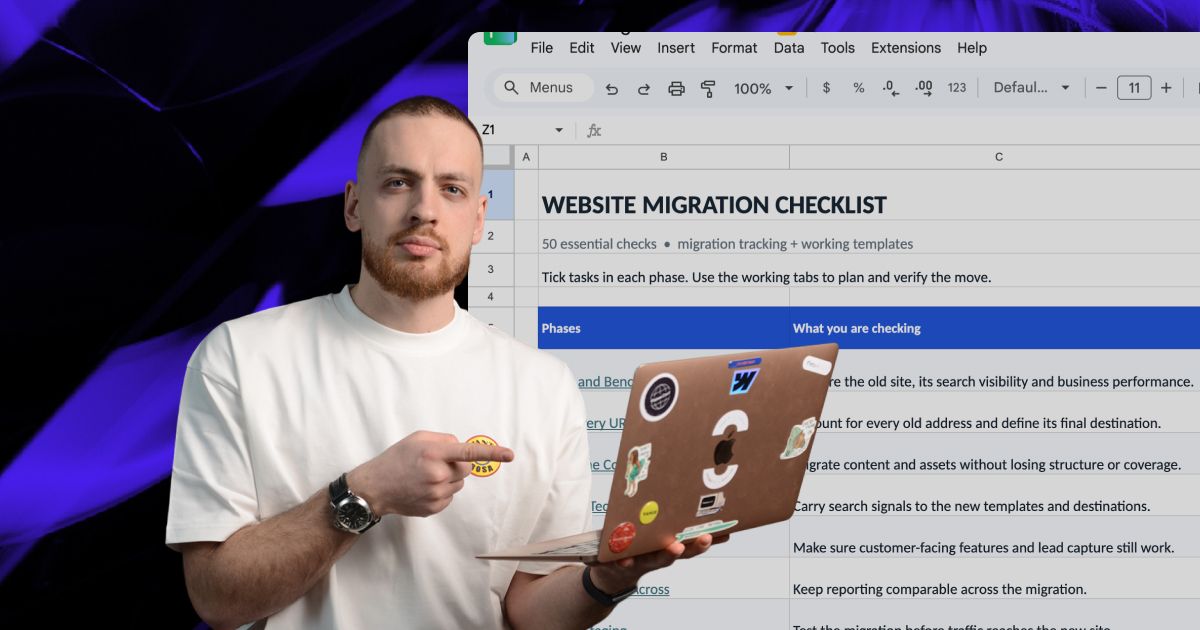

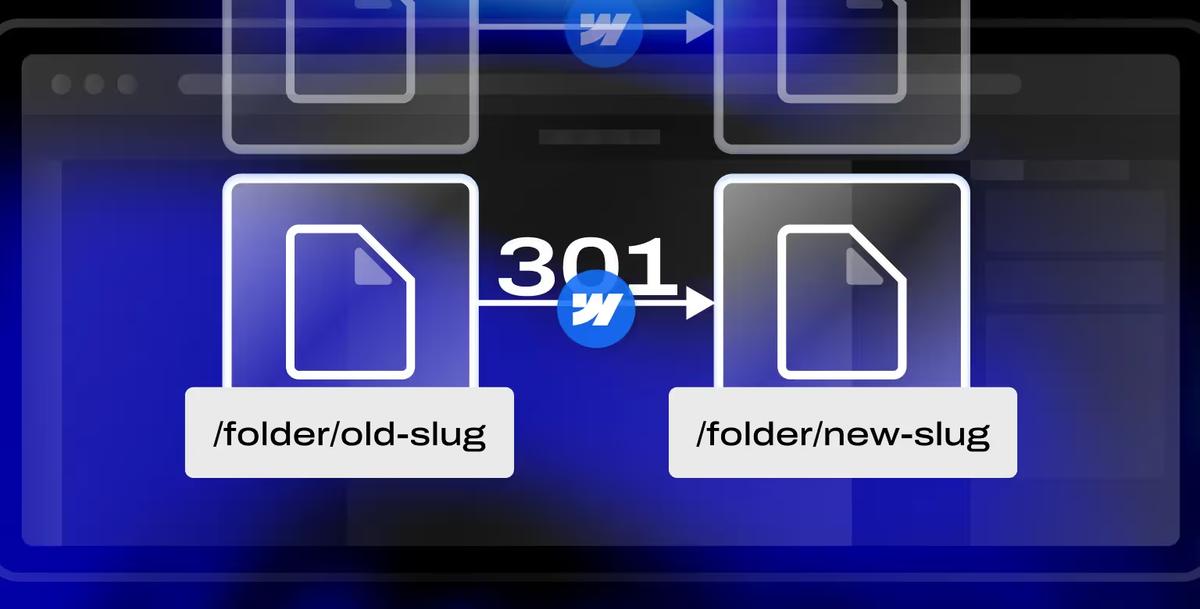
See what the move takes before you commit to making it
A migration audit inventories every page, every collection, and every interaction on your current site, then tells you what carries over and what has to be rebuilt. No commitment to build until you have seen it.