Leave Webflow and Protect Your Rankings.
We inventory every indexed URL and redirect only what changes, then monitor rankings for 30 days after launch. We move you to Next.js and a headless CMS, and keep your content team in control of the site.
We Know What Has to Go Right When You Leave Webflow.

0
Traffic lost in the move.

+35%
Organic traffic. Now on Next.js.

You can't call yourself innovative and then avoid the technology you'd have to learn to stay that way. It turned out to be the best thing we could have done for our GTM.
Evgenii Tilipman
Founder @Khod

Khod feels like an extension of our internal team. They always meet their deadlines and set expectations we can actually trust. Highly recommend!
Batıkan Erdoğan
Head of Growth & Conversion Systems @Chili Piper

+120%
Conversion rate after launch.

100
Out of 100 technical SEO score.
Why would I move off Webflow?

Limited Agentic Workflows
Custom code used to mean more developer hours. With coding agents handling much of the repetitive build work, teams can get more freedom without taking on the same time and cost as before.

Locked Inside the Box
More features start relying on embeds, scripts, and third-party tools. The workarounds you use become harder to maintain than the feature itself.

CMS Limits Start Getting in the Way
Webflow limits how deeply and how often CMS content can be nested. More complex content models quickly turn into extra collections, workarounds, or custom code.

Hitting Limits Can Mean Enterprise Pricing
Once you outgrow standard plan limits, the next step can be a major jump. In client quotes we’ve seen, Webflow Enterprise has started around $25k/year.

The Builder Starts Shaping Your Roadmap
New ideas increasingly start with “can Webflow do that?” Once the platform decides what gets built, the site becomes a constraint.

The Website Starts Acting Like Software
Personalization, gated areas, generated pages, product data, and deeper integrations push the site beyond what a visual builder handles comfortably.
What do I get from migrating to Next.js?
Benefits of Migrating to Next.js
Moving off Webflow makes sense when you need more control over what the site can do, how content is structured, and how quickly new ideas can ship.

Build What the Business Actually Needs
Pages, tools, personalization, product data, and integrations can be built around the requirement instead of around what the platform supports.

Choose the CMS That Fits Your Content
Pair Next.js with Sanity, Contentful, Payload, or another headless CMS built around the relationships and publishing workflows your team actually needs.

More Control Over Performance
Choose what renders statically, what revalidates, how images load, and what JavaScript reaches the browser instead of inheriting those decisions from the platform.

Ship Faster With Agentic Workflows
Coding agents can handle much of the repetitive build work, while architecture, design judgment, and QA stay human. That makes a custom stack far more practical than it used to be.

Own the Stack Instead of Working Around It
Components, redirects, integrations, and functionality live in a version-controlled codebase your team can extend as the business changes.
What happens to my Webflow setup in Next.js?
Every row is what a thing becomes, not which platform is better. Some of it is a straight upgrade. Some of it is work you are taking on.
| In Webflow | In Next.js |
|---|---|
| The Designer | Components in code. Visual editing comes back through the CMS, but the layout canvas does not. |
| CMS collections | A headless CMS with no practical item cap and real relationships between content types. Our own move to Sanity covers how we modelled it. |
| Interactions and animations | Rebuilt in code. There is no export path, so this is budgeted for rather than assumed. |
| Forms | A form handler you choose, or a route in your own app. |
| Hosting | Vercel or Cloudflare. Webflow runs on AWS CloudFront, Fastly and Cloudflare, so this is the same tier of infrastructure on a separate bill. We compare the two stacks in Webflow vs Next.js. |
| SSL and CDN | Included by the host, as before. |
| Redirects | Config in the codebase: version-controlled, reviewable, and testable before launch instead of after. |
| Site search | Native, over your own content, instead of a third-party embed. |
| Memberships | Auth you choose, with no platform limit on what a member can be shown. |
| Ecommerce | Stripe, headless Shopify, or your product’s own checkout. |
| Third-party scripts | Components, loaded where they are needed instead of on every page. |
| Security patching | Yours, or your agency’s. This is the real ongoing cost of the move, and it is not hosting. |
How the migration runs
Our migrations take six stages from audit through post-launch monitoring. The exact build changes by site, but the migration discipline remains the same.

Audit
We start by mapping the site as it exists today: every indexed URL, CMS collection, form, interaction, integration, and anything custom. That gives us the real scope before we start rebuilding.

Design (optional)
You don’t need to redesign just because you’re leaving Webflow. If the current site still works visually, we can rebuild it as-is. If you want to use the migration as a chance to improve it, our B2B web design team can take that on before development starts.

Build
We rebuild the site in Next.js, connect the CMS, recreate the interactions that matter, and move the content and assets across. Agentic workflows handle a lot of the repetitive work; the architecture, design decisions, and QA stay human.

SEO and redirect QA
Every old URL gets accounted for before launch. We test redirects, compare metadata, headings, canonicals, and schema against the live site, and fix anything that does not match before the switch happens. Our guide to Webflow 301 redirects covers how we build the map.

Launch
Once everything checks out, we handle the cutover and watch the new site closely as traffic starts hitting it. The goal is for the switch itself to be uneventful.

Monitor
Then we keep watching rankings, crawl errors, and Core Web Vitals for 30 days. Some migration problems only become visible after Google has recrawled the site, so launch is not where our involvement stops.
Project Highlights

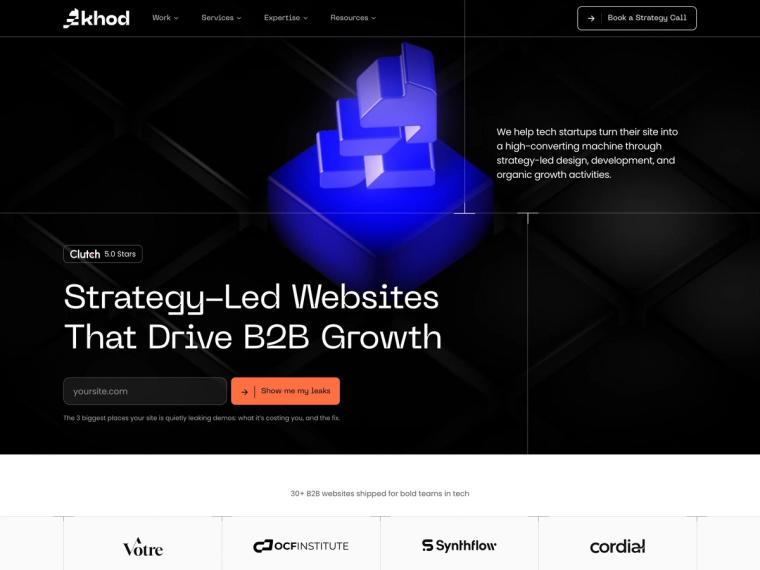
Khod on Next.js, Sanity and Vercel: The First Three Months
We rebuilt khod.io's 180+ pages on Next.js, Sanity and Vercel in under a month. Mobile Lighthouse moved from the low 60s into the 80s, and the stack has shipped 13 launches since.

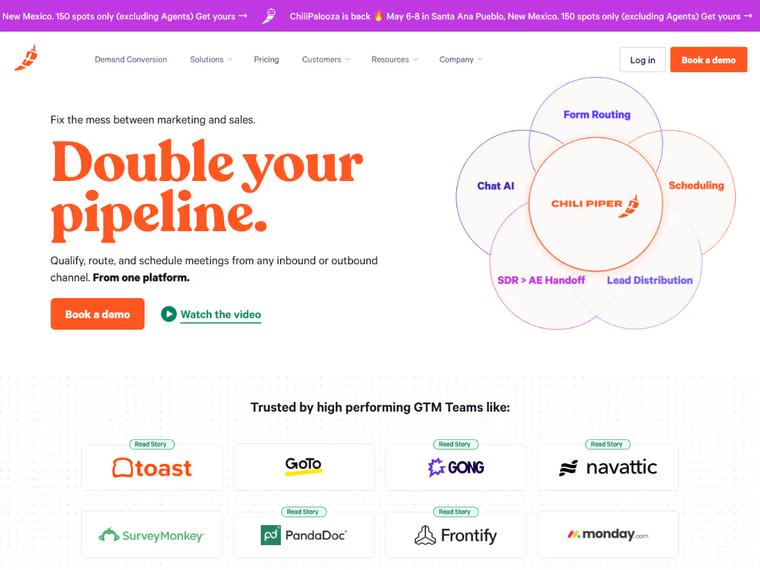
Chili Piper: Repositioning & Solving a $65K/Year Webflow Enterprise Problem
Switching Webflow partners unlocked a solution Chili Piper didn’t know existed—avoiding a forced Enterprise upgrade and saving $65K+ per year in hosting costs.


On-Chain Finance Institute: Splitting the Brand Without Losing the Traffic
One web3 brand became two. 207 URLs moved with ~98% clean 301s and zero rankings lost.

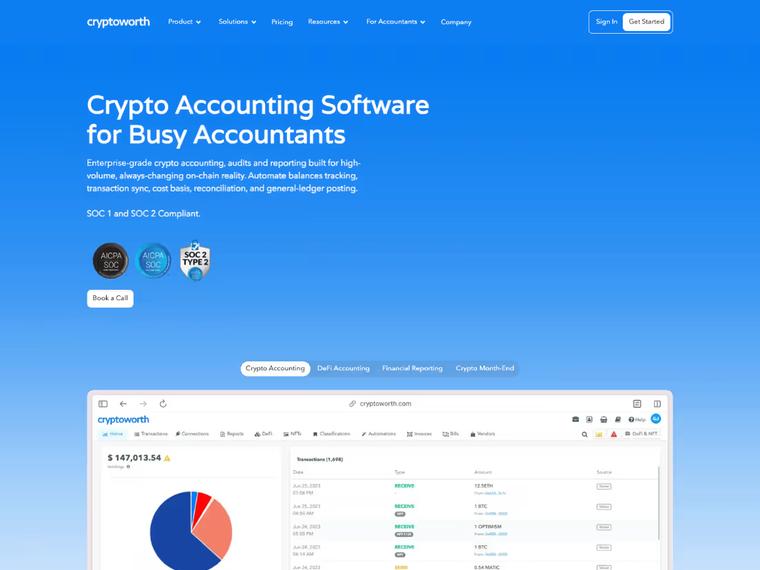
When AI answers replaced the results page, Cryptoworth became the brand AI cites
A flawless Webflow migration that preserved traffic, eliminated 440+ SEO errors, and boosted Cryptoworth’s site health to 95%.

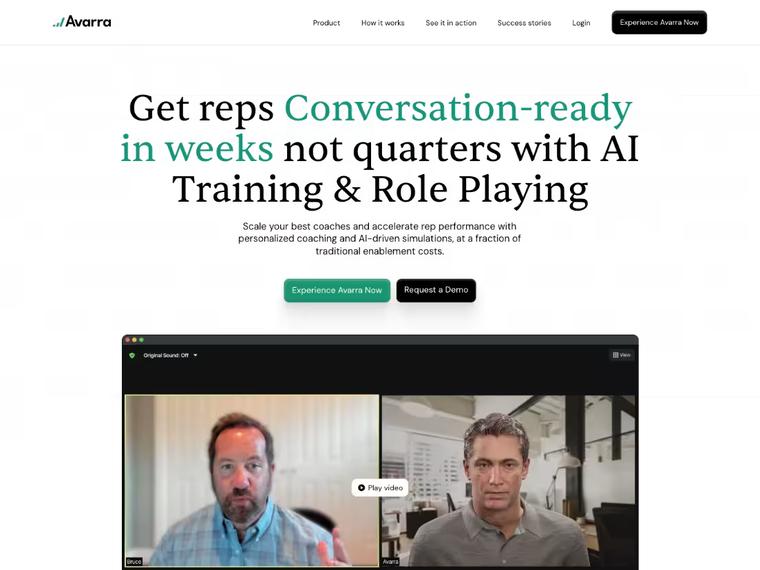
Avarra AI: Website Revamp That Drove 10 Qualified Leads per Day
A revamped website helped Avarra AI enhance positioning and gain an average of 10 qualified inbound leads per day, turning their website into a key asset for closing deals.

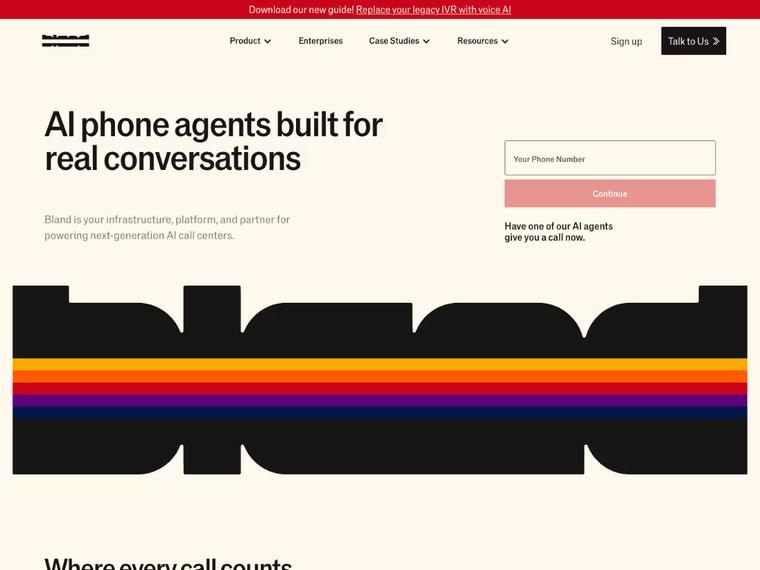
Bland AI: A High-Speed Revamp That Drove 35% More Traffic Post-Series B
Delivered in record time ahead of their Series B announcement. Since launch, Bland AI saw a 35% increase in organic traffic from their ideal customer profiles — plus stronger on-site conversions.
What Our Clients Say

"We needed to migrate our redesigned Webflow site without losing SEO gains —and Khod nailed it. From boosting our technical health to 95% to content strategy, they’ve been phenomenal."

Ariel Eiberman
CMO @Cryptoworth

"You can't call yourself innovative and then avoid the technology you'd have to learn to stay that way. So we ran it as a test, on the one site we're free to break. It turned out to be the best thing we could have done for our inbound marketing and for executing our GTM."

Evgenii Tilipman
Founder @Khod

"Khod feels like an extension of our internal team. They always meet their deadlines and set expectations we can actually trust. Highly recommend!"

Batıkan Erdoğan
Head of Growth & Conversion Systems @Chili Piper

"Because of their quick turnarounds, we're able to launch campaigns on time, push new pages live when we need them, and ultimately drive pipeline faster ."

Madeleine Work
Head of Marketing @PortPro

"Within six weeks of launching our new site with Khod, our traffic and conversions more than doubled . Their work had an immediate, measurable impact on our growth."

Brandon Redlinger
Fractional CMO @Avarra AI

"Khod rebuilt our site across multiple iterations and kept the process tight. They communicate proactively, and are now helping us scale around 60 SEO landing pages ."

Ethan Clouser
Head of Marketing @Bland AI
When moving to Next.js may not be for you

You have no one to drive the stack
If nobody can prompt an agent or resolve a technical issue, Webflow is the safer call.

Nothing on your site behaves like an app
Quizzes, calculators and self-serve tools are what justify the move. A brochure site does not.

Page count is your only trigger
Volume alone is not a reason. Getting campaigns live faster is.

You only want a faster page
Astro gets you there with less. Next.js earns its keep when the site does more than render.
Pricing and Timeline
The size of the site matters, but complexity matters more. CMS structure, interactions, custom functionality, integrations, and whether we are redesigning along the way all affect the scope.
Start with a migration, then keep building with us every month.
One-time projects
Ongoing
Your Webflow site on Next.js, looking the way it does today.
Investment from $5,000
“It turned out to be the best thing we could have done for our inbound marketing.”
Evgenii Tilipman, Founder @Khod
Best for
Teams happy with how the site looks but held back by Webflow. The design stays; the CMS and code underneath change.
What’s included
- GROW week: URL inventory, redirect map and content architecture
- Content model: Webflow collections moved into the new CMS
- Development: your current design rebuilt in Next.js
- Migration: every page and CMS item moved across
- Redirects: every indexed URL mapped and tested before launch
- SEO: metadata and structured data on every page
- Launch: rankings and traffic monitored after go-live
Timeline
Frequently Asked Questions
Will moving from Webflow to Next.js hurt SEO?
It can if the migration is handled badly. We inventory every indexed URL, map and test redirects before launch, and carry over metadata, headings, canonicals, and schema deliberately. We follow Google’s site move guidance throughout, then monitor rankings and crawl errors for 30 days after launch. Every website migration we run follows the same steps.
How long does a Webflow to Next.js migration take?
Most marketing sites take around four to six weeks. Larger content models, memberships, ecommerce, complex interactions, or a redesign can push that out.
How much does a Webflow to Next.js migration cost?
A Webflow to Next.js migration starts at $5,000, or $10,000 with a redesign. Where it lands depends on page count, the CMS content model, interactions, integrations and any custom functionality. We audit the site first, so you get a fixed quote before anything is rebuilt. See the full cost breakdown and calculator.
Can our marketing team still edit the site after the migration?
Yes. Content updates should still happen through the CMS, not through developer tickets. Blog posts, case studies, landing-page content, and other structured content can all stay editable by the marketing team. Truly new page types or functionality will still need development.
Can you migrate Webflow directly to Next.js?
Not really. Webflow’s code export gives you static HTML and CSS, but it does not carry over the CMS, components, or interactions in a way that gives you a working Next.js site. A proper migration is a rebuild, with the existing site used as the source of truth. We cover the trade-offs in Webflow vs custom code.
Which CMS should replace Webflow CMS?
That depends on how your team publishes and how complex the content model is. We often use Sanity, but Contentful, Payload, and other headless CMS platforms can make sense too. The important part is choosing the CMS around your content instead of forcing your content into the platform.
What happens to Webflow interactions and animations?
They need to be rebuilt. There is no clean export path from Webflow interactions into Next.js, so we recreate the ones that matter in code and use the migration as a chance to drop anything that is no longer useful.
What happens to hosting?
Next.js is usually deployed to Vercel or Cloudflare rather than hosted inside Webflow, and it can also be self-hosted if your team prefers. Hosting itself is not the difficult part; the bigger change is that the frontend, CMS, and hosting become separate parts of the stack instead of one platform handling everything. Vercel's Next.js documentation covers the default deployment path.
Do we need to redesign the site at the same time?
No. If the current design still works, we can rebuild it as-is. If you want to use the migration as a chance to improve the design, structure, or messaging, we can do that too.
What happens after launch?
We monitor rankings, crawl errors and Core Web Vitals for 30 days after launch, so migration issues get caught while fixes are quick. Ongoing design and development then runs on a monthly retainer with reserved team capacity and direct access through Slack.
When should we stay on Webflow instead?
If Webflow is not actually blocking what you want to build, the site only changes occasionally, and the current setup is easy to maintain, moving may not be worth it. We are Webflow Certified Partners and still build on Webflow, so if staying there is the better decision, we would rather tell you that before starting a migration. If speed is the main reason to leave, Webflow to Astro gets you there with less.
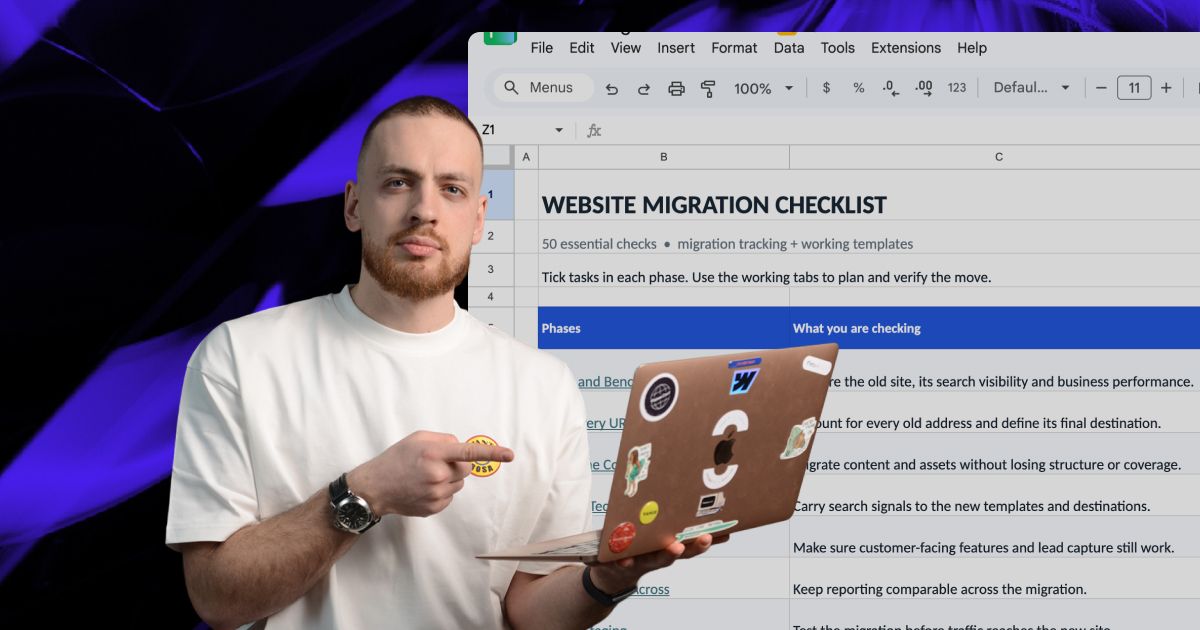
Actionable Playbooks for Migrating off Webflow
It’s time to leave Webflow’s limitations behind.
We’ll audit your current site, map what needs to move, and give you a clear plan for rebuilding it in Next.js, with redirects and SEO checks built in.