Move off WordPress without starting over in search.
We audit every indexed URL, map and test your redirects, rebuild the functionality you need, and monitor rankings for 30 days after launch.

We Know What Has to Go Right When Moving off WordPress.

+240%
Organic traffic post migration.

500%
Traffic increase post migration.

Only a couple weeks after launch we have consistently received multiple leads and demos scheduled every day. All of this has been organic up to this point which is awesome.
Kyle Fedewa
Co-Founder @Speculo AI

Khod's project management was amazing. They were very transparent and organized, so I knew exactly what needed my attention, what was getting fixed, and what was launched.
Javier Lozano
Director of Marketing @ProEdge Dental Water Labs

$65k
Saved a year in hosting costs.

100
Technical SEO score post work.
Why teams move off WordPress to Webflow

Every Update Becomes a Separate Project
The site worked fine when it was smaller. Now a new page, navigation change, or campaign seems to touch a theme, template, plugin, or custom field somebody has to figure out first.

Nothing Gets Done Without Developers
Changing a headline should take five minutes. Instead, it becomes a ticket, joins the dev queue, and waits. Marketing starts planning around engineering instead of the campaign.

Even Templated Pages Take Too Much Work
The CMS technically works — if you know all the rules. Too many fields, page-builder quirks, duplicated content, and workarounds have turned publishing into something only a few people know how to do safely.

WordPress is Becoming Too Expensive to Run
Hosting. Premium plugins. Maintenance. Security updates. Developer or agency support. The monthly bill keeps growing, even when you're not actually improving the website.

Every SEO Fix Needs a Workaround
Redirects live in one place, schema in another, metadata somewhere else. Something that should be a straightforward SEO change turns into another plugin, another setting, or another developer request.

The Site Keeps Getting Heavier & Slower
Another plugin. Another tracking script. Another page-builder component. Individually, none of them seem like a big deal. Together, the site gets slower and harder to untangle every year.
Benefits of migrating to Webflow
Webflow tends to be the right move when your website is primarily a marketing tool and your team needs more control, less maintenance, and fewer technical dependencies.

Ship Without Development
Build a landing page, change a section, update navigation, or launch a campaign without putting routine website work into the engineering queue.

Predictable Publishing
Reusable components and structured CMS templates give your team a clear way to create and update pages without memorizing how the site was put together.

Less Time and Money Managing the Site; More on Growing it
Hosting, platform updates, security infrastructure, and the CMS are managed as one platform instead of a stack of themes and plugins that each need attention.


Straightforward SEO Changes
Titles, metadata, redirects, sitemaps, indexing controls, and other day-to-day SEO work can be managed without adding another plugin every time the team needs something.

Scale Without Adding CMS Complexity
As the site grows, more people can publish, more campaigns can launch, and more content can be added without making the CMS progressively harder to manage.
What Happens to Your WordPress Setup in Webflow?
A WordPress migration means replacing the systems behind the site, not just moving the pages.
| What you have in WordPress | What happens in Webflow |
|---|---|
| Theme-based layouts | Rebuilt as a reusable Webflow design system. |
| Custom post types + ACF | Mapped into structured Webflow CMS Collections. |
| Plugins for functionality | Rebuilt natively, replaced with integrations, or removed. |
| Yoast or RankMath for SEO | Metadata and indexing settings are migrated and checked. |
| WordPress forms | |
| PHP and theme functions | Rebuilt or replaced based on what the site still needs. |
| Hosting | Replaced by Webflow hosting with no plugin or core updates. |
| Existing URLs | Preserved where possible, with 301 redirects where needed. |
| Analytics and tracking | GA4, GTM, and pixels are reinstalled and tested. |
How the migration runs
Six stages, the same ones we run on any migration. What changes for WordPress is what happens inside them.

Audit
We crawl the live site ourselves: every indexed URL, every form, every plugin that does real work. The plugin audit sorts your stack into three piles, rebuilt natively, replaced by a service, or dropped. The redirect map comes out of this step, before anything else starts.

Design (optional)
Plenty of sites move as-is and skip this entirely. If yours needs new UI, our B2B web design team finishes it before development starts, because building against a layout that is still moving means building twice.

Build
Post types map to Collections and ACF fields map to Collection fields. Plugin functions get rebuilt natively by our Webflow development team, against the list from the audit. Content parity comes first: nothing gets added or restructured until the new site does what the old one did.

SEO and redirect QA
Yoast or RankMath metadata and schema get carried across and verified rather than assumed. Webflow's redirect ceiling sits around 1,000 entries, so larger sites get pattern-based rules instead of one line per URL. Every redirect is tested individually, against the same technical SEO standards we hold outside a migration.

Launch
We handle the DNS cutover ourselves, on a schedule set in advance, and watch it in real time.

Monitor
Rankings tracked for 30 days after launch. If the technical work breaks in that window, we fix it.
Project Highlights

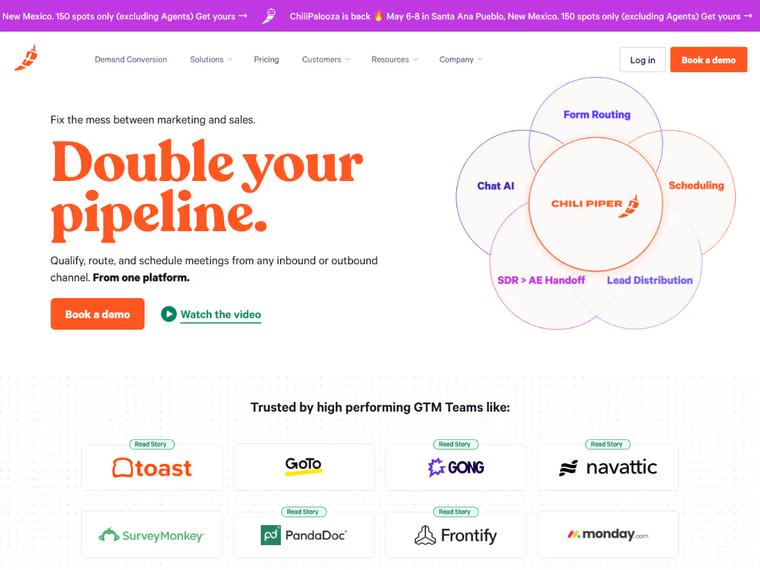
Chili Piper: Repositioning & Solving a $65K/Year Webflow Enterprise Problem
Switching Webflow partners unlocked a solution Chili Piper didn’t know existed—avoiding a forced Enterprise upgrade and saving $65K+ per year in hosting costs.
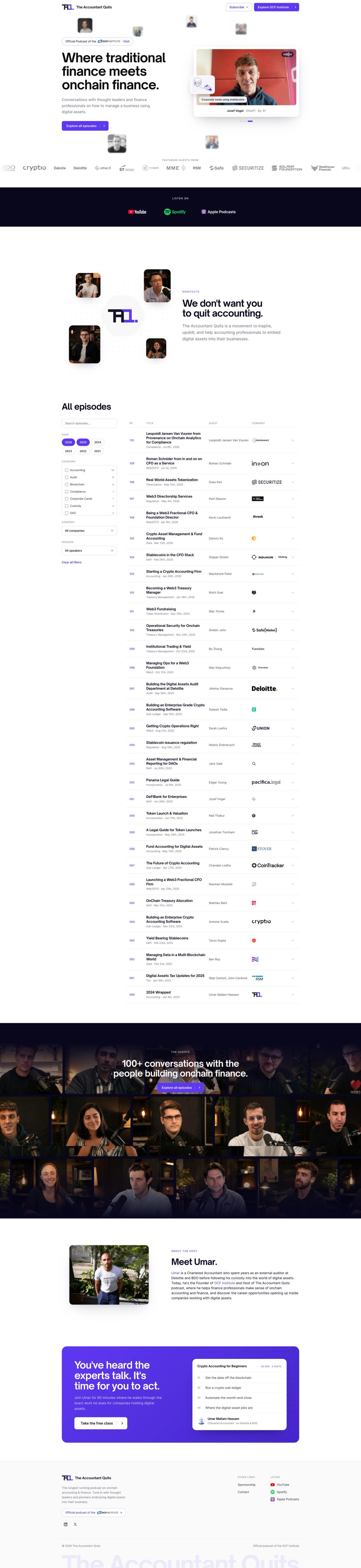

The Accountant Quits: A Brand Going Back to Its Roots
Khod moved The Accountant Quits' 110-episode site off Webflow onto a custom Astro/Sanity stack in about a week, after its education arm split off into its own brand. The client can still edit everything themselves — just not in Webflow anymore.
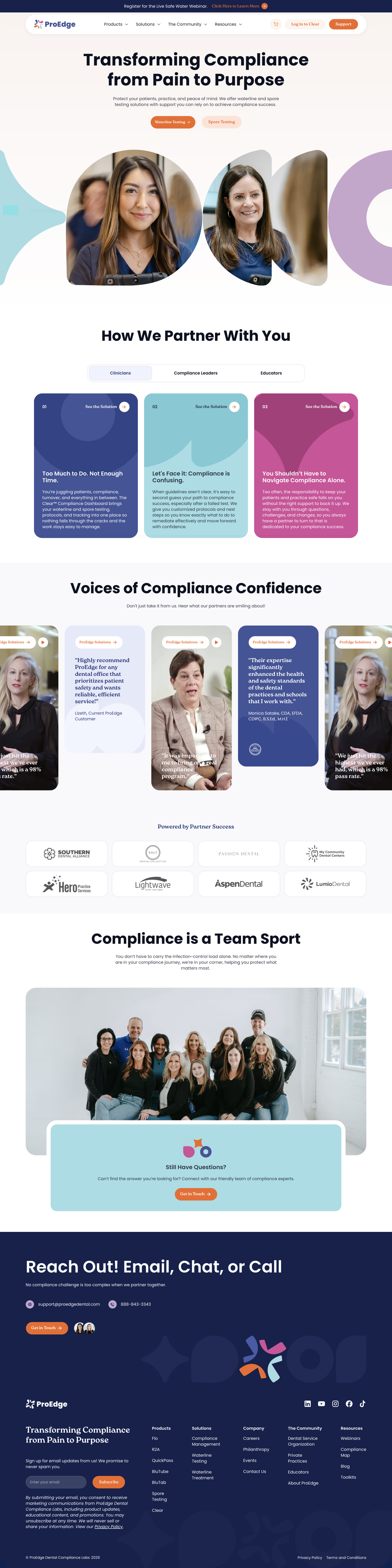
ProEdge Dental: Recovering Technical SEO After a Broken Webflow Migration
A broken Webflow migration cost ProEdge four months of search visibility. Root-cause diagnosis plus 80+ fixed pages took technical SEO health from 67 to 100.
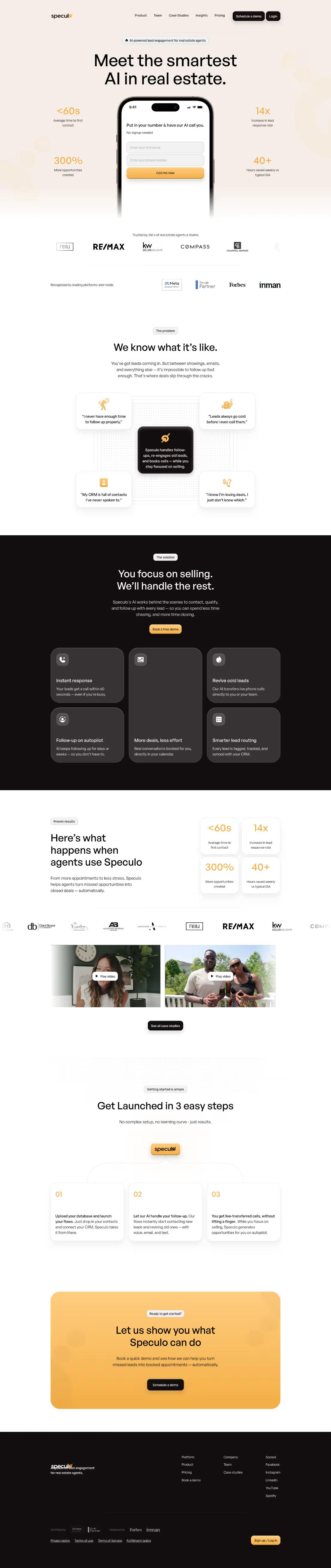

Speculo AI: From Legacy Website to High-Converting AI Demo Engine
A full website overhaul that tripled demo engagement and gave Speculo.ai the credibility, clarity, and conversion power needed to lead in the real estate AI space.
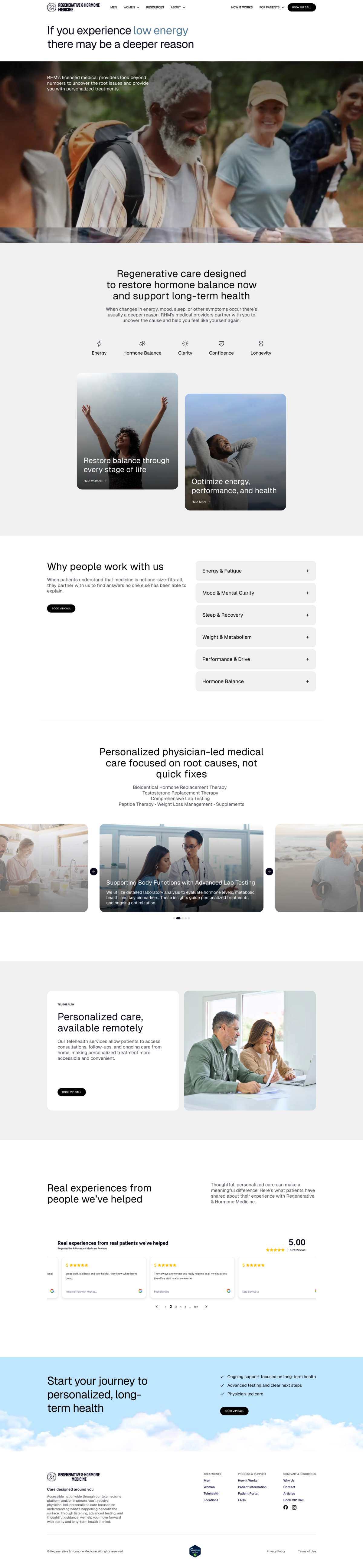
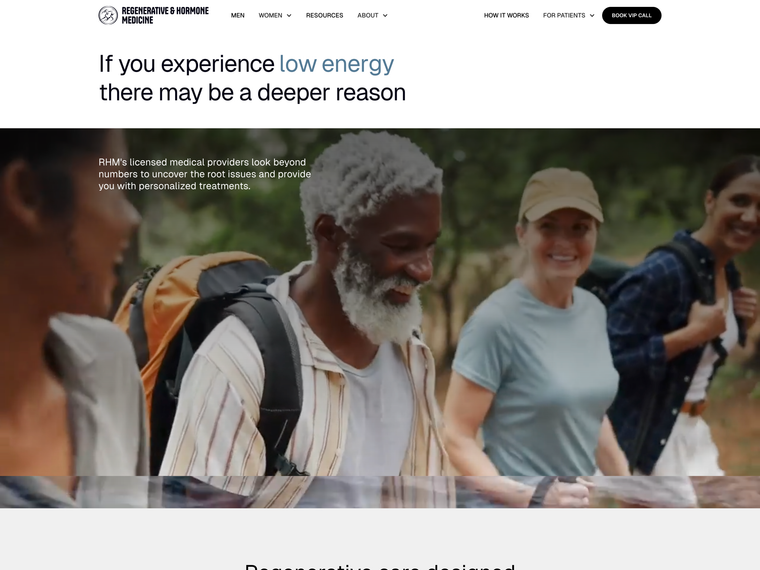
RHMMed: A Hormone Clinic's Rebrand, Rebuild, and Growth Engine
Rebrand, Webflow rebuild, and a growth engine for a hormone and regenerative medicine clinic.

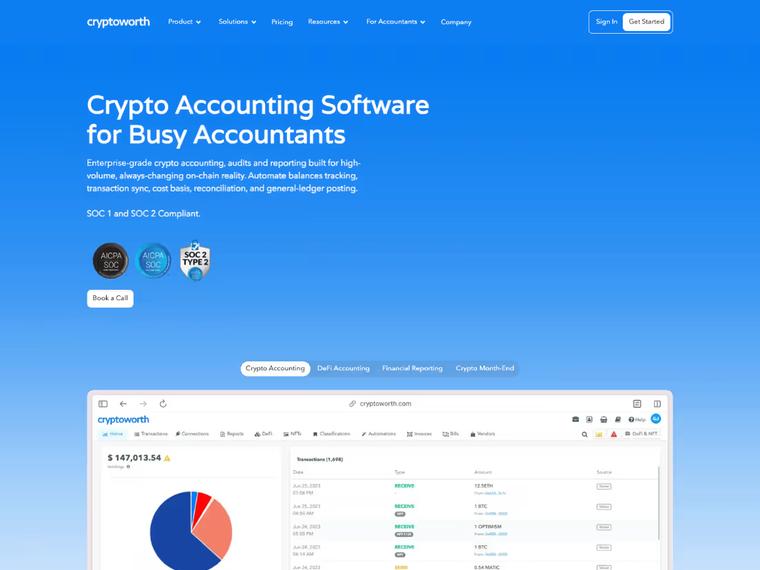
When AI answers replaced the results page, Cryptoworth became the brand AI cites
A flawless Webflow migration that preserved traffic, eliminated 440+ SEO errors, and boosted Cryptoworth’s site health to 95%.
What Our Clients Say

"Khod feels like an extension of our internal team. They always meet their deadlines and set expectations we can actually trust. Highly recommend!"

Batıkan Erdoğan
Head of Growth & Conversion Systems @Chili Piper

"Khod helped us grow website traffic by 500% and unlock new revenue streams through our online academies. It now drives revenue month over month."

Umar Mallam Hassam
CEO @The Accountant Quits

"Khod's project management was amazing. They were very transparent and organized, so I knew exactly what needed my attention, what was getting fixed, and what was launched."

Javier Lozano
Director of Marketing @ProEdge Dental Water Labs

"Only a couple weeks after launch we have consistently received multiple leads and demos scheduled every day . All of this has been organic up to this point which is awesome."

Kyle Fedewa
Co-Founder @Speculo AI

"When we asked for their feedback, they shared without hesitation, which is exactly what we wanted/needed."

Michael Bell
COO, RHMMed (Regenerative & Hormone Medicine)

"We needed to migrate our redesigned Webflow site without losing SEO gains —and Khod nailed it. From boosting our technical health to 95% to content strategy, they’ve been phenomenal."

Ariel Eiberman
CMO @Cryptoworth

Your store is the business
A heavily customized WooCommerce store is better staying put or moving to Shopify. Webflow suits small catalogs.

Plugins run your core features
Complex booking or course plugins cost more to rebuild than the move saves.

Your content outgrows the CMS
Webflow’s Premium plan includes 40 CMS collections and 20,000 items. Past that, a headless CMS fits better.

WordPress already works for you
Fast, stable and easy to publish on? Then WordPress is the better fit.
Pricing and Timeline
Three things drive both numbers: how many pages and posts exist, how many plugins are doing real work rather than sitting idle, and how much custom theme or ACF logic has to be rebuilt rather than transferred. A ten-page brochure site and a 400-post blog with custom fields are not the same project.
Start with a migration, then keep building with us every month.
One-time projects
Ongoing
Your WordPress site on Webflow, looking the way it does today.
Investment from $5,000
“Khod helped us grow website traffic by 500%… It now drives revenue month over month.”
Umar Mallam Hassam, CEO @The Accountant Quits
Best for
Teams happy with how the site looks but held back by WordPress. The design stays; the platform underneath changes.
What’s included
- GROW week: URL inventory, redirect map and content architecture
- Content model: posts, pages and custom fields remodelled as Webflow collections
- Development: your current design rebuilt in Webflow
- Migration: every page and CMS item moved across
- Redirects: every indexed URL mapped and tested before launch
- SEO: metadata and structured data on every page
- Launch: rankings and traffic monitored after go-live
Timeline
Frequently Asked Questions
Will I lose search rankings when I migrate from WordPress to Webflow?
Expect some movement: Google says rankings fluctuate temporarily while it recrawls a moved site. What keeps that dip short is preserving the URLs, redirects, metadata, content, and technical SEO signals that search engines already know. We map those before launch and monitor rankings for 30 days afterward so we can catch anything that doesn’t carry over as expected. We follow Google’s site-migration guidance throughout.
Will my site have downtime during the migration?
It shouldn’t. The new Webflow site is built and tested separately while your existing WordPress site stays live. Once everything is ready, we schedule the DNS cutover and monitor the site as the change happens. Google’s migration checklist covers the same cutover steps.
How much does a WordPress to Webflow migration cost?
A WordPress to Webflow migration starts at $5,000, or $10,000 with a redesign, scaling with site size, content volume, and what your current WordPress setup is doing behind the scenes. We audit the site first so we can tell you what needs to move, what needs to be rebuilt, and what the migration will actually cost before you commit. Ranges for every other path are on our website migration services page. See the full cost breakdown and calculator.
How long does a WordPress to Webflow migration take?
Most migrations take around 4–8 weeks, depending on the size of the site and how much functionality needs to be rebuilt. A 10-page marketing site is a very different project from a site with hundreds of articles, custom fields, forms, and plugins.
What happens to my existing content — how does it actually get transferred?
We map your existing pages, posts, content types, and custom fields to the new Webflow structure, then migrate the content into it. The goal is to preserve what already works rather than treating the move as an excuse to rebuild everything from scratch.
Do I need 301 redirects for every page, and is there a redirect limit?
You need redirects anywhere an existing URL is changing — especially for pages that already have rankings, backlinks, or traffic. If the URL stays exactly the same, there’s nothing to redirect. For larger sites, we build the redirect strategy around the existing URL structure rather than figuring it out after launch.
What happens to my structured data (schema, Yoast SEO data) when I leave WordPress?
We audit what your current SEO setup is storing — usually things like page titles, meta descriptions, canonical tags, redirects, and structured data — and map it to the new Webflow setup. Anything that can’t be transferred directly gets identified and rebuilt separately rather than simply disappearing during the migration. Google’s structured data documentation sets out what each type needs.
What happens to my WordPress plugins after migrating?
The plugins themselves don’t move to Webflow — the functionality they provide does. We audit what each plugin is actually doing and determine whether Webflow handles it natively, it needs to be rebuilt another way, or it’s something you no longer need at all. WordPress's own plugin documentation shows how much of a site's behaviour can live in that layer, which is why the audit starts there.
Can you migrate WooCommerce or other ecommerce setups to Webflow?
Sometimes. A relatively simple ecommerce setup may be a good fit for Webflow, while a heavily customized WooCommerce store may be better staying where it is or moving to a dedicated ecommerce platform. We’ll look at how your store works before recommending the move.
Can Webflow handle a large site — hundreds or thousands of pages?
Yes, but page count usually isn’t the only thing that matters. We also look at how the content is structured, how many CMS collections and fields are required, and whether anything in the current setup needs a different architecture in Webflow. For the platform detail, see Webflow CMS limits.
Do I have to rebuild the whole site, or can content migrate as-is?
Not necessarily. If you like the existing site, we can migrate it largely as-is and focus on changing the platform underneath it. If you also want to redesign or restructure the site, we can scope that into the migration separately.
Can I redesign at the same time as migrating?
Yes. In fact, a migration is often a good time to redesign because you’re already rebuilding the site on a new platform. We just make sure the design is settled before development gets too far along so we’re not rebuilding the same pages twice.
What ongoing support or monitoring do I get after launch?
We monitor rankings for 30 days after launch and keep an eye on the technical side of the migration. That gives us time to catch issues that may only become visible once Google has crawled and reprocessed the new site. We run the same 30-day window on Squarespace to Webflow, Wix to Webflow and Framer to Webflow migrations.
Do I need to hire an expert, or can I DIY this?
For a small, simple website, you can absolutely do it yourself. The risk goes up as the site gets larger or more complex. Once you have hundreds of URLs, custom fields, redirects, schema, forms, integrations, and plugin-dependent functionality, there are a lot more things that can quietly break during the move.
Is Webflow actually better than WordPress for marketing teams?
Often, yes — especially if marketing is constantly waiting on developers, dealing with plugins, or struggling to publish and update pages. If your WordPress setup is already fast, stable, easy to manage, and well supported internally, the case for moving is much weaker.
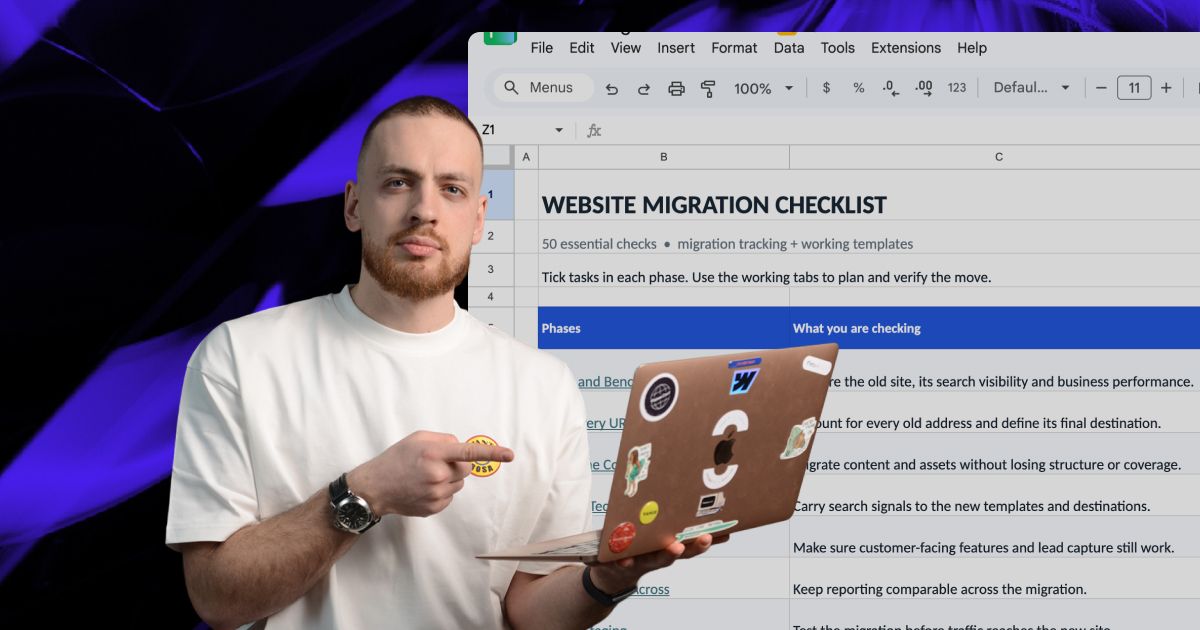
Actionable Playbooks for Migrating off WordPress


Ready to leave WordPress behind?
Let’s move your site to Webflow with a redirect and SEO plan that protects what you’ve already built.