Rid Your Site of CMS Workarounds. Stay in Control of Your Content.
We replace Webflow's collection workarounds with a Sanity CMS built around your content. Your team gets a structured editing experience, while we rebuild the frontend in Next.js or Astro, migrate your content, and account for every indexed URL before launch.
We Know What Has to Go Right When Moving off Webflow CMS.

$65k
Saved a year in hosting costs.

+35%
Organic traffic from ideal-fit accounts.

Khod helped us grow website traffic by 500% and unlock new revenue streams through our online academies. It now drives revenue month over month.
Umar Mallam Hassam
CEO @The Accountant Quits

You can't call yourself innovative and then avoid the technology you'd have to learn to stay that way. So we ran it as a test, on the one site we're free to break. It turned out to be the best thing we could have done for our inbound marketing and for executing our GTM.
Evgenii Tilipman
Founder @Khod

0
Traffic lost in migration.

+504%
Traffic growth post migration.
Why Teams Move
Off Webflow CMS

Your Content Model Is Getting Messy
Extra collections, numbered fields, awkward references, and “temporary” workarounds that never went away. The CMS starts reflecting Webflow's limits instead of your content structure.

Schema Markup Still Has to Be Done Manually
You can pull FAQs or other structured content onto a page, but the schema usually still has to be wired manually. Even simple SEO markup becomes more work than it should be.

Every New Content Need Turns Into a Workaround
Need reusable FAQs, related resources, or content that connects across pages? Instead of modeling it properly, you keep adding extra collections, multi-reference fields, and manual logic.

Content Doesn't Update Cleanly Across the Site
The same content shows up in multiple places, but updating it is not always a one-and-done change. The more pages and relationships you add, the easier it is for content to fall out of sync.

Your Team Keeps Leaning on Developers
Marketing can still edit content, but once the structure gets more advanced, changes start depending on custom code, embeds, or manual setup. Everyday publishing gets less straightforward.

You're Paying More Without Fixing the Root Problem
More seats, higher plans, and more workarounds can increase cost, but they do not solve the underlying issue: your content model is harder to manage than it should be.
Benefits of Migrating to Sanity
Give your marketing team a better editing experience while gaining the freedom to build, structure, and distribute content the way your business needs.

Update Once, Publish Everywhere
Connect FAQs, case studies, products, and other content through shared references. Update an entry once, and every page using it reflects the change.

See Your Changes Before They Go Live.
Edit content with a live preview beside your fields. Your team can update copy, replace assets, and rearrange existing sections without touching code.

Generate Structured Data Automatically.
Connect your CMS fields to JSON-LD templates. FAQ schema and other supported markup are generated from your content instead of being maintained manually on individual pages.

Build Beyond the Visual Designer.
Use Next.js or Astro for your frontend. Add custom functionality, integrations, and interactive experiences without working around Webflow's visual builder.

A Stack Your Team Can Extend.
Your UI system lives in reusable components and a version-controlled codebase. Deploy from Git, choose your hosting, and make changes without depending on a proprietary visual builder.
What Happens to My Webflow Setup After Migrating to Sanity?
| In Webflow | After migrating to Sanity |
|---|---|
| CMS collections | Become structured document types with schemas built around your content. |
| Collection items | Imported as individual documents, preserving their content and original identifiers. |
| Reference fields | Rebuilt as references between documents, with relationships restored during import. |
| Multi-reference fields | Become arrays of references, allowing content to connect across multiple documents. |
| Rich text | Converted to Sanity's Portable Text format, preserving supported formatting and structure. |
| Images and assets | Uploaded to Sanity and re-linked, removing your dependency on Webflow's CDN. |
| Slugs and URLs | Existing slugs are preserved wherever possible, with redirects mapped for anything that changes. |
| Forms | Rebuilt using your preferred form service or a custom handler in the new frontend. |
| Redirects | Migrated into the new application and tested before launch. |
| Sitemap and robots.txt | Generated and managed by your new frontend. |
| Custom code and embeds | Rebuilt as reusable components or removed if they're no longer needed. |
| Structured data | Connected to your CMS fields so supported schema markup, including FAQs, can be generated automatically through the frontend. |
How the migration runs
We handle the content migration, frontend rebuild, and SEO preservation as one project. Six stages take your site from the initial audit to launch and 90 days of post-launch monitoring.

Audit
We inventory every indexed URL, CMS collection, field, form, integration, and redirect. This gives us the full migration scope and a clear picture of what needs to move, change, or be rebuilt.

Content Model
We restructure your Webflow collections into Sanity document types. Numbered fields, unnecessary collections, and awkward relationships become structured content with reusable references and arrays.

Build
We rebuild your frontend in Next.js or Astro, connect Sanity Studio, and implement a reusable UI system. Your existing design can stay, or we can improve it as part of the migration.

Content Migration & SEO QA
We import your content, reconnect references, migrate assets, and preserve existing slugs. Then we test redirects, metadata, canonicals, and structured data against the original site before launch.

Launch
We coordinate the cutover, connect the new hosting environment, and verify that your content, URLs, forms, and integrations work correctly on the live domain.

Monitor
We track rankings, crawl errors, and Core Web Vitals for 90 days after launch. Migration issues can appear after Google recrawls the site, so our involvement doesn't end when the new website goes live.
Project Highlights


Off Webflow: The Migration, and What Speed Bought Us Since
We moved khod.io off Webflow onto Next.js and Sanity in under a month. What mattered came after: a teardown tool, two checklists, a quiz, and a machine-readable view of every page, all shipped without a build queue.
The Accountant Quits: A Brand Going Back to Its Roots
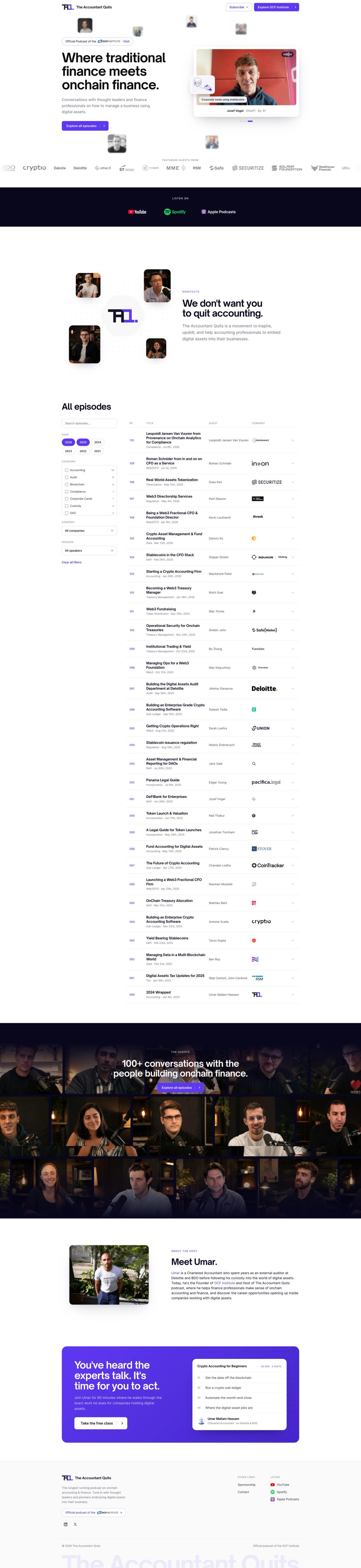
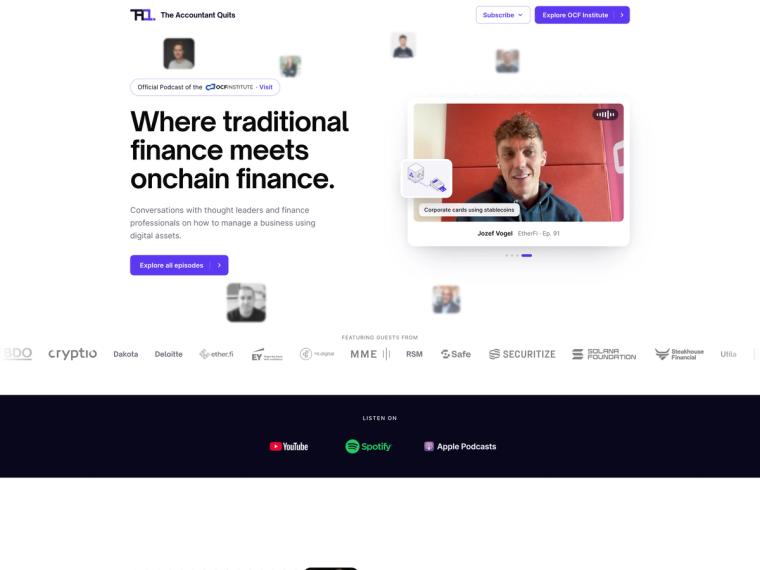
Khod moved The Accountant Quits' 110-episode site off Webflow onto a custom Astro/Sanity stack in about a week, after its education arm split off into its own brand. The client can still edit everything themselves — just not in Webflow anymore.

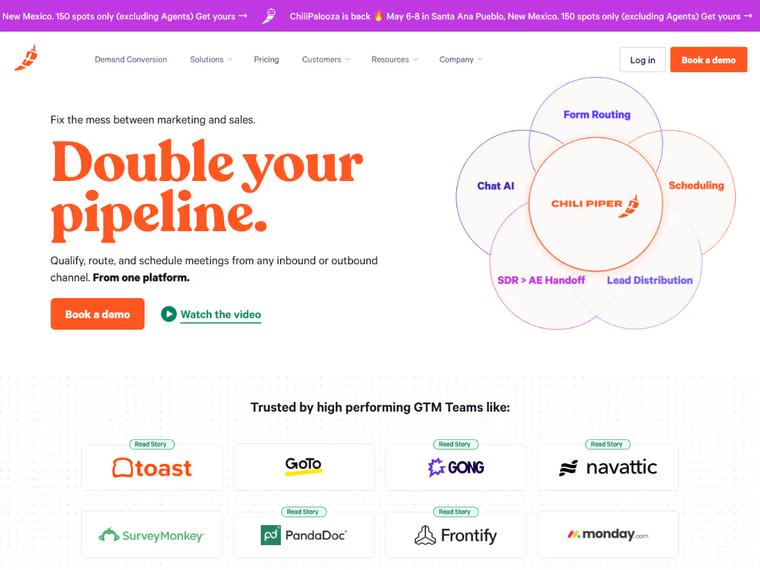
Chili Piper: Repositioning & Solving a $65K/Year Webflow Enterprise Problem
Switching Webflow partners unlocked a solution Chili Piper didn’t know existed—avoiding a forced Enterprise upgrade and saving $65K+ per year in hosting costs.

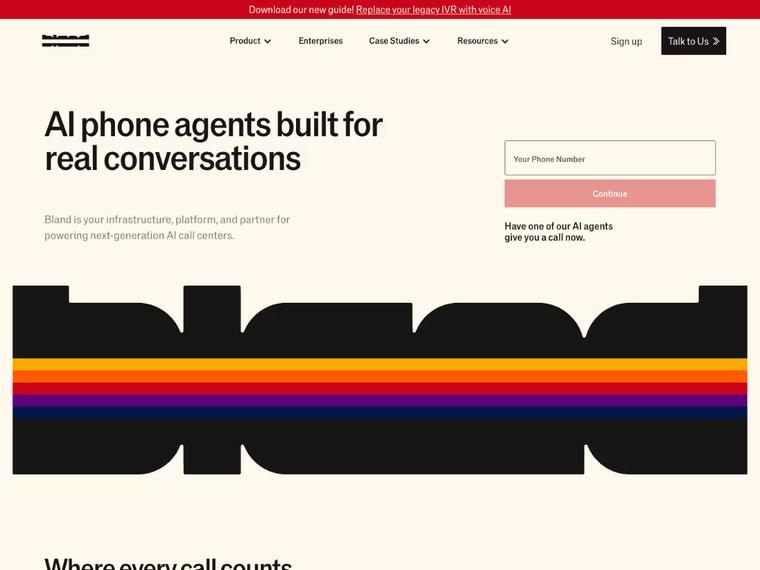
Bland AI: A High-Speed Revamp That Drove 35% More Traffic Post-Series B
Delivered in record time ahead of their Series B announcement. Since launch, Bland AI saw a 35% increase in organic traffic from their ideal customer profiles — plus stronger on-site conversions.
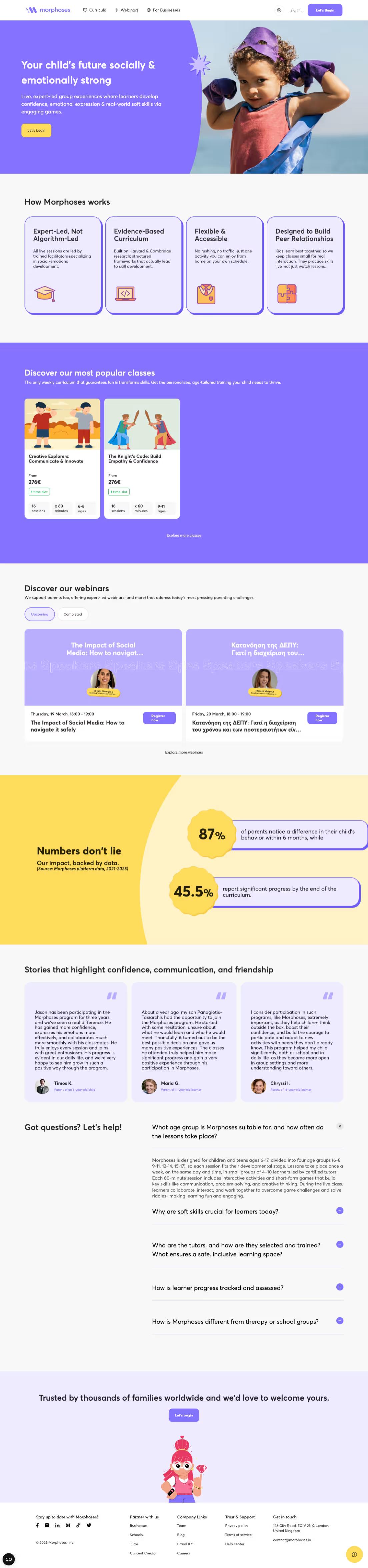
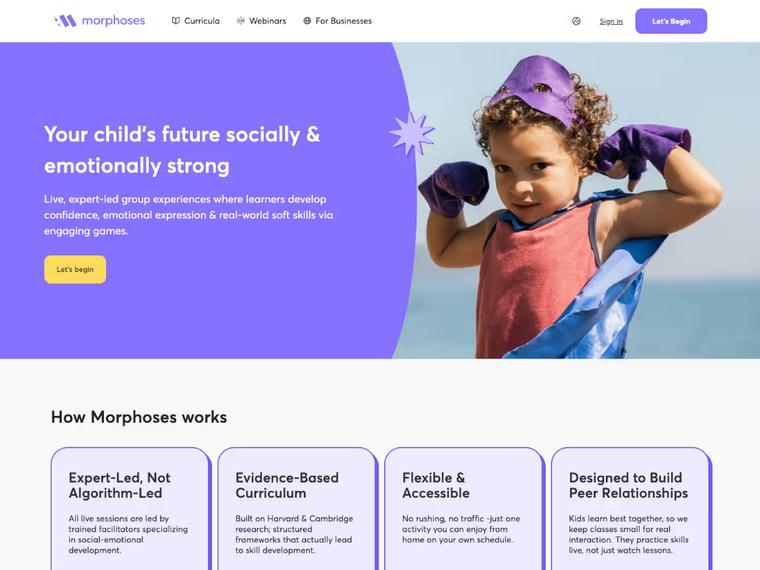
Morphoses: UX-First Revamp That Boosted Organic Traffic by 240%
A revamped site experience helped Morphoses grow from 500 to 1,700 monthly organic visitors — and turn the website into a key asset for closing deals.

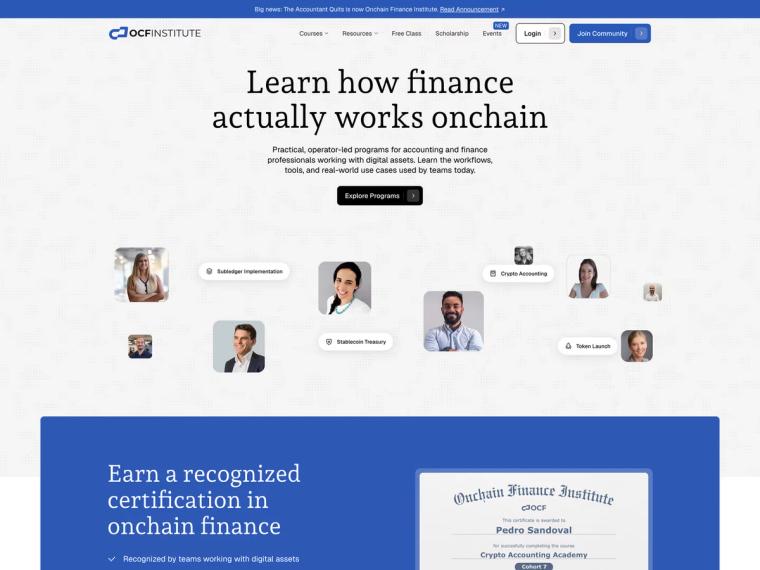
On-Chain Finance Institute: Splitting the Brand Without Losing the Traffic
One web3 brand became two. 207 URLs moved with ~98% clean 301s and zero rankings lost.
What Our Clients Say

"Khod helped us grow website traffic by 500% and unlock new revenue streams through our online academies. It now drives revenue month over month."

Umar Mallam Hassam
CEO @The Accountant Quits

"You can't call yourself innovative and then avoid the technology you'd have to learn to stay that way. So we ran it as a test, on the one site we're free to break. It turned out to be the best thing we could have done for our inbound marketing and for executing our GTM."

Evgenii Tilipman
Founder @Khod

"Khod feels like an extension of our internal team. They always meet their deadlines and set expectations we can actually trust. Highly recommend!"

Batıkan Erdoğan
Head of Growth & Conversion Systems @Chili Piper

"They delivered the site at record speed. Since the revamp, we’ve seen a 35% increase in organic traffic from ICPs and stronger conversions across the board."

Dimitrije Gujanicic
Growth Coordinator @Bland AI

Your Team Builds New Layouts in Webflow
If marketing regularly creates new sections and page layouts without developers, Webflow's Designer gives them more freedom. Sanity won't replace that visual canvas.

Your CMS Is Already Doing Its Job Well
If your collections are manageable, content is easy to maintain, and nothing is holding your team back, there may be no reason to rebuild.

You Have No One to Maintain the Stack
Your new frontend needs ongoing maintenance. If nobody can handle updates, troubleshoot issues, or manage deployments, Webflow may be the simpler choice.

You're Not Ready for a Website Rebuild
Sanity replaces your CMS, not Webflow's Designer or hosting. Moving to Sanity means rebuilding the frontend and setting up a new hosting environment, not just exporting content.
Pricing and timeline
Every migration starts with an audit. We assess your existing content model, frontend, integrations, and SEO requirements before defining the scope. That way, the estimate reflects what actually needs to be migrated and rebuilt, not just how many pages you have.
Timeline
Most Webflow to Sanity migrations take two to six weeks.
Timeline depends on:
- Number of collections, documents, and content relationships
- Complexity of the existing content model
- Custom functionality, animations, and integrations
- Whether we're keeping the existing design or redesigning it
- Amount of content and assets being migrated
A straightforward marketing website can move faster. Sites with years of CMS workarounds and more complex functionality typically take longer.
Investment
Webflow to Sanity migrations start from $5k.
The final cost depends on the complexity of your content model, frontend rebuild, integrations, and whether design work is included. We establish the scope and provide a project estimate after the initial audit.
Post-launch support
- Monthly development retainer
- Reserved team capacity
- New components and page layouts
- Sanity Studio improvements and integrations
- Direct communication through Slack
- Scope and priorities agreed monthly
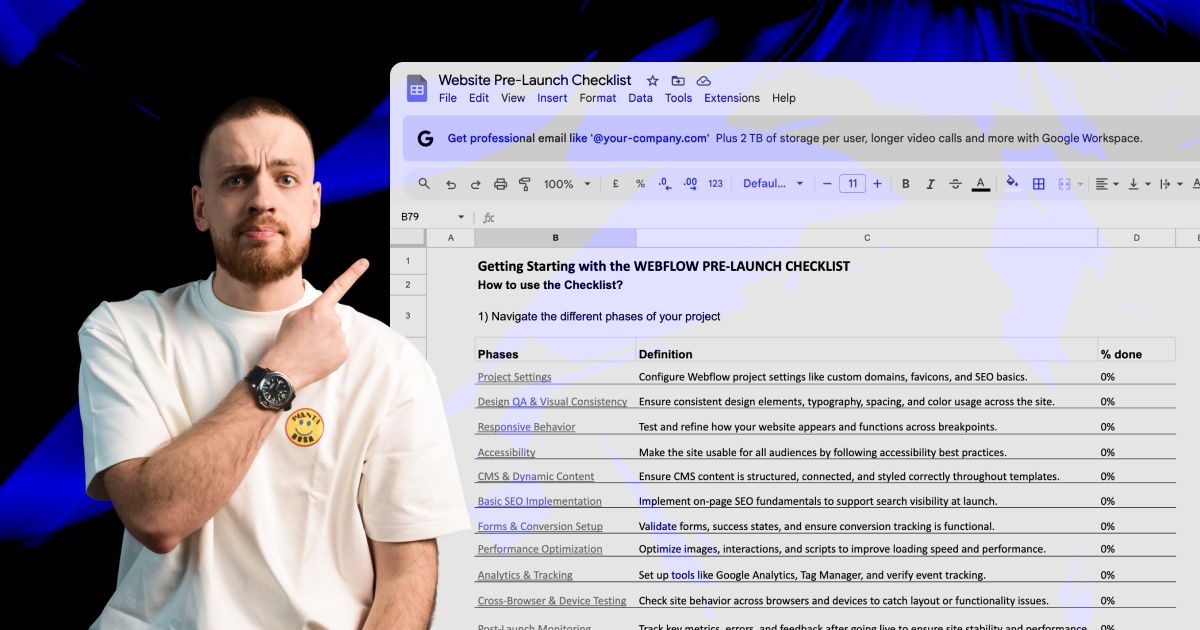
Actionable Playbooks for Migrating off Webflow


Frequently Asked Questions
Can I migrate Webflow directly to Sanity?
There's no one-click migration for an entire Webflow website. We export your CMS content, restructure it into Sanity documents, and rebuild the frontend in Next.js or Astro, including forms, integrations, and other functionality.
Can I keep Webflow as the frontend and use Sanity as the CMS?
Yes, through custom integrations. However, you'd still depend on Webflow's frontend and hosting infrastructure. For a complete migration, we typically recommend rebuilding the frontend around Sanity.
What happens to my existing content, references, and images?
We migrate your collection items, convert rich text to Portable Text, reconnect references, and move assets to Sanity. Existing slugs are preserved wherever possible.
Should I use Sanity or stay on Webflow CMS?
Webflow works well for straightforward marketing websites and teams that prefer an integrated visual builder.
Sanity is worth considering when your content model becomes difficult to manage, you need more complex relationships, or the same content needs to power multiple websites and applications.
Is Sanity a good CMS?
For structured content, yes. Sanity is strongest when content is reused across pages or channels, has real relationships between entries, or needs an editing experience shaped around your team.
It is not a visual page builder out of the box. Sanity Studio is configured by developers, and the frontend is a separate build, so it suits teams that want structured content more than a design canvas.
Can my marketing team still edit and publish content?
Yes. We configure Sanity Studio with structured fields, reusable sections, and visual previews.
Your team can update content, rearrange existing sections, and publish without writing code. New components can be built with coding agents and added to your component library.
Can Sanity generate FAQ schema automatically?
Yes, with the appropriate frontend implementation.
We connect your Sanity fields to JSON-LD templates, so supported structured data is generated from your CMS content. Update an FAQ in Sanity, and the corresponding markup updates with it.
Will migrating from Webflow to Sanity hurt my SEO?
A migration carries SEO risks, but they can be managed.
We preserve existing URLs wherever possible, map redirects, migrate metadata, and validate canonicals and structured data before launch. We also monitor rankings, crawl errors, and Core Web Vitals for 90 days after migration.
Should I use Next.js or Astro with Sanity?
Both integrate with Sanity.
Next.js is suited to websites with application logic, personalization, or complex interactive functionality. Astro is particularly suitable for content-heavy marketing websites that prioritize performance and minimal client-side JavaScript.
We recommend the frontend based on your actual requirements.
What's the difference between Sanity and Payload?
Sanity provides a hosted content platform with a customizable editing environment.
Payload offers greater control over the CMS application, database, and hosting infrastructure. The choice depends on your requirements for deployment, content management, and ongoing maintenance.
What are the alternatives to Sanity?
The headless CMSs teams most often compare with Sanity are Payload, Storyblok and Contentful. Payload suits teams that want to run the CMS and database themselves, Storyblok suits editors who want a visual editor, and Contentful is common in larger content operations.
Staying on Webflow CMS is also an option. The audit covers which one fits your content model before anything is rebuilt.
How much does Sanity cost?
Sanity offers Free and paid plans, with pricing depending on seats, features, and usage.
Frontend hosting and ongoing development are separate expenses.
See Sanity's pricing for current plan details.
How long does a Webflow to Sanity migration take, and what does it cost?
Most migrations are estimated at 2–6 weeks, with projects starting from $5k.
Let’s scope your move to Sanity.
We’ll audit your current site, map your content model, and give you a clear plan for moving to Sanity, with redirects and SEO checks built in.