
Resource Center / Articles / Next.js CMS: Choosing a Headless CMS for Your Next.js Marketing Site
Next.js CMS: Choosing a Headless CMS for Your Next.js Marketing Site
 Uros Stancic • Tool Comparisons • Published on Oct 7, 2026 • Updated on Oct 7, 2026 • 18 min read

TL;DR
A Next.js CMS decides who can publish a landing page without a developer. It also decides the bill as the team grows: 20 editors and one developer pay $315 a month on Sanity, $180 on Prismic, and need a sales call on Contentful or Storyblok, whose self-serve plans stop at 20 and 15 seats.
- Sanity if marketers build pages from sections and a developer extends the block library. It runs khod.io's 180+ pages.
- Storyblok if marketers build pages on their own and the team stays at 15 seats or fewer.
- Payload if the content has to live in your own database and your developers will host it.
- Contentful if more than 20 people publish and you need approval workflows and SSO.
- A Git-based CMS (TinaCMS, Keystatic or Decap) for a developer blog or docs site.
Not sure which one you are? The four-question quiz below names one.
It's Tuesday, the campaign goes live on Thursday, and the landing page needs a new pricing section. On some Next.js sites a marketer builds that page in the CMS before lunch. On others it waits in a developer's queue. Which of the two you get was decided the day someone picked the CMS.
We rebuilt khod.io on Next.js and Sanity in June 2026, and our marketing team has run it since. This guide compares eight options on that Tuesday question: who can do what once the site is live, with the features and prices taken from each vendor's docs and pricing pages on October 7, 2026.
What a headless CMS does for a Next.js site
Next.js renders pages; it doesn't come with an editing screen. A headless CMS stores the content (pages, posts, case studies, the sections on each page) and serves it to Next.js through an API. Next.js fetches it, builds the HTML and caches it, and the CMS tells Next.js to refresh a page when someone publishes.
Three features decide how that feels for an editor:
- Preview. Next.js has a Draft Mode that lets an editor see unpublished changes on the live site while every other visitor gets the cached version. Every CMS in this guide can use it; how much setup it takes varies.
- Visual editing. The editor clicks a heading on the page and lands on that field in the CMS, or drags a section into a new position. This is the feature marketers choose on, and support ranges from complete to "Enterprise, coming soon".
- On-demand revalidation. When an editor hits publish, a webhook tells Next.js to rebuild the affected pages, so the change is live in seconds. Some vendors ship that route for you; with others your developer writes it.
Do you need a CMS at all?
Not always. Next.js renders Markdown and MDX files straight from the code repository, and some teams run their whole marketing site that way. Chili Piper, a client whose Webflow site we ran, moved off Webflow with no CMS in between: content lives in the repository, and a change goes live by pushing it to GitHub, the same way code ships. Their team wrote up the approach in a guide to moving from Webflow to a coding agent.
Keeping the setup that lean has benefits. There's no CMS bill and no second system to keep in step with the code. Publishing is a deploy, so what's merged in GitHub is what goes live, with no API and cache layer in between that can keep serving old content (we hit exactly that, covered below). And a coding agent edits a content file as easily as a component.
Our default is still to build a CMS into the sites we ship, because nobody can say who will be editing it a year from now. The team that works fluently in GitHub with agents today adds new hires, a freelancer, a marketer who has never opened a terminal. A CMS keeps the site stable through that: people outside the code change pages in a screen built for it, with roles, approvals and scheduled publishing between an edit and the live site.
The Chili Piper setup fits a company that's fully agentic, where everyone who publishes is technical enough to work in GitHub with an agent. The practical rule is simple: if that describes your team today and the team you're hiring for, stay lean. If it doesn't, add a CMS.
Which CMS fits your Next.js site?
The tool asks who edits, how many people publish, whether editors build pages, and where the content has to live. Each answer maps to the one thing a CMS on this list does better than the rest.
Which CMS fits your Next.js site?
Four questions about who edits, how many publish and where the content lives. We'll name the CMS that fits.
The 8 Next.js CMS options compared
Every cell below comes from the vendor's own documentation. "Click-to-edit" means an editor clicks content on the rendered page and lands on that field.
Who does what in each CMS
The table above covers what each CMS can do. This one covers who on your team does each job once the site is live, assuming a developer has already set up the content model and a first set of page sections.
The pattern across all eight: once the sections exist, marketers can run the site in every CMS except a Git-based one. Where they differ is how close to the page the editing happens, and whether you pay extra for a second person to approve.
What a Next.js CMS costs at 5, 10 and 20 editors
Seat pricing is where these products drift apart. Each count below includes one developer seat on top of the editors, uses monthly billing, and assumes usage stays inside the plan's quotas. Prices come from each vendor's pricing page on October 7, 2026. Hosting the Next.js site itself is a separate line; Vercel Pro costs $20 a month per developer, and editors don't need a seat.
Two numbers matter more than the totals. Storyblok and Contentful both force a sales call somewhere between 15 and 21 seats, so a team that expects to grow should price the Enterprise tier before signing. And the free-looking options move the cost into developer time: Payload, Strapi Community and headless WordPress all need someone to host, patch and back up a server.
The options, one by one
1. Sanity
Best for: a marketing team that builds landing pages from sections, with a developer who adds new section types when campaigns need them.
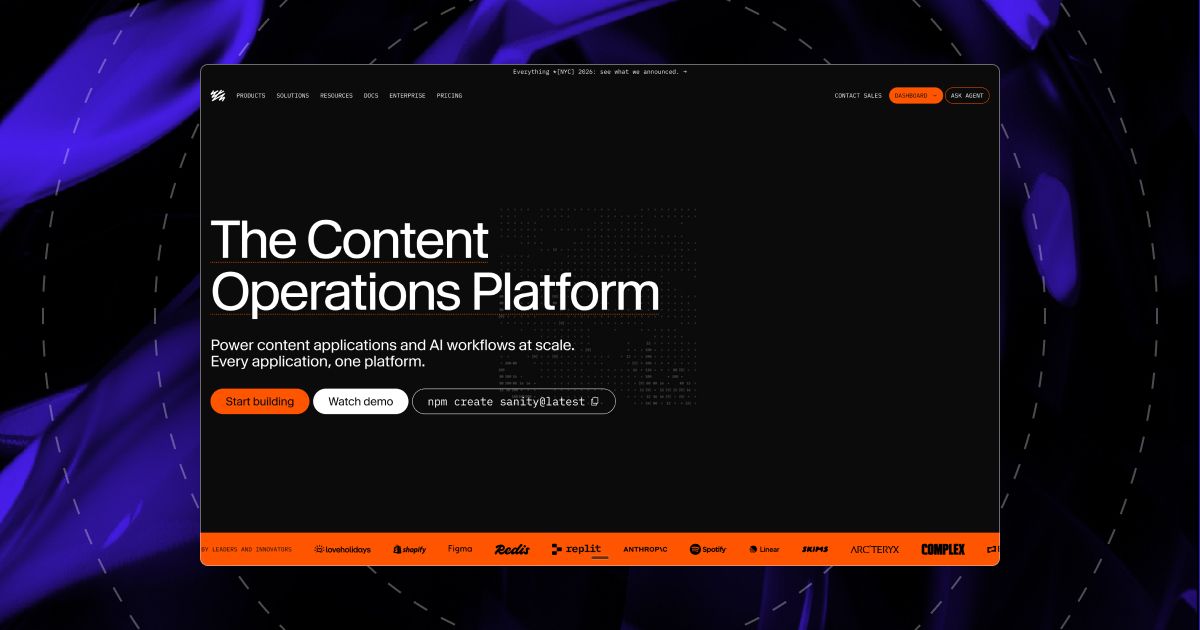
Sanity's editing app, the Studio, can live inside your Next.js site, and ours does, at /studio. Content sits on Sanity's servers, so nobody on your team runs a database, and Sanity's official Next.js toolkit handles previews and refreshes pages when someone publishes.
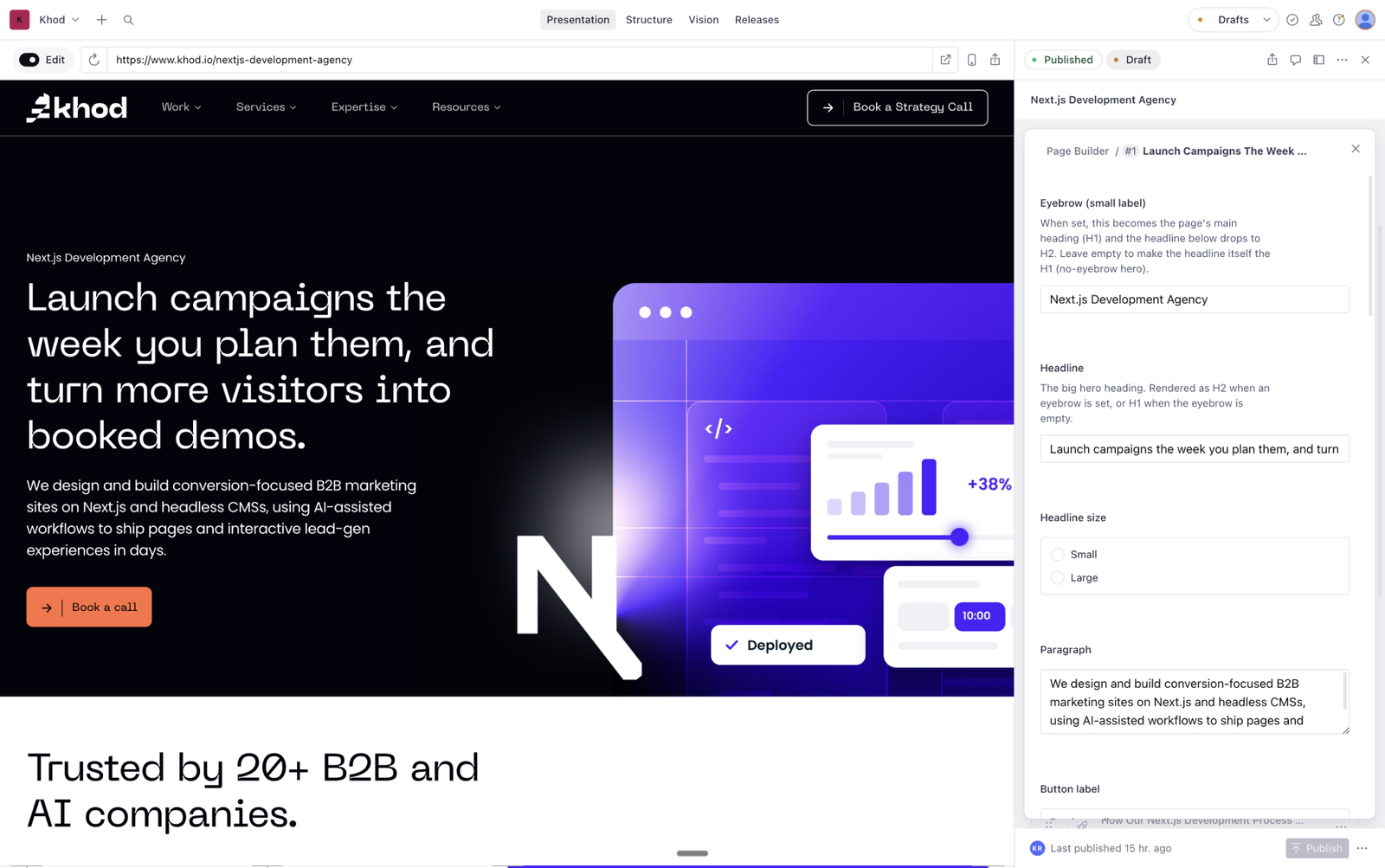
The editing is what sets it apart. The Presentation tool shows the site with overlays: click a heading and the Studio jumps to that field, and edits appear on the page as you type. Editors can also add, move and remove sections in the preview, as long as the page is built from a list of sections. Visual editing is on every plan, Free included.
Where it pinches:
- The content model lives in code. Editors arrange the sections a developer has defined; a brand-new section type is a build.
- Approvals are basic below Enterprise. The Growth plan's Contributor role can draft without publishing; scheduled multi-page releases and custom roles are Enterprise features.
- The bill grows with headcount, at $15 per editor a month. The Free plan holds 20 seats, but every user is an Administrator or a Viewer, and it caps you at 10,000 documents.
2. Payload
Best for: a developer-led team that wants the CMS inside the same codebase, the content in its own database, and no per-editor fee.
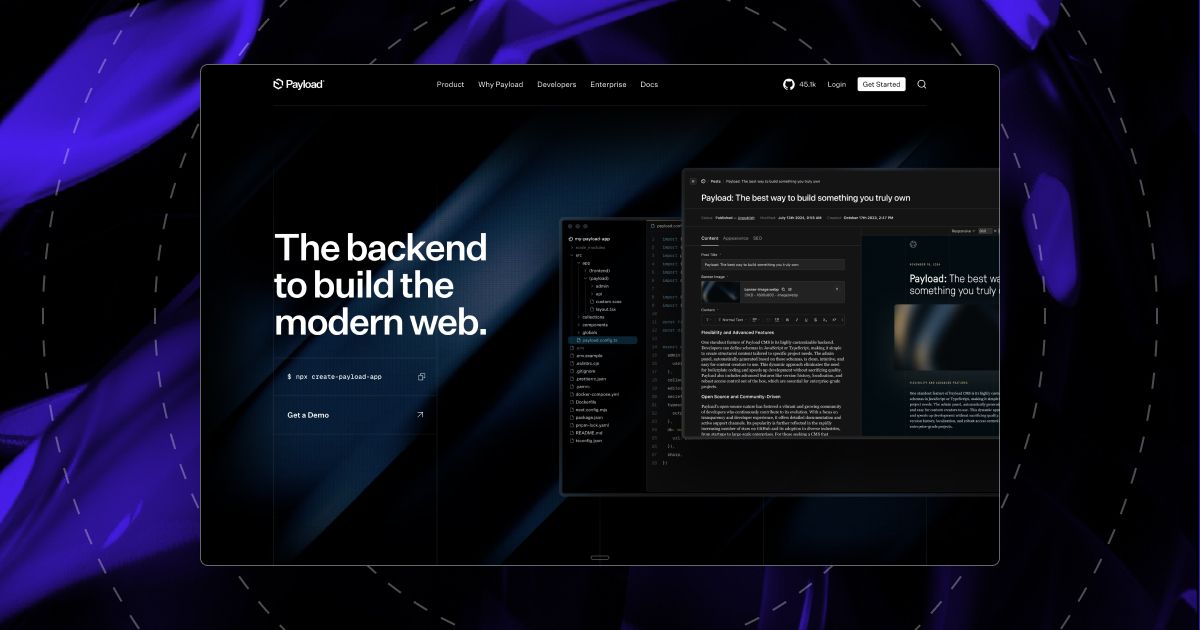
Payload installs inside the Next.js site itself: the admin your editors log into is a page of the same app, at /admin, and the content sits in a database your team runs (Postgres, MongoDB or SQLite). It's open source under the MIT licence, and your developer sets who can edit what, down to single fields.
Two changes since 2025 shape the decision. Figma acquired Payload in June 2025, and Payload Cloud has paused new projects, so a new site means hosting it yourself. Payload 4.0, announced in June 2026, redesigns the admin your editors use.
Editors get a live preview next to the edit form, which refreshes on save. Clicking content on the page to edit it is the Enterprise Visual Editor, still labelled "Coming Soon", and multi-step approval workflows are Enterprise too.
3. Contentful
Best for: a large organisation with dozens of publishers, several brands or regions, and a need for SSO, custom roles and approval chains.
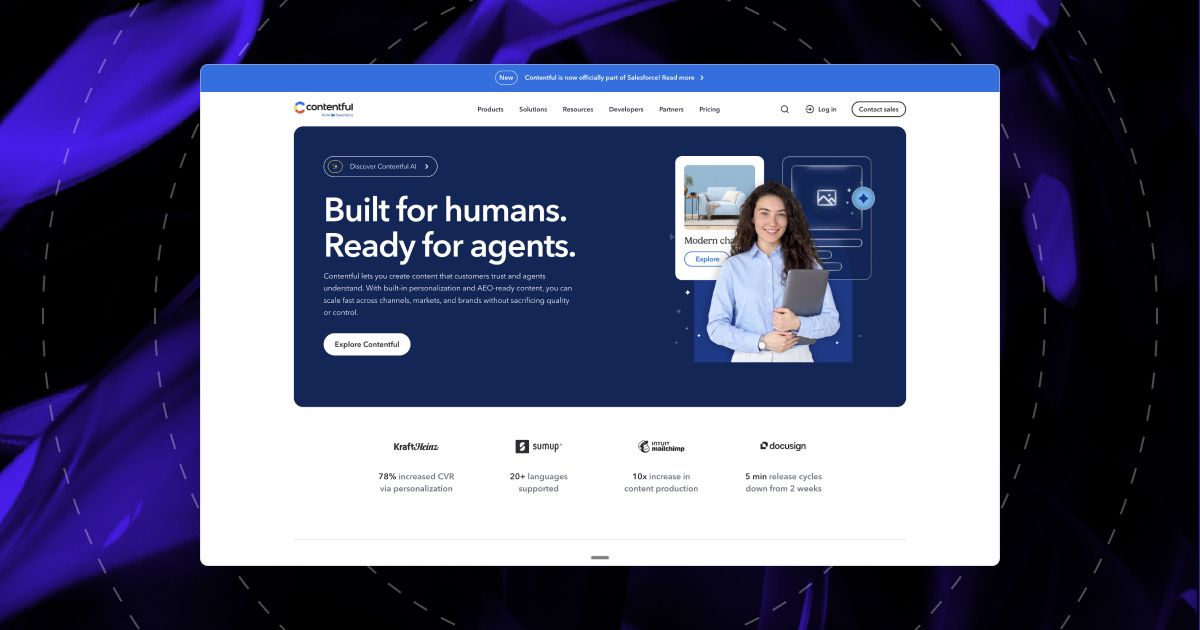
Contentful is hosted only, and there's an official Next.js starter that already handles previews and refreshes pages on publish. It became part of Salesforce in 2026.
Live preview and inspector mode work on every plan, but automatic click-to-edit tagging needs Content Source Maps, which are Premium-only; on lower plans your developer tags each field by hand. Drag-and-drop page building (Studio Experiences) is Enterprise-only, and its pages run as browser-side components, so they send more code to the visitor's browser than the rest of a Next.js site.
The pricing is the steepest step in this list. Free holds 10 users but is meant for learning and exploring. Lite is $300 a month for up to 20 users and three locales. Approval workflows need the $850 Lite Space on top, and past 20 users the only option is Enterprise.
4. Storyblok
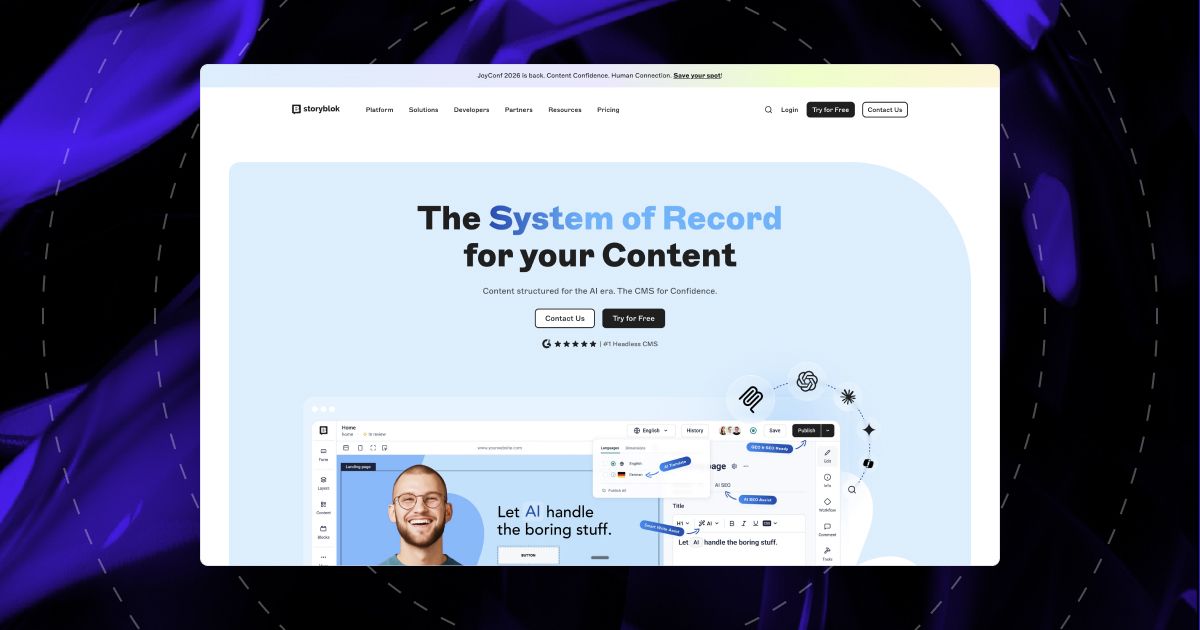
Best for: marketers who build pages on their own, in a team of 15 or fewer.
Storyblok's Visual Editor is the closest thing to a page builder here. An editor clicks a block on the page to edit it, adds the next one from a picker, and rearranges blocks while previewing desktop and mobile. It's on every plan, including the free Starter plan, and Storyblok publishes an official Next.js quickstart for the developer setting it up.
It also ships a basic approval flow on every plan: stories move from Drafting to Reviewing to Ready to Publish, with assignees and due dates. Custom workflows and roles start at Premium.
Where it pinches:
- Seat caps. Growth includes 5 seats and stops at 10; Growth Plus stops at 15 with no extra seats for sale. Team 16 is a Premium contract.
- Scheduling and languages. Below Premium you can schedule two stories a month, and Growth includes two locales, at $20 for each extra one.
- Publishing to the live site needs developer setup. Storyblok's docs don't cover refreshing Next.js pages on publish, so your developer builds that step.
5. Strapi
Best for: teams that want an open-source CMS they host themselves, with roles and languages included free.
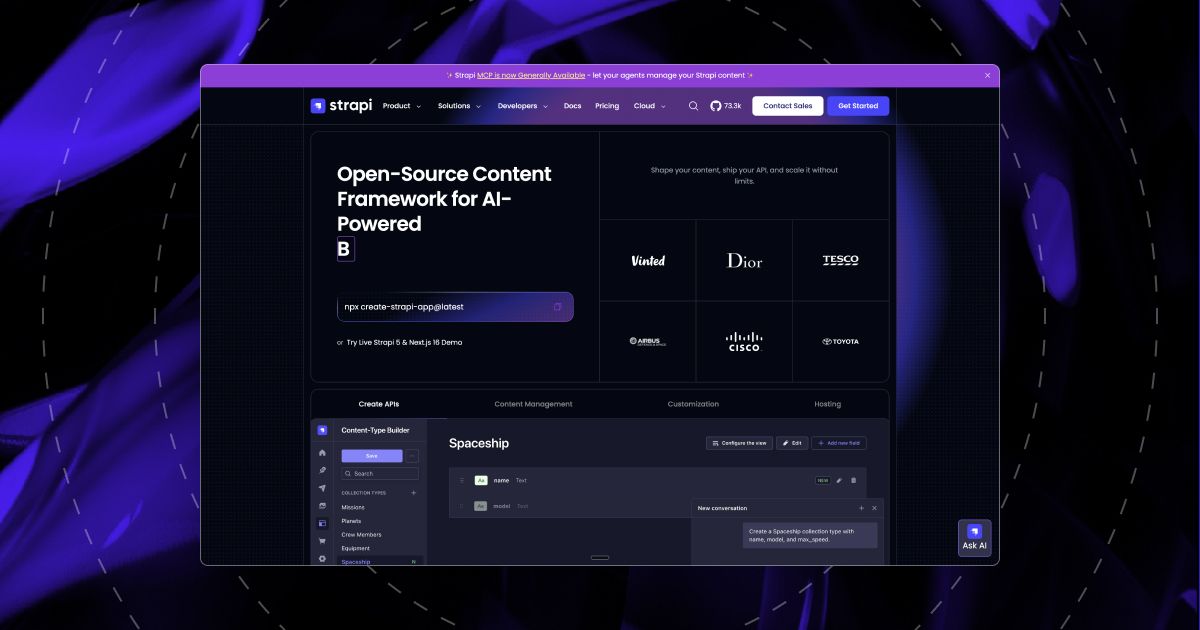
Strapi's Community edition is open source and free, with unlimited seats, roles and languages. Your team hosts it on a server with its own database. Strapi Cloud hosts it from $90 a month for an always-on project, billed separately from any CMS licence.
Editors build a page by adding and reordering sections in a form. The side-by-side Live Preview needs the Growth plan, is still marked experimental, and doesn't pick up edits made inside those sections, which is where the page content sits. Review workflows are Enterprise-only.
Strapi has no Next.js toolkit, so your developer builds the connection by hand: loading content, previews, and refreshing pages on publish. If you're on Strapi 4, security fixes ended in April 2026.
6. Prismic
Best for: a small team that wants page building at the lowest price, on a site with up to five languages.
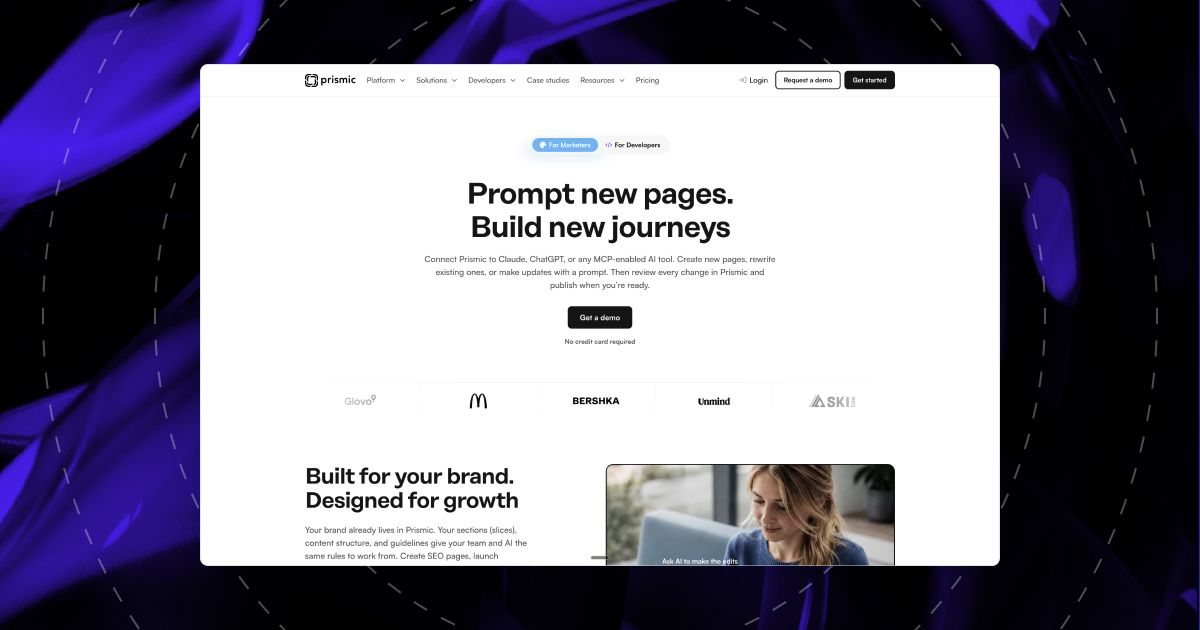
Prismic is built around slices: page sections a developer codes once and editors stack in the Page Builder, with a live thumbnail of each slice beside the form. Its setup tool wires previews and page refreshes into the Next.js site for you, so a published change goes live without extra developer work.
In July 2026 Prismic retired Slice Machine, its old tool for building slices, so tutorials and agency setups from before then are out of date.
Where it pinches:
- User caps by plan. Small holds 7 users and Medium 25, and you add users by moving up a plan. On Starter and Small every user is an administrator.
- Locales. Five languages on Medium, eight on Platinum at $750 a month.
- Nesting. A section can hold a repeating list, such as cards in a grid, but not a second list inside each card.
7. WordPress as a headless CMS
Best for: a team with years of WordPress content and editors who know Gutenberg, moving the front end to Next.js first.
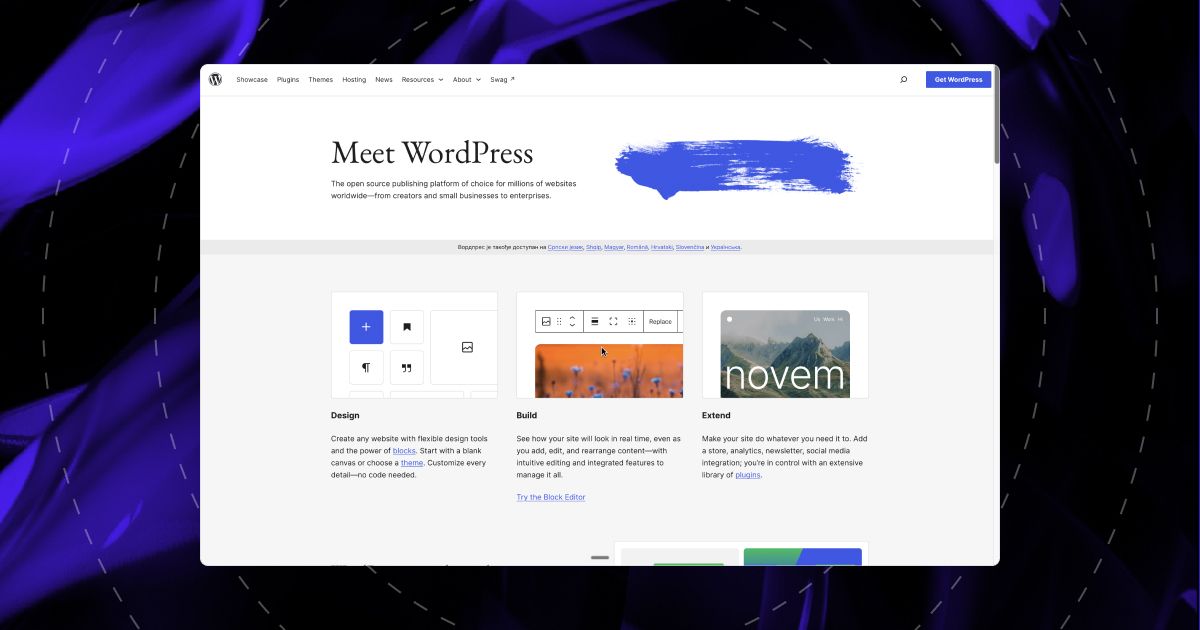
Next.js reads WordPress content through WordPress's built-in API or the free WPGraphQL plugin. Faust.js, the toolkit WP Engine built for this, has dropped support for the way current Next.js sites are built, so your developer connects the two directly.
What your editors lose is the bigger cost. WordPress no longer draws the page, so the theme, any page builder and the SEO plugin's output stop reaching the site. Every Gutenberg block needs a matching component on the Next.js side, the title and meta tags Yoast used to write have to be rebuilt in Next.js, and previewing a draft only works once your developer connects WordPress logins to the Next.js site. You also run two systems. Plugins carried 91% of the 11,334 WordPress vulnerabilities Patchstack recorded in 2025, and those patches are still your job.
8. Git-based CMS: TinaCMS, Keystatic and Decap
Best for: a developer blog, a docs site or a small marketing site where content belongs in the repository.
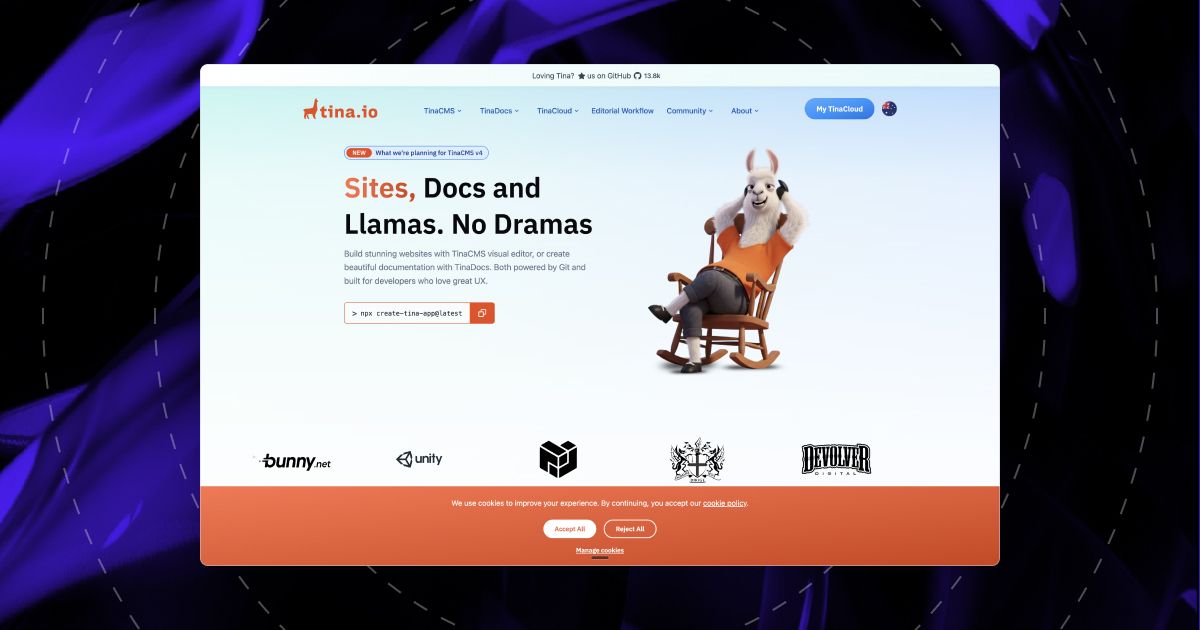
A Git-based CMS edits text files (Markdown or MDX) and saves each change into the code repository, the same place your developers work. TinaCMS has side-by-side visual editing in React, an App Router guide, and editors who sign in by email without a GitHub account. Keystatic is lighter, and free if every editor has a GitHub account with access to the code. Decap is free and MIT-licensed, but Netlify has deprecated the Git Gateway it leaned on for editor logins.
The limit for a marketing team is that every save is a code change. It waits for the site to redeploy, Keystatic's own docs call out the delay between saving and seeing it live, and none of the three documents scheduled publishing.
What we run on khod.io, and why
We moved khod.io's 180+ pages off Webflow onto Next.js, Sanity and Vercel between June 16 and July 4, 2026. The reasons are in why we moved Khod off Webflow. We didn't run a bake-off first: Next.js and Sanity were a sound pairing, and we needed to start.
Three months in, this is what running it looks like.
New pages are content. Since July 4, 20 new pages have gone live as Sanity documents: five articles, three case studies, two checklists, two Khod Labs entries, seven migration pages and our Next.js agency page. The seven migration pages share one template, built on September 2.
New section types take a few days. We launched with 44 section types and have 50 now: heroes, pricing tables, FAQs, comparison tables, testimonials and the rest. Each new one takes a few days from first draft to a version we're happy with, design rounds included. Once a type exists, it's in the page builder for every page.
Editing happens on the page. Our marketing team assembles pages from those 50 types in Sanity Studio and edits copy through the Presentation tool on the live preview. What we gave up is the Webflow canvas: a section type that doesn't exist yet has to be built before anyone can drag it in.
What annoyed us. Two things, and neither was Sanity's editor. In September we found that publishing in Studio didn't always update the live page: our Next.js caching kept serving the old content, and a fresh deploy was the reliable fix. And a few pages had their content in two places, a Sanity document and a fallback copy in the code, so an edit could look finished in one and be missing from the other. Both were setup decisions on our side. Test publish-to-live on one page before launch, and give every page exactly one source.
Mobile Lighthouse scores moved from the low 60s on our Webflow staging build into the low-to-mid 80s, and the stack has shipped 13 launches since June; the numbers are in our Next.js, Sanity and Vercel write-up.
Picking today, we'd make the same call for a marketing site. Sanity's click-to-edit and section reordering are on every plan, and nobody on our team wants to run a database. We'd pick Payload for a product team that already owns its infrastructure and wants the CMS inside the app.
Moving your content in
Picking the CMS is the shorter half of the project. The longer half is getting years of pages, posts and images into it without breaking the URLs that bring in search traffic.
From Webflow, the CMS collections export as CSV, but rich text, references between collections and every static page need mapping into the new content model by hand or by script. Our Webflow to Sanity migration covers that mapping, and the Webflow to Next.js migration covers the front end. From WordPress, the REST API exposes posts, pages and media, but shortcodes and page-builder layouts don't survive the move and have to be rebuilt as blocks.
Whichever way you come in, every indexed URL needs a redirect or an identical path on the new site. Our website migration checklist lists the 50 checks we run, and our website migration cost guide shows what a move like this costs.
Frequently asked questions
What is the best CMS for Next.js?
For a marketing site, Sanity: editors click content on the live page to edit it and rearrange sections on every plan, at $15 per editor a month. Pick Payload when content must live in your own database, Storyblok when marketers build pages without a developer, and Contentful when more than 20 people publish.
Does Next.js need a CMS?
No. Next.js renders Markdown and MDX files straight from the repository, and a fully agentic team where everyone is technical can publish through GitHub; Chili Piper does. Our default is still to include a CMS, because you can't know who will edit the site next year, and a CMS lets them work without touching code.
Is Payload a headless CMS?
Yes. Payload is an open-source headless CMS that installs inside a Next.js app, with its admin at /admin and content in your own Postgres, MongoDB or SQLite database. Figma acquired it in June 2025, and Payload Cloud has paused new projects, so new sites are self-hosted.
Sanity or Payload for a Next.js site?
Sanity if marketers publish often and nobody wants to run a database: click-to-edit and section reordering work on every plan, at $15 per editor a month. Payload if developers own the site and the content must stay in your own database: no seat fees, but you host it, and click-to-edit is Enterprise-only.
Can marketers edit a Next.js site without a developer?
Yes, once a developer has built the page sections. In Sanity, Storyblok or Prismic, marketers create pages, stack and reorder sections, edit copy and publish on their own. A developer is still needed for a new type of section. That's how we run khod.io: 50 component types, assembled by our marketing team.
Is there a free CMS for Next.js?
Yes. Payload, Strapi Community, Decap and Keystatic in GitHub mode are free to self-host, and you pay for hosting. Sanity's Free plan holds 20 users with admin and viewer roles only, and Storyblok's free Starter plan allows two seats. Contentful's free plan is meant for learning and exploring.
Can I use WordPress as a headless CMS with Next.js?
Yes, through the WordPress REST API or the WPGraphQL plugin. Editors keep Gutenberg, but the theme, page builders and SEO plugin output stop reaching the site, so each block needs a React component and the <head> tags have to be rebuilt in Next.js. It suits teams with a large WordPress library.
How much does a headless CMS cost?
For 10 editors and a developer on monthly billing in October 2026: Sanity $165, Prismic $180, Contentful $300, Storyblok $349. Payload and Strapi Community charge no licence fee but need hosting. Teams past 15 to 20 people hit Enterprise pricing on Storyblok and Contentful.
Want us to set it up?
We build marketing sites on Next.js and Sanity, and run our own on the same stack. Tell us who edits your site and we'll set up the CMS around them.
Share the Article


Kickstart your project today!
Book a call to discuss your goals and how we can help you reach them.
See Khod First on Google
Uros is the brains behind the builds, turning Figma files into clean, scalable sites. He builds Webflow sites so smooth, you’ll think they coded themselves.
Outside the Webflow canvas, you’ll find him testing out new recipes, planning his next weekend escape, or deep in thought wondering why websites break at 3AM and not during office hours.
Table of Content
Kickstart your project today!
Book a call to discuss your goals and how we can help you reach them.
See Khod First on Google
Explore Related Articles
Website Strategy • Oct 4, 2026 • 13 min read
Website Redesign SEO: How to Redesign or Migrate Without Losing Rankings
Website Strategy • Sep 30, 2026 • 7 min read
Website Migration Cost in 2026: $5,000 to $30,000+
Website Strategy • Sep 10, 2026 • 15 min read
8 Best Webflow Agencies for AI Startups in 2026Your Next Deal Starts With Your Website
Most deals are won or lost before your sales team gets involved. Let's make sure your site is ready for that moment.
