
Resource Center / Articles / 10 Best Squarespace Alternatives & Competitors for 2026
10 Best Squarespace Alternatives & Competitors for 2026
 Evgenii Tilipman • Tool Comparisons • Published on Mar 7, 2025 • Updated on Jun 8, 2026 • 12 min read

TL;DR
Squarespace works for simple websites built around templates, but has limits around design flexibility, SEO controls, CMS, and advanced workflows.
The best Squarespace alternative depends on the job:
- Webflow: Best for custom marketing sites, SEO control, CMS flexibility, and scalable Webflow development
- Pixpa: Best for photographers and creatives who need portfolios, client galleries, and image sales
- Wix: Best for simple sites where speed and ease matter more than control
- Shopify: Best for e-commerce brands with large product and inventory needs
- WordPress: Best for teams that want full customization and can manage plugins, hosting, and maintenance
For growing businesses that use their website for content, search, landing pages, and conversion, we found Webflow to be the best option.
Introduction
Squarespace is a popular website builder for small businesses, creatives, bloggers, and teams that want a simple way to get a site online.
That simplicity is also where the limits show up. Once you need more control over design, SEO, CMS structure, performance, or e-commerce workflows, Squarespace can start to feel restrictive.
That is why many teams start looking for Squarespace competitors. Some alternatives are better for beginners. Some are better for e-commerce. Some are better for portfolios. Others give teams more control over how the site is built, managed, and scaled.
In this guide, we’ll compare the best Squarespace alternatives in 2026, including Webflow, Pixpa, Wix, Shopify, WordPress, Weebly, Ghost, Duda, Divhunt, and Framer.
What to Look for in a Squarespace Competitor
Choosing a Squarespace alternative depends on what your current site cannot do well enough.
If the site is simple, most website builders will work. The differences start to matter when the site becomes part of your marketing, sales, content, or e-commerce workflow.
Here are the main criteria to look at:
- Design flexibility: Can you build beyond pre-made templates, or are you locked into the structure the platform gives you?
- Ease of use: Can your team make updates without relying on a developer every time something changes?
- SEO control: Can you edit metadata, headings, redirects, schema, page structure, and indexing rules without workarounds?
- CMS flexibility: Can the platform support blogs, resources, directories, case studies, comparison pages, product pages, and other repeatable content types?
- Performance: Does the platform make it easy to build fast, lightweight pages, or does it add technical limitations you cannot control?
- Scalability: Can the site grow with more pages, more content, more integrations, and more complex workflows?
The right choice depends on the job.
Wix and Weebly are good options when speed and ease matter most. Shopify is stronger for e-commerce. Pixpa fits photographers and creatives who need portfolios, galleries, and image sales. Ghost works well for publishing. WordPress gives the most flexibility, but also requires more maintenance.
For teams that need design control, CMS flexibility, SEO control, and room to scale, Webflow is usually the strongest Squarespace alternative.
10 Best Squarespace Competitors in 2026
#1 Webflow – The Best Alternative for Design & Control
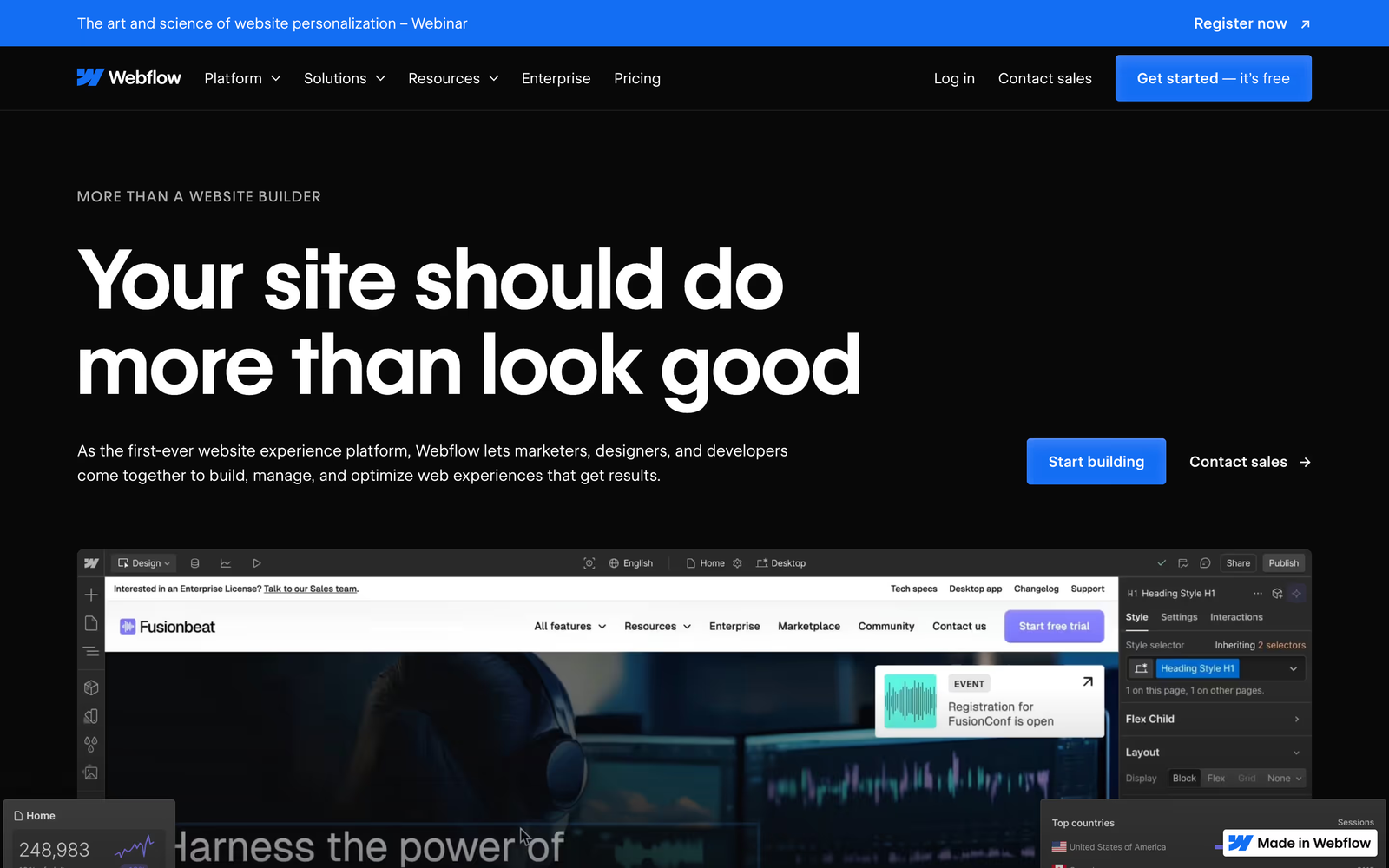
Webflow is the strongest Squarespace alternative for teams that need more control over how their site is built, managed, and scaled.
Squarespace works well when the template does most of the work. Webflow gives you more control once the website needs to support custom layouts, content systems, landing pages, SEO, and integrations.
You can start with a template in Webflow, but the platform is strongest when the site is built around your actual structure, not the structure a template gives you. That matters for companies that need more than a brochure site.
The biggest difference is the CMS. Webflow lets teams create structured collections for blogs, case studies, directories, comparison pages, product pages, resource centers, and other repeatable content types. Instead of forcing every page into the same static format, the CMS gives marketing teams a cleaner way to publish and scale content.
SEO is another reason teams move from Squarespace to Webflow. Squarespace covers the basics. Webflow gives more control over metadata, headings, redirects, indexing, page structure, and schema markup. That control matters when the site is expected to bring in organic traffic, not just look good.
We have a fuller breakdown of what is Webflow, but for this comparison, the main points are simple:
- Visual development control without being locked into rigid templates.
- A flexible CMS for content-heavy websites.
- More technical SEO control than Squarespace.
- Room to build custom pages, landing pages, and site structures.
- Integrations that let the site support more than basic publishing.
That last point matters. With the right setup, Webflow can support e-commerce workflows, gated content, memberships, and other business models. For example, a Memberstack integration can add user accounts, gated resources, paid content, or membership functionality without rebuilding the whole site.
Best for: Marketing teams, developers, B2B companies, and businesses that need more control over design, CMS, SEO, and how the site grows after launch.
#2 Pixpa – Best for Photographers & Creatives
Pixpa is an all-in-one website builder made specifically for photographers, artists, designers, and other creative professionals. Unlike Squarespace, which serves a broad range of industries, Pixpa focuses more narrowly on portfolio websites, client galleries, proofing, image delivery, online stores, and blogs.
This makes it a strong Squarespace alternative for creatives who want to manage their website, client work, and sales from one platform without relying on extra plugins or third-party gallery tools.

Pros:
- Built-in client galleries with proofing, selection, and digital or print delivery.
- Zero-commission online store for prints, digital downloads, products, and services.
- Easy no-code editor with custom CSS and HTML options for more advanced users.
- 24/7 live support, which is often highlighted positively in user reviews.
- All-in-one setup for portfolios, galleries, blogging, and selling creative work.
Cons:
- Less design freedom than Webflow or WordPress.
- Smaller template library than broader builders like Wix or Squarespace.
- Best suited for creative and portfolio websites, not general business or SaaS sites.
- Not ideal for large e-commerce stores with complex inventories.
- Fewer third-party integrations than larger ecosystems like WordPress or Wix.
Best for: Photographers, artists, designers, and creative professionals who want a portfolio website, client galleries, and image sales in one platform.
#3 Wix – A User-Friendly Alternative
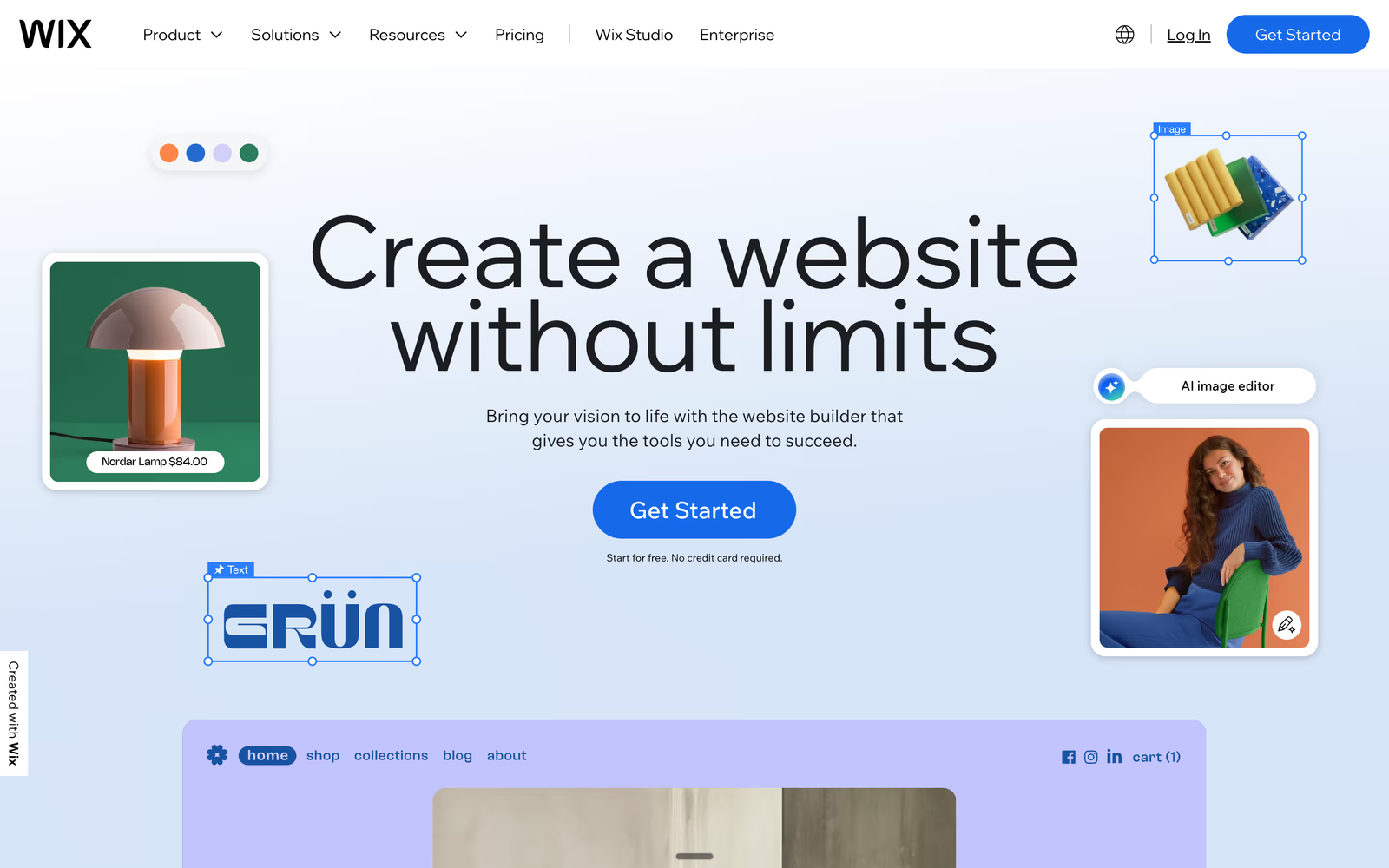
Wix is one of the most popular competitors to Squarespace, offering an easy drag-and-drop editor. It’s a beginner-friendly platform that allows users to build somewhat functional sites fast with no need for coding.
While this is a strength, this is also a weakness. Its flexibility does surpass Squarespace, but it still lacks the level of design control offered by platforms like Webflow, making it only a marginal improvement. We have written an article comparing Webflow with Wix, so feel free to read through it if you want to learn how those two platforms stand side by side.
Pros:
- Beginner-friendly with hundreds of templates.
- More flexible than Squarespace but lacks Webflow’s design depth.
- Built-in SEO tools, though not as advanced as Webflow.
- App market with third-party integrations, allowing added functionality.
- AI-powered design assistance for quick site generation.
Cons:
- Limited customization options compared to Webflow. To get a better idea on how these 2 platforms compare to each other, read our article on Wix vs Webflow.
- Can feel overwhelming due to the number of features, especially for beginners.
- Performance can be slower compared to more optimized platforms, affecting site speed.
- Not ideal for large-scale websites, as scalability options are limited.
- E-commerce functionality is weaker compared to Shopify or Webflow.
Best for: Small businesses, beginners, and users looking for a quick, hassle-free website setup.
#4 Shopify – Best for E-Commerce
If you need a better Squarespace competitor for online stores, Shopify is probably the best option you can go with. Besides being one of the most commonly used e-commerce platforms, it gives it's users quite a large suite of tools for running your online businesses. Unlike Squarespace, which provides basic e-commerce functionality, Shopify specializes in helping businesses scale their online sales.
With that being said, there are multiple solid competitors when it comes to eCommerce such as WooCommerce and Webflow e-commerce and if you want to see how Shopify fares against the competition, we have written an article where we compare Webflow and Shopify.

Pros:
- More powerful e-commerce features than Squarespace.
- Scalable, with integrations for dropshipping, payment gateways, and more.
- Easier to manage large inventories than Squarespace.
- Comprehensive analytics and reporting to track sales and customer behavior.
- Large app marketplace for expanding functionality beyond built-in features.
Cons:
- Higher costs compared to Squarespace, especially for advanced features.
- Like Squarespace, it is limited in terms of design flexibility without reliance on third-party apps or coding. It is template-rich though.
- Complex setup for beginners, requiring more technical knowledge.
- Transaction fees unless using Shopify’s payment gateway.
- Less customization for content-heavy sites, as it's primarily e-commerce-focused.
Best for: Online stores needing scalability, robust sales tools, and advanced e-commerce integrations.

#5 WordPress – Best for Customization
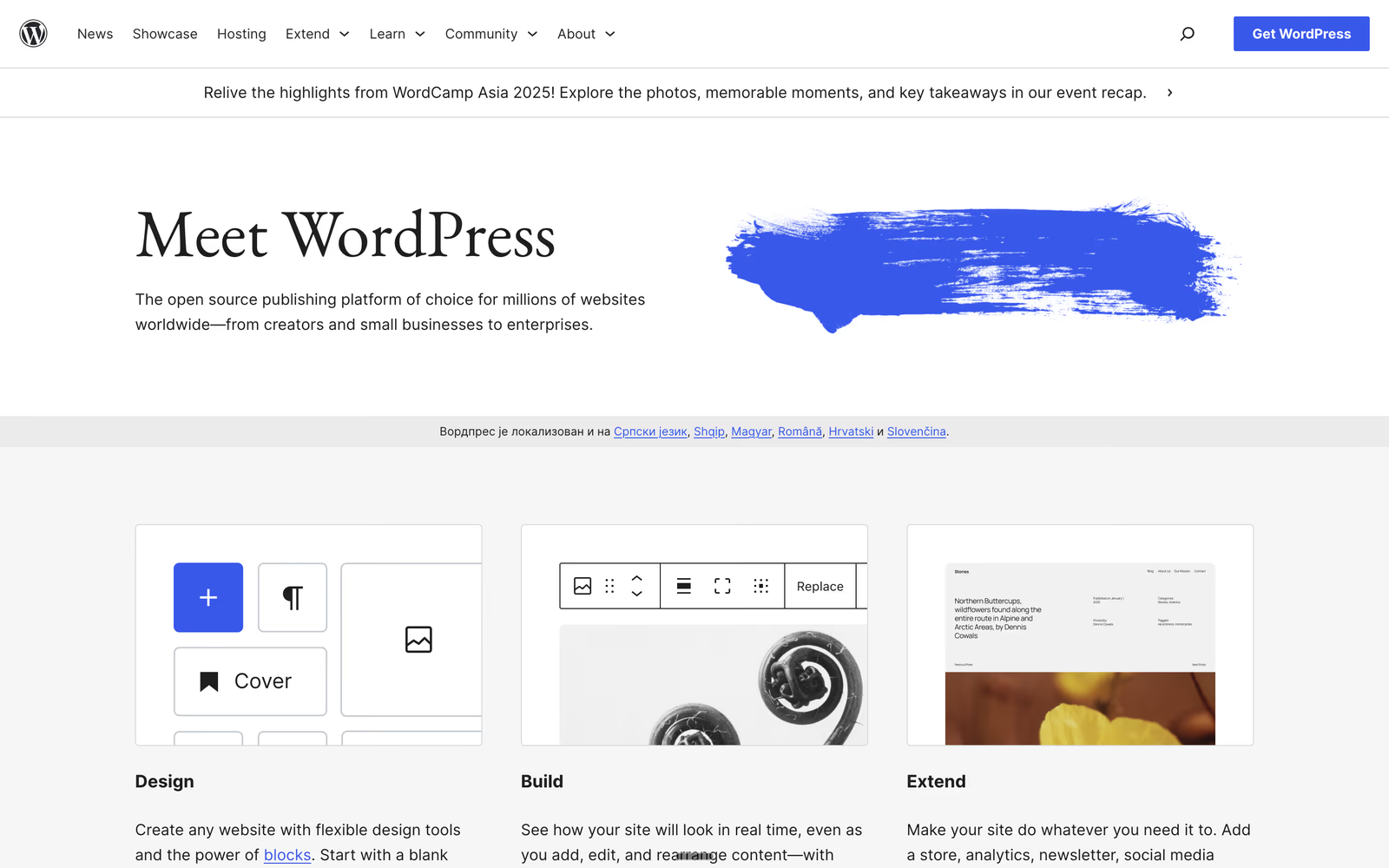
WordPress is an open-source development platform. It offers more customization than most developers know what to do with. WordPress is more of a modular platform and not an all-in-one solution. It gives its users a platform that allows them to pick and choose what features they want to include. The flexibility comes from plugins, themes, and integrations that are a part of the WordPress ecopsystem. This also means that not all features are given natively. Users can build anything from a simple blog to a complex e-commerce store, but this freedom comes with added complexity.
The platform is also rich with builders and templates such as elementor, brix, divi, woocommerce, and more. We have written some articles covering comparison between Webflow vs Wordpress, Webflow vs Divi, and Webflow vs Elementor that should give you a better understanding of the Wordpress infrastructure.
Pros:
- Full control over your website with thousands of plugins.
- More flexible than Squarespace but requires maintenance.
- Extensive plugin ecosystem, enabling advanced functionality.
- Large developer community, offering support and resources.
- Scalable, making it suitable for businesses of all sizes.
Cons:
- Steeper learning curve compared to Squarespace.
- Requires more hands-on management for updates and security.
- Performance depends on hosting choices and plugin optimization.
- Security risks if not properly managed, as outdated plugins can create vulnerabilities.
- Can become costly, depending on hosting, premium themes, and plugin subscriptions.
Best for: Those comfortable with self-hosting, customization, and ongoing website management.
#6 Weebly – A Budget-Friendly Alternative
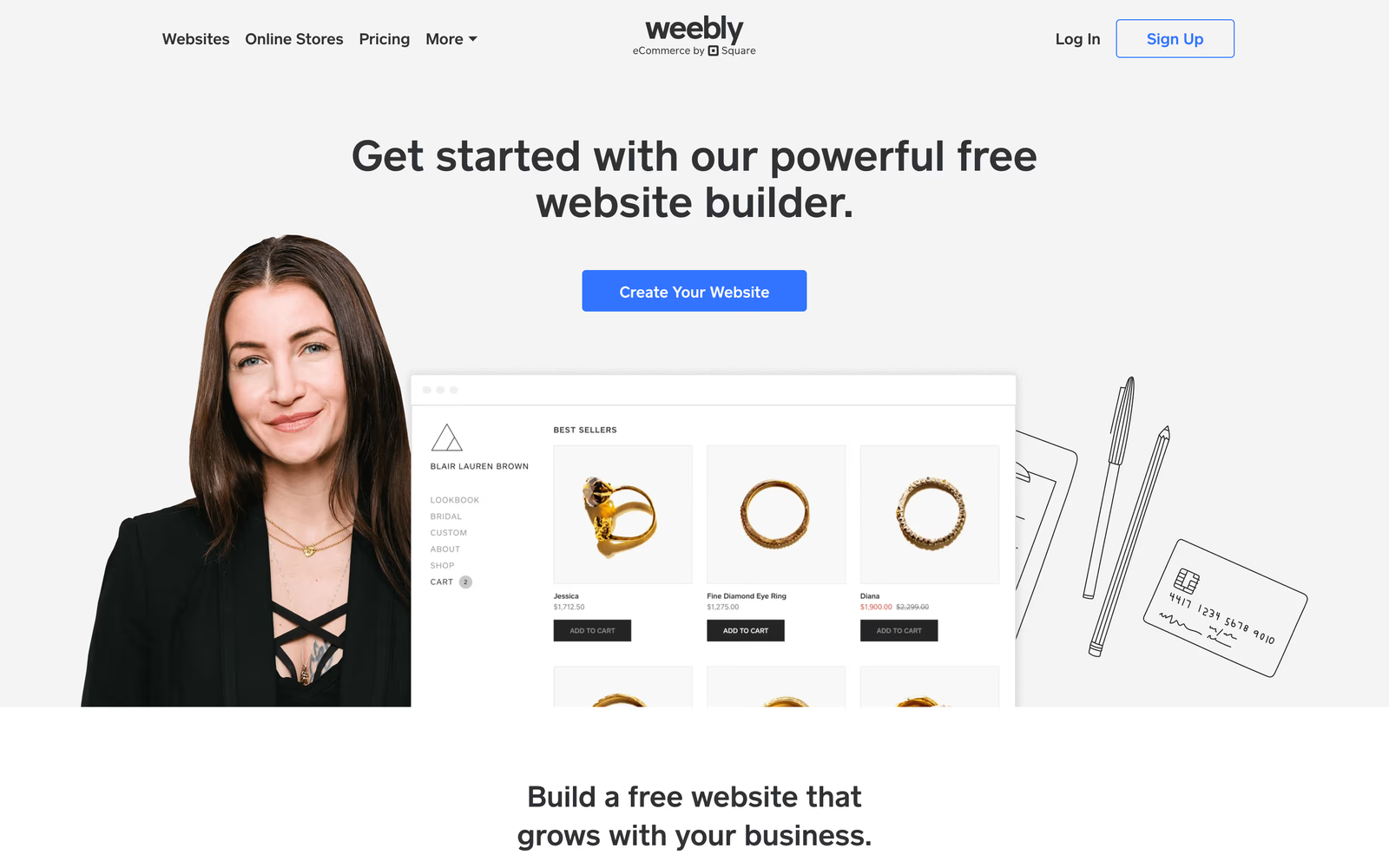
Weebly is ideal if you want to build a website quickly and don't have technical know-how or engineering resources. The other side of the same coin is that it does not give customization options one would expect from a development platform. This shortcoming is mitigated by Weebly's pricing point. It is affordable.
Pros:
- Easy to use drag-and-drop capability.
- Lower pricing than Squarespace and Webflow.
- Great for simple sites.
- Templates marketplace helping with fast site delivery.
- Built-in e-commerce features, making it a budget-friendly alternative for small online stores.
Cons:
- Limited customization compared to Webflow or WordPress.
- Lacks advanced SEO and marketing tools, making it less ideal for scaling businesses.
- Fewer integrations and add-ons compared to other platforms.
- Little flexibility for developers, restricting code-level modifications.
- Performance can suffer under high traffic compared to more robust platforms.
Best for: Personal sites, bloggers, and small businesses looking for an affordable, user-friendly website builder.
#7 Ghost – Best for Bloggers
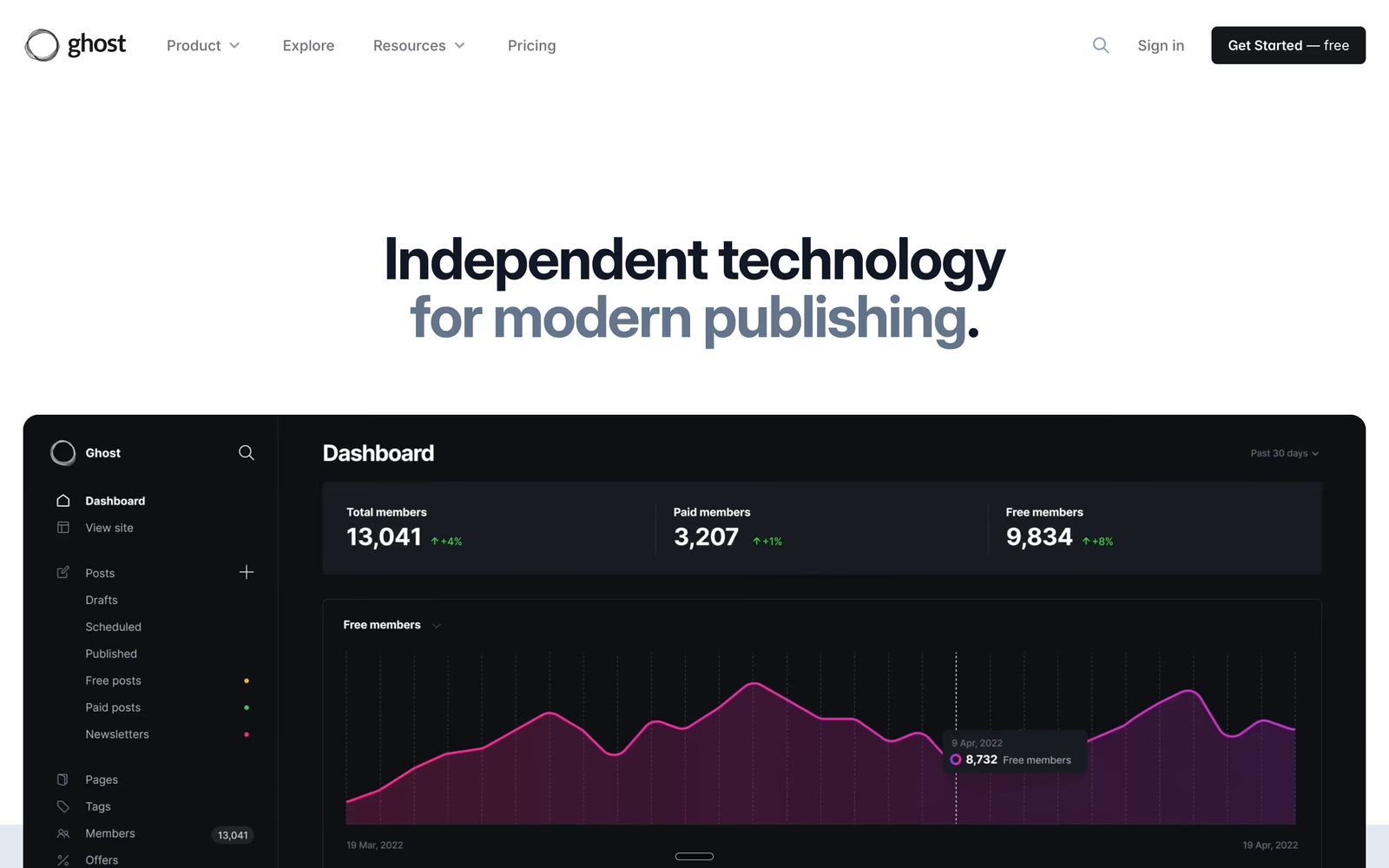
Ghost is built for content creators. While Squarespace has some design features, Ghost is the bare bones of a platform primarily focused on blogging. It gives its users a distraction-free writing experience emphasizing performance and SEO. In other words, it is a great choice for independent publishers and media outlets.
Pros:
- SEO-friendly and designed for blogging.
- Faster and leaner than Squarespace.
- Lacks the broader site-building tools of Squarespace.
- Lightweight and optimized for speed, making it ideal for content-heavy sites.
- Subscription and membership features, allowing writers to monetize their content.
Cons:
- Limited customization options compared to platforms like Webflow or WordPress.
- Not ideal for multi-purpose websites beyond blogging.
- Fewer integrations and third-party tools compared to Squarespace.
- No built-in e-commerce functionality, requiring external integrations.
- Steeper learning curve compared to all-in-one website builders.
Best for: Bloggers, publishers, and content-focused businesses looking for a fast and SEO-optimized publishing platform.
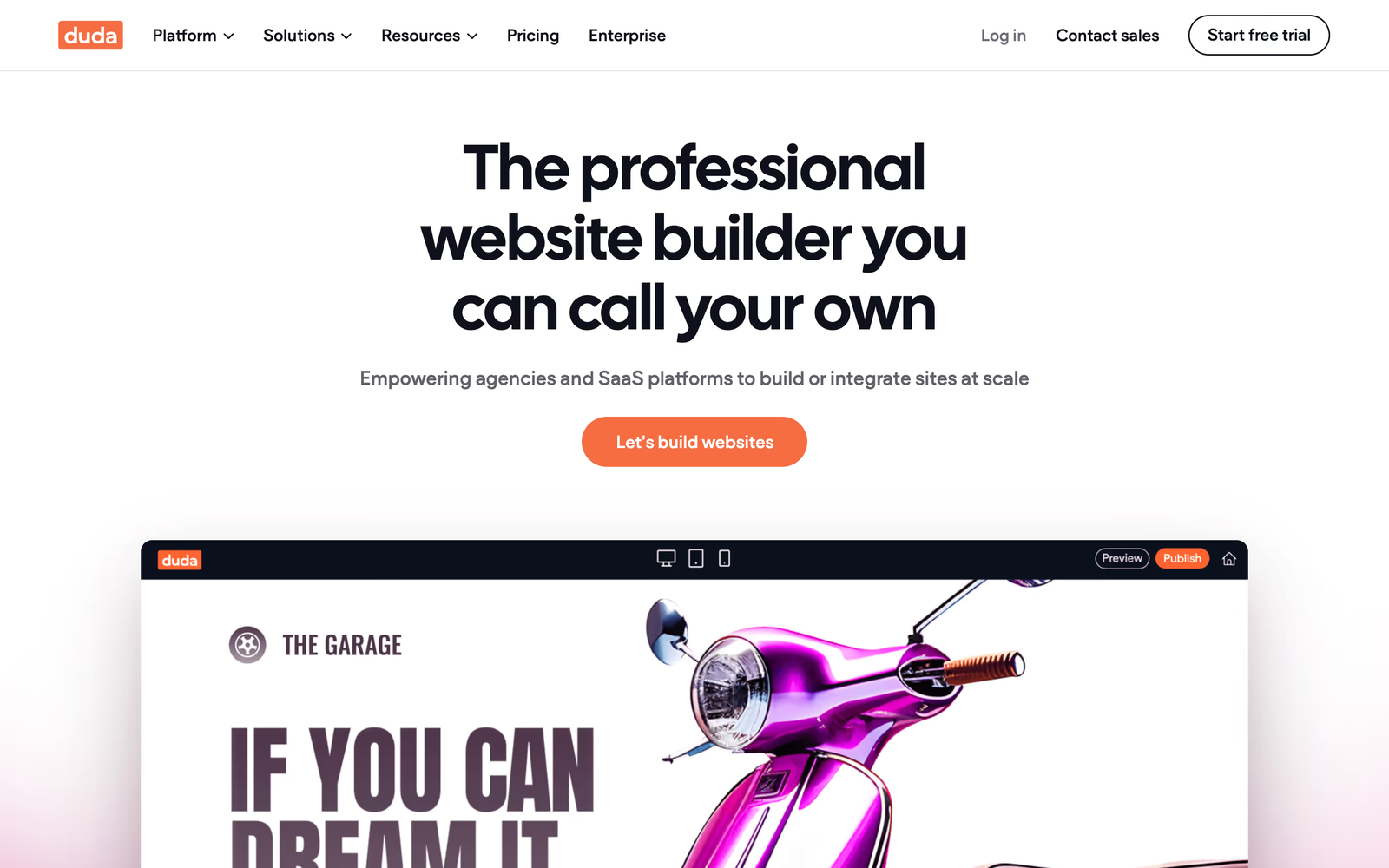
#8 Duda – Best for Agencies
Duda is a somewhat of a niche builder made for agencies handling multiple clients with simple design requests. It's main selling point is the white-labeling capabilities, allowing agencies to rebrand the platform as their own. Duda also provides some automation features helping clients streamline workflows aimed at client management.
Pros:
- White-label options for agencies.
- Strong automation and client management features.
- More agency-focused than Squarespace.
- Built-in client collaboration tools, allowing real-time edits and approvals.
- Pre-made templates optimized for various industries, saving time on design.
Cons:
- Limited design flexibility compared to Webflow or WordPress.
- Higher pricing than some DIY builders, making it less accessible for freelancers.
- Not suited for beginners; made for agencies.
- Limited third-party integrations, restricting customization for more complex projects.
- Poor choice for content-heavy websites - the CMS is not as advanced as Webflow’s.
Best for: Digital marketing agencies that need an efficient, scalable platform with built in automations and white-label solutions.
#9 Divhunt – The No-Code Builder for Speed & Performance
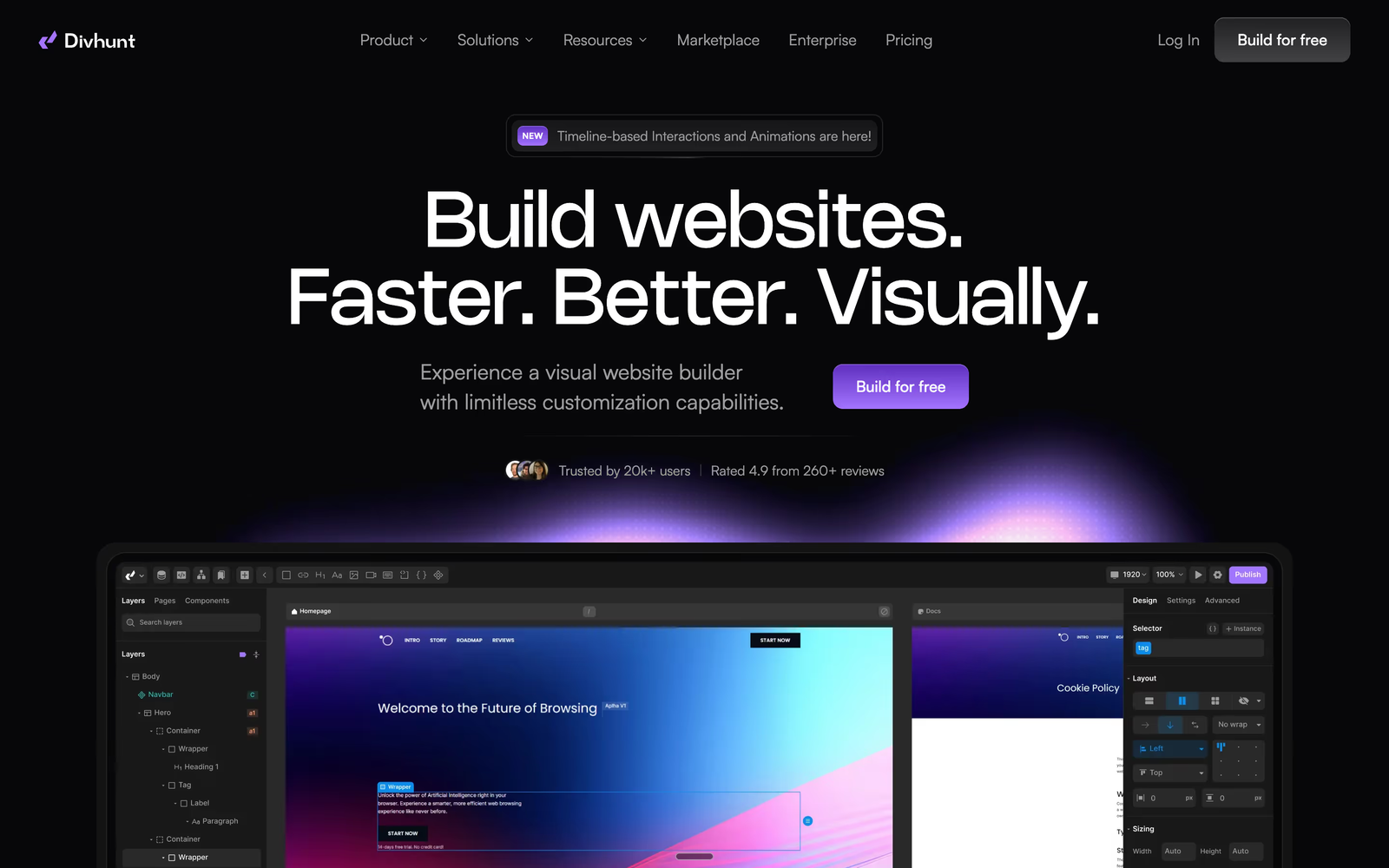
Divhunt is a fast, lightweight website builder that removes limits and gives users full control over their designs. Unlike Squarespace, which relies on templates and makes custom changes difficult (often requiring a developer), Divhunt lets you build freely without coding.It’s designed to be scalable, meaning you can start small and grow without running into performance issues.
Whether you’re making a simple website or a complex project, Divhunt keeps everything running smoothly. If you want to learn more about the platform, we have written an article comparing Divhunt and Webflow.
Pros:
- Fast and SEO-friendly: Pages load quickly, which helps with search rankings.
- No design limits: Build exactly what you want without restrictions.
- Custom development support: Add your own code if needed.
- Easy for beginners, powerful for developers: No coding required, but developers can extend functionality.
- Scales with your business: Handles large projects without slowing down.
Cons:
- Smaller ecosystem: Fewer templates and plugins than WordPress or Webflow.
- Limited third-party integrations: Not as many built-in tools as some other platforms.
- Smaller community: Fewer tutorials and resources available.
- More setup time: Fewer ready-made templates, so you’ll need to build more from scratch.
Best for: Developers, marketers, small businesses, and anyone who wants a high-performance website without limits.
#10 Framer – The Designer’s Favorite for Landing Pages
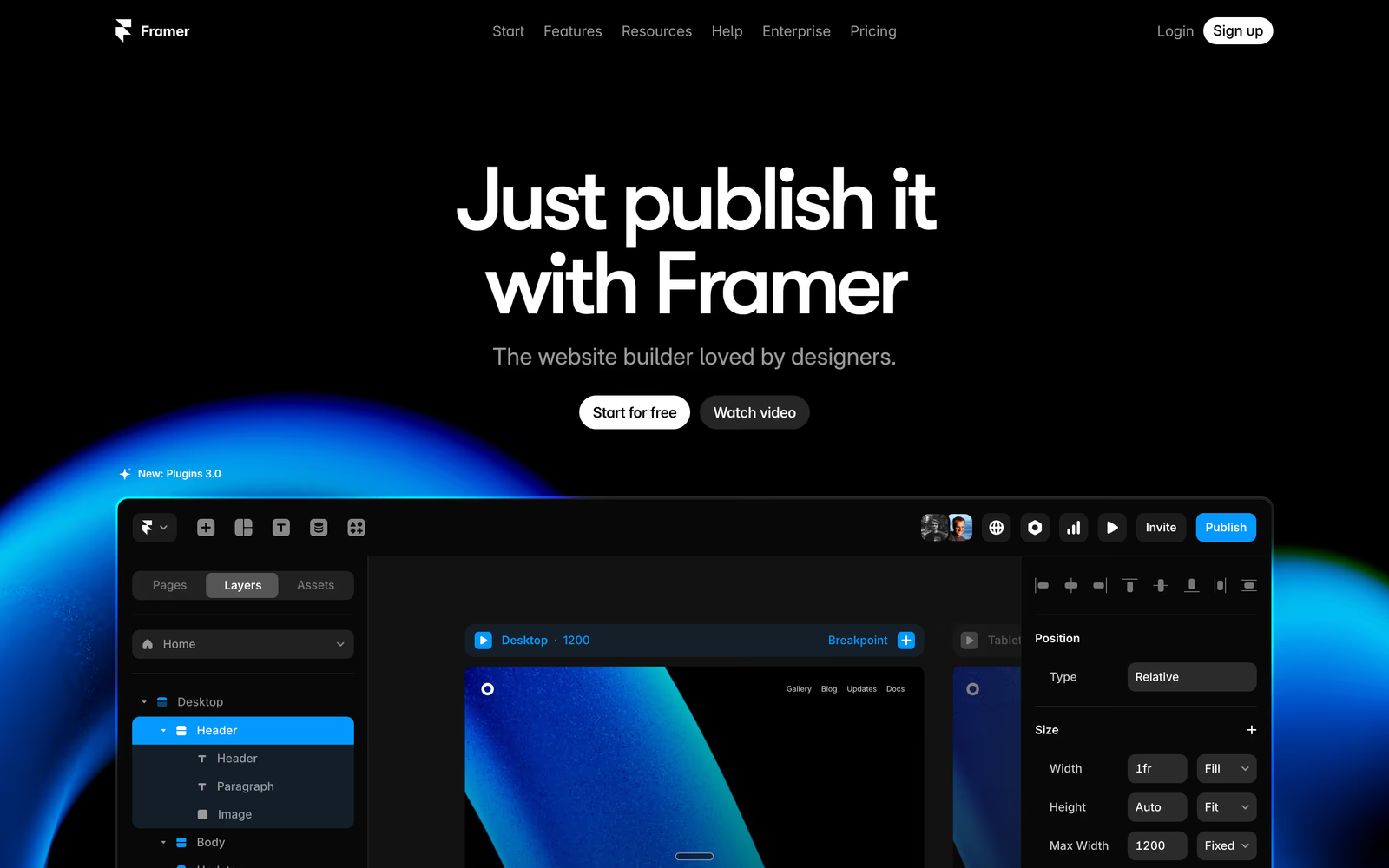
Framer is a sleek Squarespace alternative focused on interactive designs. Unlike the large majority of website builders, Framer focuses on creating an infrastructure for designers, not developers. It introduced simplified motion production, animations, and micro-interactions. Over the last year, it has become a top choice for designers looking to bring their ideas to life.
If you see Framer, you'd confuse it with Figma, especially after Figma Config 2025. That's because Framer focused on creating it's interface in a familiar manner. It allows users to visually develop interactive websites with little to no coding required. Framer’s biggest selling point is the ability to handle complex animations with smooth transitions with no code. This is something other development platforms struggle with. Additionally, Framer integrates well with design tools, allowing for seamless prototyping and implementation.
With that being said, as it is a platform for designers, it has it's own set of limitations such as terrible experience when it comes to forms and code base. We have written a detailed article comparing Framer and Webflow for those who want a better understanding of the platforms.
Pros:
- Figma-like editing for high-quality visuals.
- Great for landing pages and marketing sites.
- More interactive design options than Squarespace.
- Seamless animations and transitions, perfect for engaging user experiences.
- Strong integration with design tools, making collaboration easy for teams.
Cons:
- Limited CMS capabilities, making it less ideal for content-heavy sites.
- Not as scalable as platforms like Webflow or WordPress.
- Uses React for site rendering, making maintenance more complex compared to traditional website builders.
- Limited third-party integrations, restricting customization.
- Primarily suited for designers, rather than general business users.
Best for: Companies that don’t have extensive website needs but would settle for a small and stunning website, as well as designers and marketers looking for modern, visually engaging websites with strong animation capabilities.
Why Webflow is the Best Squarespace Competitor
Squarespace is a good fit when the site is simple and the template can carry most of the work.
The gap shows up when the site needs to do more: support a content strategy, rank in search, house multiple landing pages, connect to tools, and give the marketing team room to move without asking engineering for every update.
That is where Webflow becomes the stronger option.
It gives teams more control over:
- Design: custom layouts without being locked into rigid template structures.
- CMS: repeatable content systems for blogs, case studies, resource centers, product pages, directories, and comparison pages.
- SEO: cleaner control over metadata, redirects, indexing, page structure, and technical details like schema markup.
- Scalability: a site structure that can grow with new campaigns, pages, integrations, and content types.
This is why Webflow is usually the better choice for growing businesses. Not because every company needs more complexity. Because teams that rely on their website for content, search, landing pages, and conversion eventually need more control than Squarespace gives them.
Conclusion & Next Steps
The best Squarespace alternative depends on the job.
If you need a simple website, Wix or Weebly may be enough. If you are building a serious online store, Shopify is the stronger choice. If you are a photographer or creative professional, Pixpa may fit better. If you want maximum customization and can manage the maintenance, WordPress is worth considering.
For growing businesses that need design control, CMS flexibility, SEO control, and a site that can scale with the team, Webflow is our top choice.
That is also why we build most client sites in Webflow. If you need help planning, designing, or building a custom Webflow site, explore our Webflow development services.
If your goal is only to create standalone campaign pages rather than a full website, dedicated Unbounce alternatives may be a better place to start.
Share the Article
Evgenii Tilipman is the founder of Khod, a digital agency helping B2B tech companies turn their websites into demand-generating assets.
He works closely with founders and GTM teams to define positioning, structure high-converting pages, and build scalable Webflow systems that support growth.
Before founding Khod, Evgenii led Webflow development at an agency and worked with Memberstack to build products for the Webflow community. He has since supported teams from seed to Series C across positioning, conversion, and Webflow development.
Outside of work, he's a husband, dog dad, and someone who treats his health and long hikes with the same consistency he brings to his projects.
Table of Content


Kickstart your project today!
Book a call to discuss your goals and how we can help you reach them.
See Khod First on Google
Explore Related Articles
Website Strategy • Sep 10, 2026 • 15 min read
8 Best Webflow Agencies for AI Startups in 2026
Tool Comparisons • Jul 29, 2026 • 10 min read
Webflow vs Next.js: Pros, Cons, and How to Decide
Tool Comparisons • Jul 14, 2026 • 13 min read
Webflow vs Custom Code: Pros, Cons, and How to DecideYour Next Deal Starts With Your Website
Most deals are won or lost before your sales team gets involved. Let's make sure your site is ready for that moment.
