
Resource Center / Articles / Webflow SEO: What Works, What Doesn’t, and What Matters
Webflow SEO: What Works, What Doesn’t, and What Matters
 Evgenii Tilipman • SEO & Marketing • Published on Aug 12, 2024 • Updated on Jun 10, 2026 • 12 min read

TL;DR
Most website builders are SEO-friendly now. Webflow's SEO advantage is not that it has the needed SEO settings, but that teams can push campaigns out faster with them.
- Control: Metadata, slugs, redirects, canonicals, sitemap settings, robots.txt, alt text, SSL, and indexing.
- Speed: Marketing teams can launch, edit, and improve pages without waiting on engineering.
- Strategy still matters: Rankings depend on search intent, content, structure, internal links, and authority.
- Execution is the difference: Bad CMS planning, missing redirects, weak content, and slow pages still hurt performance.
Bottom line: Webflow is good for SEO when it is built as a search and conversion system.
Is Webflow Good for SEO?
Yes. Webflow is good for SEO.
But in 2026, that answer is not very interesting.
Most website builders are SEO-friendly now. Wix, Squarespace, WordPress, Shopify, and Webflow all give teams some level of control over page titles, meta descriptions, URLs, sitemaps, redirects, indexing, and page structure.
That is the baseline.
Five to ten years ago, “Is Webflow good for SEO?” was a fair question.
Today, the better questions are:
- “Can my team use Webflow to build a site that can rank on Google?”
- “Will that site bring in qualified traffic if it ranks?”
- “Will we be able to convert that traffic into revenue?”
Webflow gives you the technical controls. It gives you editable metadata, custom slugs, redirects, canonical tags, sitemap settings, robots.txt control, image alt text, SSL, CMS flexibility, and strong design freedom.
But Webflow does not:
- Choose your keywords.
- Understand your buyer.
- Decide which pages should exist.
- Write useful content.
- Build internal links.
- Fix weak positioning.
- Optimize page speed.
- Automatically turn traffic into leads.
All of these are part of a website strategy that every business should have in place.
So yes, Webflow is good for SEO. But Webflow SEO only works when the site is planned, structured, written, built, and improved like a growth system. If you need help building that system, explore our SEO agency for tech startups.
Where Webflow Actually Helps SEO
Webflow does not stand out because it has title tags, meta descriptions, SSL, sitemaps, and redirects. Those are expected features now.
Where Webflow helps is in the work that comes after the basics.
SEO requires constant improvement. You publish pages, update old content (this page is a third iteration of writing on the topic), adjust internal links, test messaging, improve CTAs, fix technical issues, and respond to what search data shows you. Integrate your Webflow site with Google Search Console to get the search data.

If every change needs a developer, the process slows down.
Webflow helps because marketing teams can make more of those changes directly.
That includes:
- updating metadata,
- improving page copy,
- publishing CMS content,
- creating landing pages,
- changing internal links,
- adjusting CTAs,
- building comparison pages,
- launching use case pages,
- and improving existing pages.
That does not make Webflow a silver bullet.
It makes it a practical platform for teams that already know what they need to build.
The advantage is the execution, not the existence of SEO settings.
What Webflow Handles Well for SEO
Webflow gives you the core controls needed to build a search-friendly website.
That does not mean every Webflow site is automatically optimized. It means the platform gives you enough control to do SEO properly when the strategy and implementation are there.
Here is where Webflow is strong.
Metadata Control
Webflow lets you edit title tags and meta descriptions directly at the page level.
For CMS pages, you can also use dynamic fields to create metadata patterns at scale. That is useful for blogs, case studies, glossary pages, integrations, comparison pages, and resource libraries.
This matters because metadata affects how pages appear in search results. A strong title can help the right page earn more clicks. A weak title can make a good page underperform.
URL and Redirect Control
Webflow gives you control over page slugs, CMS slugs, and 301 redirects.
That matters for SEO because URLs need to be clear, consistent, and easy to manage. If a page URL changes, redirects help protect the traffic and link equity the old URL already earned.
This is especially important during redesigns, migrations, rebrands, and content cleanups. A good redirect strategy maps old URLs to the closest relevant new pages, not just the homepage.
Heading Structure
Webflow lets you control heading tags across your pages.
That matters because headings help users scan the page and help search engines understand the structure of the content.
The mistake is choosing headings based only on visual style. A page should usually have one H1, with H2s and H3s used to organize the rest of the content. Good Webflow development separates design styling from semantic structure.

Image and Alt Text Control
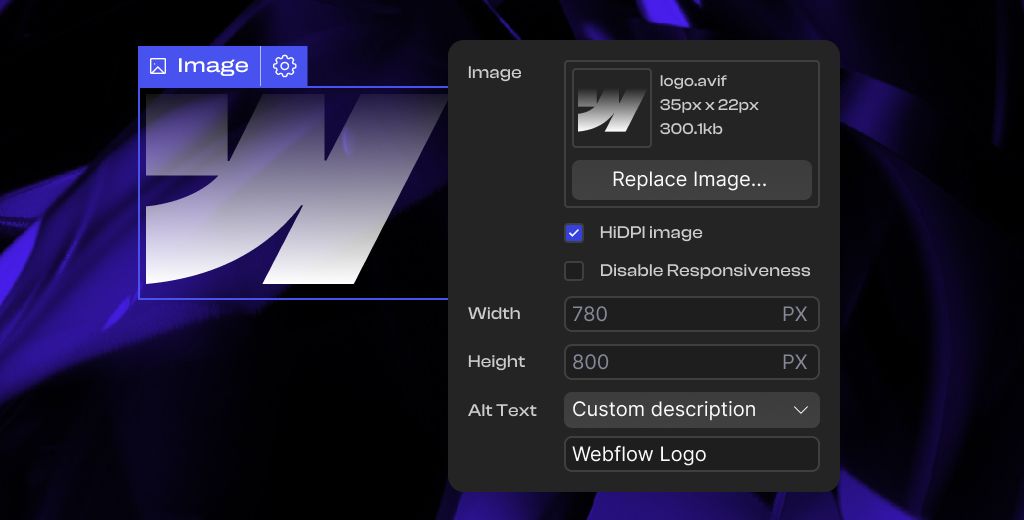
Webflow makes it easy to add alt text and manage images.
Alt text helps with accessibility and gives search engines more context about what an image shows. It should describe the image clearly, not stuff keywords into every asset.
Image SEO also depends on how the site is built. Oversized images, heavy visuals, and unnecessary media can slow pages down. Webflow gives you useful image controls, but the implementation still matters.
Sitemap, Robots.txt, and Canonical Control
Webflow gives you control over sitemap settings, robots.txt, and canonical tags.
These settings help search engines discover the right pages, understand which pages should be crawled, and identify the preferred version of similar or duplicate pages.
Most Webflow sites do not need complicated technical SEO rules. But as the site grows, these controls become more important, especially for CMS collections, localized pages, duplicate content, and large content libraries.
Performance Control
Webflow can be fast, but performance still depends on the build.
A clean Webflow site with optimized images, restrained animations, good font loading, and limited third-party scripts can perform well. A messy Webflow site with oversized assets, heavy embeds, and unnecessary interactions can still be slow.
That matters because SEO pages need to work well on mobile. Good design should support the content, not make the page harder to load or read.
CMS Flexibility
Webflow CMS is one of the stronger parts of the platform for SEO.
A well-planned CMS helps teams publish and manage blogs, case studies, landing pages, glossary pages, integrations, comparison pages, resource hubs, and customer stories without rebuilding every page manually.
But the CMS needs to be planned properly. Collection names, URL structure, SEO fields, categories, internal links, schema needs, and indexation rules should be considered before the site scales.
A good CMS setup makes SEO execution faster. A bad CMS setup creates cleanup work later.
Where Teams Go Wrong With Webflow SEO
Webflow SEO usually fails for one of two reasons.
Either the site was built for visuals first, or the SEO strategy was added too late.
Here are the most common mistakes.
Designing Before Planning the SEO Structure
This is the big one.
A team starts with homepage design. Then they build a few product pages. Then they add a blog. Then they ask someone to “do SEO.”
By that point, the structure is already working against them.
SEO should shape the sitemap.
Before design starts, you should know:
- which pages need to exist,
- which keywords each page targets,
- what buyer intent each page serves,
- how pages connect,
- which pages are commercial,
- which pages are educational,
- which pages support trust,
- and which pages should drive conversions.
If that work is skipped, the website becomes a collection of nice pages.
Not a growth system.
Treating the Blog as the Whole SEO Strategy
A blog is not an SEO strategy.
A blog is one part of it.
For B2B companies, SEO often needs many types of pages:
- product pages,
- service pages,
- use case pages,
- industry pages,
- comparison pages,
- alternative pages,
- integration pages,
- feature pages,
- glossary pages,
- landing pages,
- case studies,
- and technical explainers.
Different keywords need different page types.
Someone searching “is Webflow good for SEO” probably wants an educational article.
Someone searching “Webflow SEO agency” is probably evaluating vendors.
Those should not necessarily be the same page.
The article can educate. The service page can convert. Internal links can connect the two.
That is how you build a search journey.
Publishing Thin Content
Webflow makes it easy to publish. That is good.
It also makes it easy to publish pages that should not exist. That is bad.
Thin content is not just short content.
A short page can be useful.
Thin content means the page does not add enough value to deserve a ranking.
Common examples:
- generic AI-written blogs,
- service pages with no specifics,
- comparison pages that do not compare anything,
- glossary pages with one-paragraph definitions,
- location pages with copied text,
- and landing pages that repeat the same claims with different keywords.
Google does not need more generic content.
Buyers do not need it either.
If a page exists, it should have a clear job.
Forgetting Internal Links
Internal links help users move through the site. They also help search engines understand which pages are important.
A common mistake is publishing useful pages in isolation.
For example, a Webflow SEO article should probably link to related pages like:
- Webflow development services,
- SEO services,
- Webflow migration resources,
- technical SEO articles,
- Webflow maintenance pages,
- SaaS website resources,
- and related Webflow guides.
The point is not to force links everywhere.
The point is to create a path.
When someone lands on an article, what should they read next? What should they do next? What page helps them move closer to a decision?
That is internal linking.
Not just SEO plumbing.
Ignoring Search Intent
Search intent is the reason behind the query.
If the page does not match intent, it will struggle.
For example:
“Webflow SEO” is broad. The reader may want to know if Webflow is good for SEO, how to optimize a Webflow site, what the limitations are, or whether they need help.
“Webflow SEO checklist” is more tactical. The reader probably wants steps.
“Webflow SEO agency” is commercial. The reader is likely looking for a vendor.
“Webflow SEO for SaaS” is more specific. The reader wants to know how Webflow fits a SaaS growth motion.
A strong SEO strategy does not force all of those into one page.
It uses one article to target the broad topic, then builds supporting pages for specific intents.

Weak CMS Planning
A messy CMS can hurt SEO over time.
Not because Webflow CMS is bad.
Because the system was not planned.
Problems usually show up later:
- inconsistent URLs,
- missing SEO fields,
- duplicate categories,
- poor author pages,
- no content hub structure,
- no internal linking fields,
- unclear collection relationships,
- and no scalable schema setup.
The CMS should make content easier to publish, not harder.
If your team has to manually hack every article layout, something is wrong.
Bad Migration Planning
A Webflow migration can improve SEO.
It can also destroy traffic if handled badly.
The biggest risk is URL mapping.
Before migrating, export your current URLs. Then identify which pages have:
- backlinks,
- organic traffic,
- conversions,
- impressions,
- rankings,
- or business value.
After that, map each old URL to the closest relevant new URL.
Do not wait until after launch.
Do not redirect everything to the homepage.
Do not assume Google will figure it out.
Migration SEO is mostly preparation.
Overbuilding the Design
Webflow gives designers a lot of freedom.
That is one of the reasons teams choose it.
But not every page needs to feel like an award submission.
SEO pages need to be clear, fast, readable, and useful.
If a page is hard to scan, slow to load, or buried under animations, it may look good and still perform badly.
Good design supports the message.
It does not compete with it.
Does Webflow Have SEO Limitations?
Yes. Every platform has limitations.
Webflow is no different.
The important thing is knowing where the limits are.
Schema Often Requires Manual Setup
Webflow supports custom code, so you can add schema markup.

But it is not the same as using a WordPress SEO plugin where schema can be generated through a plugin interface.
For many Webflow sites, schema needs to be added manually through JSON-LD or built dynamically with CMS fields and embeds.
Common schema types include:
- Organization,
- Article,
- FAQPage,
- BreadcrumbList,
- Service,
- SoftwareApplication,
- Product,
- Review,
- and LocalBusiness, where appropriate.
Do not add schema just to add schema.
Use it when it accurately represents the page.
Large CMS Sites Need Planning
Webflow CMS is good, but large sites need careful architecture.
If you are building hundreds or thousands of pages, you need to think through collections, fields, relationships, URLs, templates, filters, pagination, indexation, and internal links.
You can build serious content systems in Webflow.
But you cannot wing it forever.
Advanced International SEO Needs Care
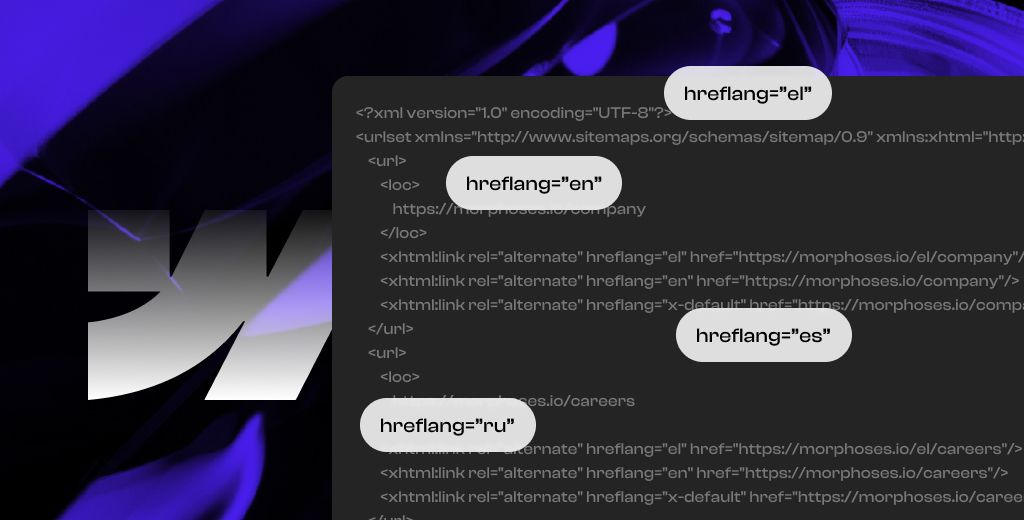
Webflow has improved localization support, including localized SEO settings and hreflang support.
That is useful.
But international SEO still needs planning.
You need to consider:
- language targeting,
- regional targeting,
- URL structure,
- translated metadata,
- hreflang logic,
- localized sitemaps,
- duplicate content,
- and local search behavior.
Localization is not just translation.
A translated page can still fail if the search intent is different in each market.
Programmatic SEO Is Not Native
Webflow can support scaled content systems, but it is not a pure programmatic SEO platform out of the box.
If you want to build thousands of pages from structured data, you may need custom workflows, external databases, APIs, or other tools.
That does not make Webflow bad for SEO.
It just means you should choose the right system for the job.
Technical SEO Still Requires Expertise
Webflow gives you many controls.
But controls do not replace judgment.
Advanced technical SEO may still require help with:
- indexation strategy,
- canonical logic,
- migration planning,
- redirect mapping,
- schema implementation,
- performance optimization,
- international SEO,
- CMS architecture,
- and content pruning.
The platform gives you access.
It does not make the decisions for you.
Do You Need a Webflow SEO Agency?
Not always.
If your site is small and you understand SEO, you can handle the basics yourself.
But you may need an SEO agency, expert, consultant, or SEO-focused Webflow team if:
- you are migrating from another platform,
- your rankings dropped after a redesign,
- your site has technical SEO issues,
- your CMS is messy,
- your content is not ranking,
- your marketing team cannot publish fast enough,
- your pages get traffic but do not convert,
- or your site needs to support pipeline, not just visibility.
The value of a Webflow SEO agency is not filling in meta titles.
That is basic.
The value is knowing what pages should exist, how they should be structured, how they should connect, how they should rank, and how they should convert.
That is the difference between SEO tasks and SEO strategy.
Final Thoughts
Webflow is good for SEO, but that is no longer the strongest argument.
Most major website builders now cover the basics. The real difference is execution.
Webflow gives B2B teams control over content, structure, technical SEO settings, and page updates without turning every change into an engineering task.
But the platform will not choose your keywords, fix weak positioning, write useful content, or turn traffic into pipeline by itself.
That matters even more now that search is changing. Buyers are not only using Google search results. They are also using AI Overviews, ChatGPT, Perplexity, and other LLM-powered search experiences to research companies, compare options, and shortlist vendors.
So Webflow SEO should not be treated as a checklist added after design. It should be part of a broader visibility system that helps your site get found, cited, trusted, and chosen.
At Khod, that is how we think about SEO, AEO, and LLMO. The goal is to bring in the right traffic, show up where buyers are searching, and help turn that visibility into revenue.
If you want a place to start, run your site through our B2B SaaS website audit checklist, which covers six specific spots, from page speed to AI-assistant visibility, where B2B SaaS sites tend to lose demos.
FAQs About Webflow SEO
Is Webflow good for SEO?
Yes. Webflow is good for SEO when the site is built properly. It gives you control over important SEO settings like title tags, meta descriptions, URLs, headings, alt text, redirects, canonical tags, sitemap settings, robots.txt, SSL, and indexing. But Webflow does not create the SEO strategy for you.
How do I optimize SEO in Webflow?
Start with keyword research and page structure. Then optimize each page’s title tag, meta description, URL, H1, headings, body content, internal links, image alt text, and CTA. Before launch, check redirects, sitemap settings, robots.txt, canonicals, page speed, analytics, and Google Search Console.
Does Webflow have SEO plugins?
Yes, but Webflow calls them Apps, not plugins. Webflow has SEO-related Apps for things like audits, bulk metadata updates, schema, SEO scoring, and content workflows.
That said, Webflow does not rely on plugins in the same way WordPress does. Most core SEO settings are built into the platform. Apps can help with scale or advanced workflows, but they do not replace SEO strategy, clean site structure, strong content, internal links, or proper technical setup.
Is Webflow SEO optimized?
Webflow gives you SEO-friendly tools, but your website is not automatically optimized just because it is built in Webflow. You still need to set up metadata, headings, URLs, redirects, internal links, image optimization, page speed, content structure, and indexation correctly.
What website structure is best for SEO?
The best SEO structure is simple, logical, and built around search intent. Important pages should be easy to find from the navigation or internal links. Related pages should connect to each other. Commercial pages, blog posts, comparison pages, and use case pages should not all be treated the same.
Share the Article
Evgenii Tilipman is the founder of Khod, a digital agency helping B2B tech companies turn their websites into demand-generating assets.
He works closely with founders and GTM teams to define positioning, structure high-converting pages, and build scalable Webflow systems that support growth.
Before founding Khod, Evgenii led Webflow development at an agency and worked with Memberstack to build products for the Webflow community. He has since supported teams from seed to Series C across positioning, conversion, and Webflow development.
Outside of work, he's a husband, dog dad, and someone who treats his health and long hikes with the same consistency he brings to his projects.
Table of Content


Kickstart your project today!
Book a call to discuss your goals and how we can help you reach them.
See Khod First on Google
Explore Related Articles
Website Strategy • Sep 10, 2026 • 15 min read
8 Best Webflow Agencies for AI Startups in 2026
Tool Comparisons • Jul 29, 2026 • 10 min read
Webflow vs Next.js: Pros, Cons, and How to Decide
Tool Comparisons • Jul 14, 2026 • 13 min read
Webflow vs Custom Code: Pros, Cons, and How to DecideYour Next Deal Starts With Your Website
Most deals are won or lost before your sales team gets involved. Let's make sure your site is ready for that moment.
