

"I'm so impressed by the speed and the quality of execution. You're doing it so quickly, and you're honestly very easy to work with, which isn't something you always find with a development team. The way you set up the components, I was able to find everything."
Kristina Vanderslice
Head of Brand @Cordial

The problem: a redesign that couldn't wait for the whole migration
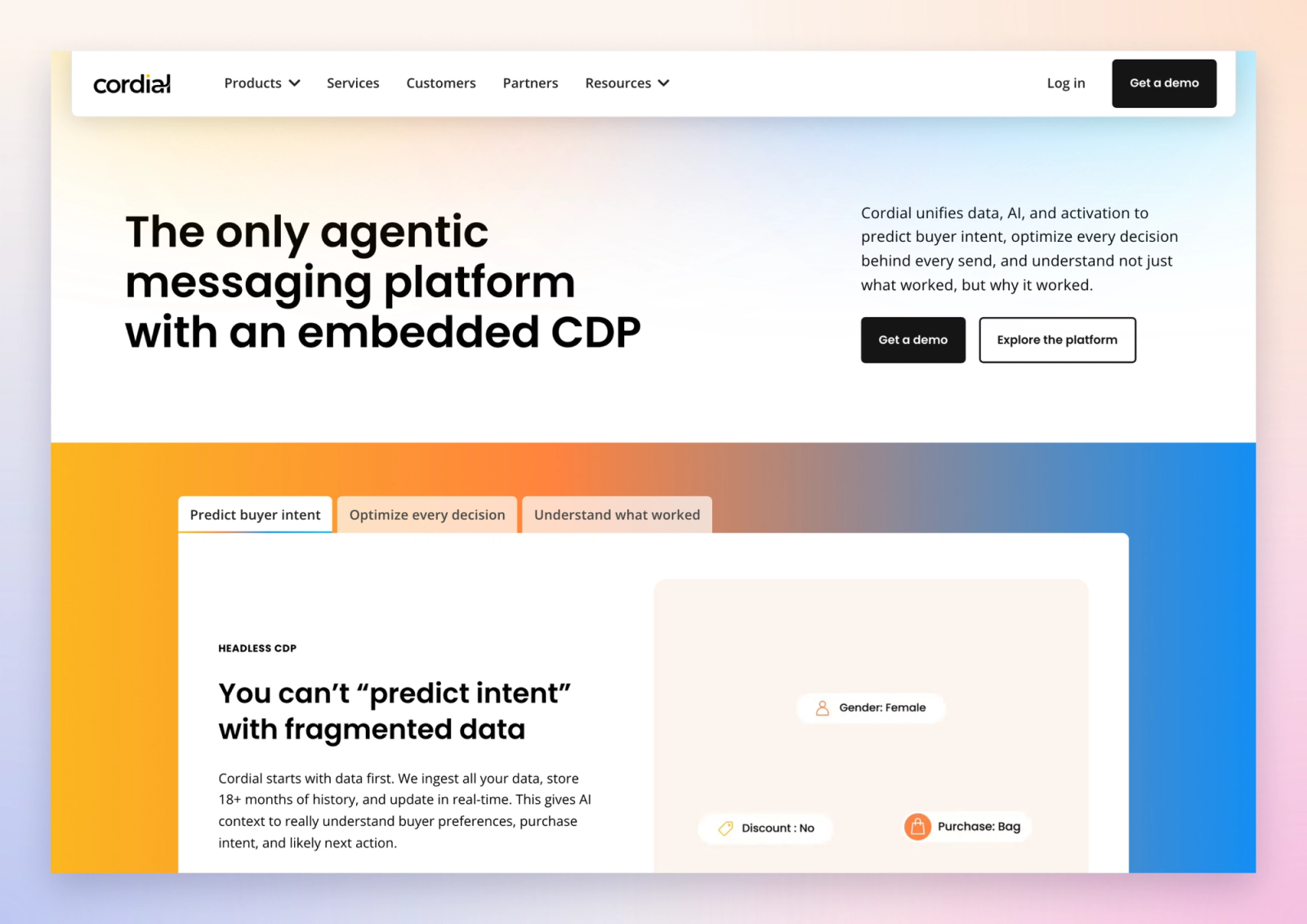
Cordial, a Series C marketing platform, was redesigning its marketing site and moving it from WordPress to Webflow at the same time. Kristina Vanderslice, Cordial's Head of Brand, led the redesign. We owned the migration strategy and the build.
Moving everything first would have pushed the launch back by months. The Resources section alone holds 400+ articles, webinars, ebooks and reports. Meanwhile, the new homepage and Headless CDP page had a date to hit: Cordial's Headless CDP launch at the end of October.
So the team asked us a simple question. Can the new pages go live on Webflow while the rest of the site stays on WordPress?
The answer: a reverse proxy
A reverse proxy sits in front of the domain and decides, path by path, which platform answers. Visitors see one site on cordial.com. Behind it, five paths come from Webflow and everything else still comes from WordPress.
For a site this size, that changes how the WordPress to Webflow migration runs:
- Same domain, same URLs. No subdomain, so links and search signals stay where they are.
- Section by section. Each phase goes live when it's ready, not when the whole site is.
- One switch to roll back. If a page breaks, WordPress takes it back in one change.
- No freeze on the old site. Cordial's team keeps publishing on WordPress until each section moves.
How we set it up
Routing on Cordial's own Cloudflare
Cordial's IT team keeps DNS and Cloudflare locked down, so we didn't ask for access. We planned the setup and wrote the implementation instructions, including the Cloudflare Worker code. Their team reviewed it and ran it.
The Worker sends the Phase 1 paths to Webflow. Everything else, including /wp-content and /wp-json, goes to WordPress untouched. Webflow serves its own CSS, scripts and images from its CDN, so no asset routing was needed.
A rollout in four steps
- Test domain. The Worker ran on
new.cordial.comfirst, with the real WordPress site behind it. - Proxy, no routing. cordial.com moved behind Cloudflare with routing off. Visitors saw no change.
- Preview mode. A cookie showed the Webflow pages to Cordial's team on the real domain. Everyone else still got WordPress.
- Launch. One setting in the Worker. The same setting rolls every page back.
Phase 1, built in Webflow
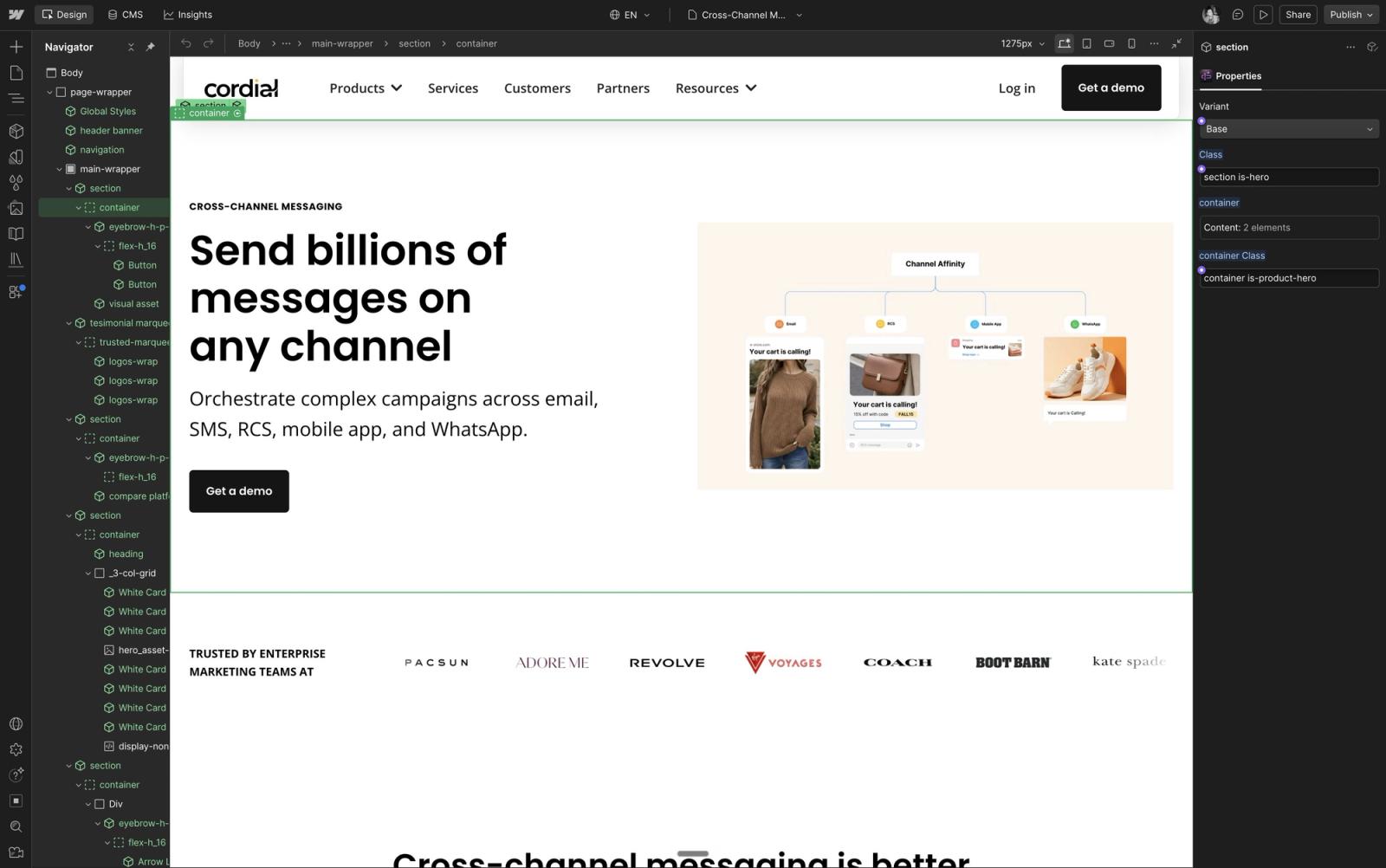
Kristina's team designed the new pages in Figma while our Webflow development team built them:
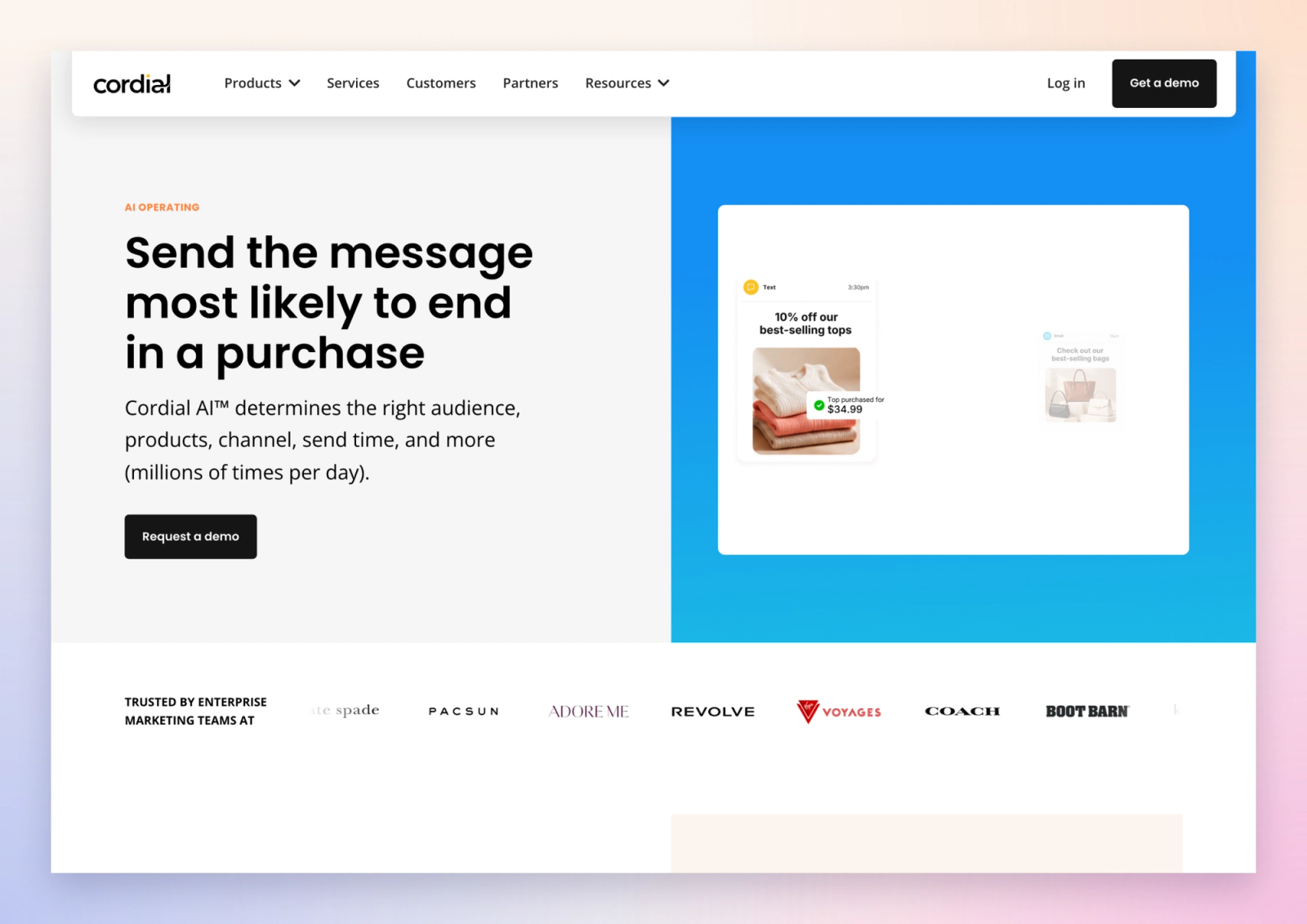
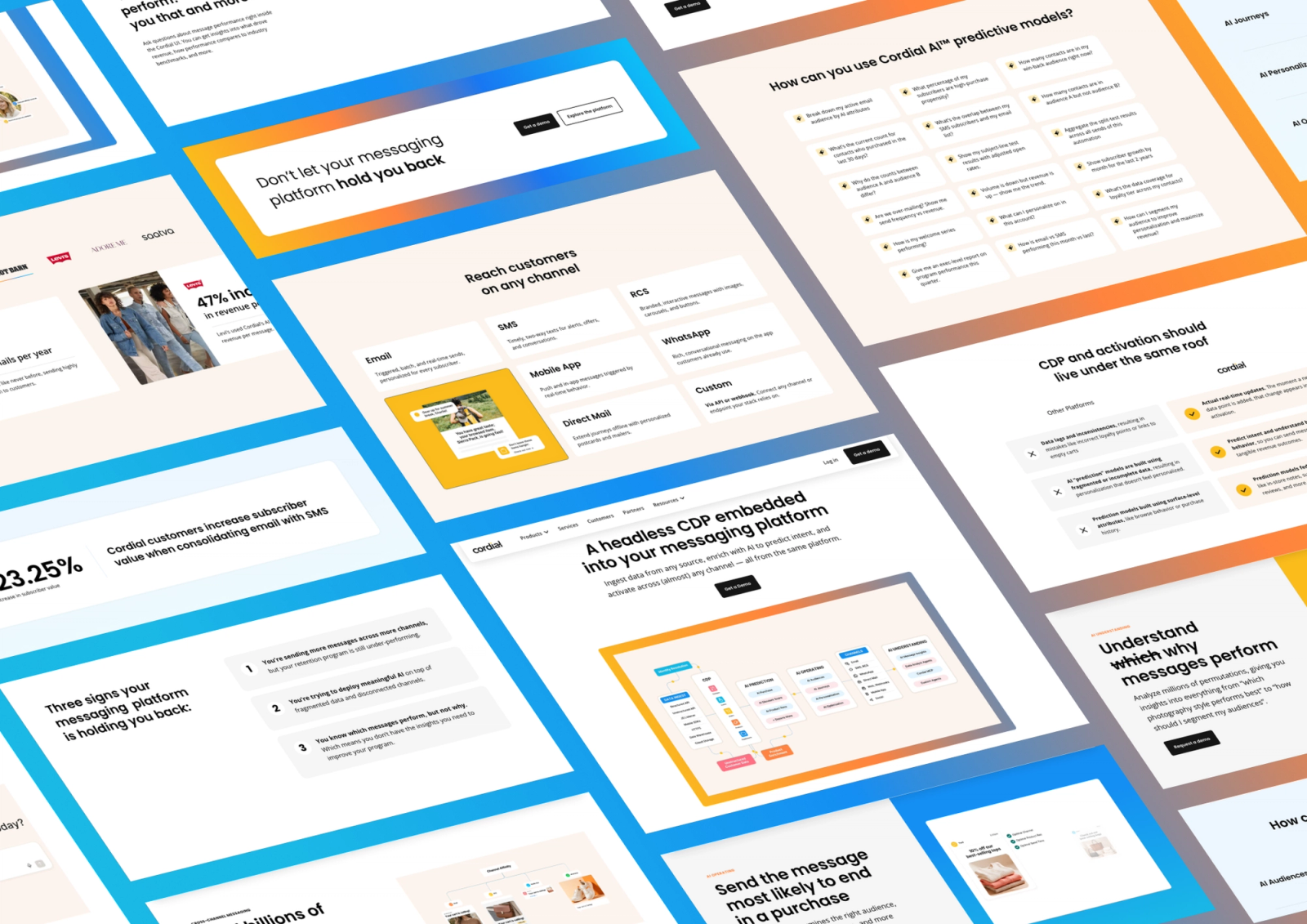
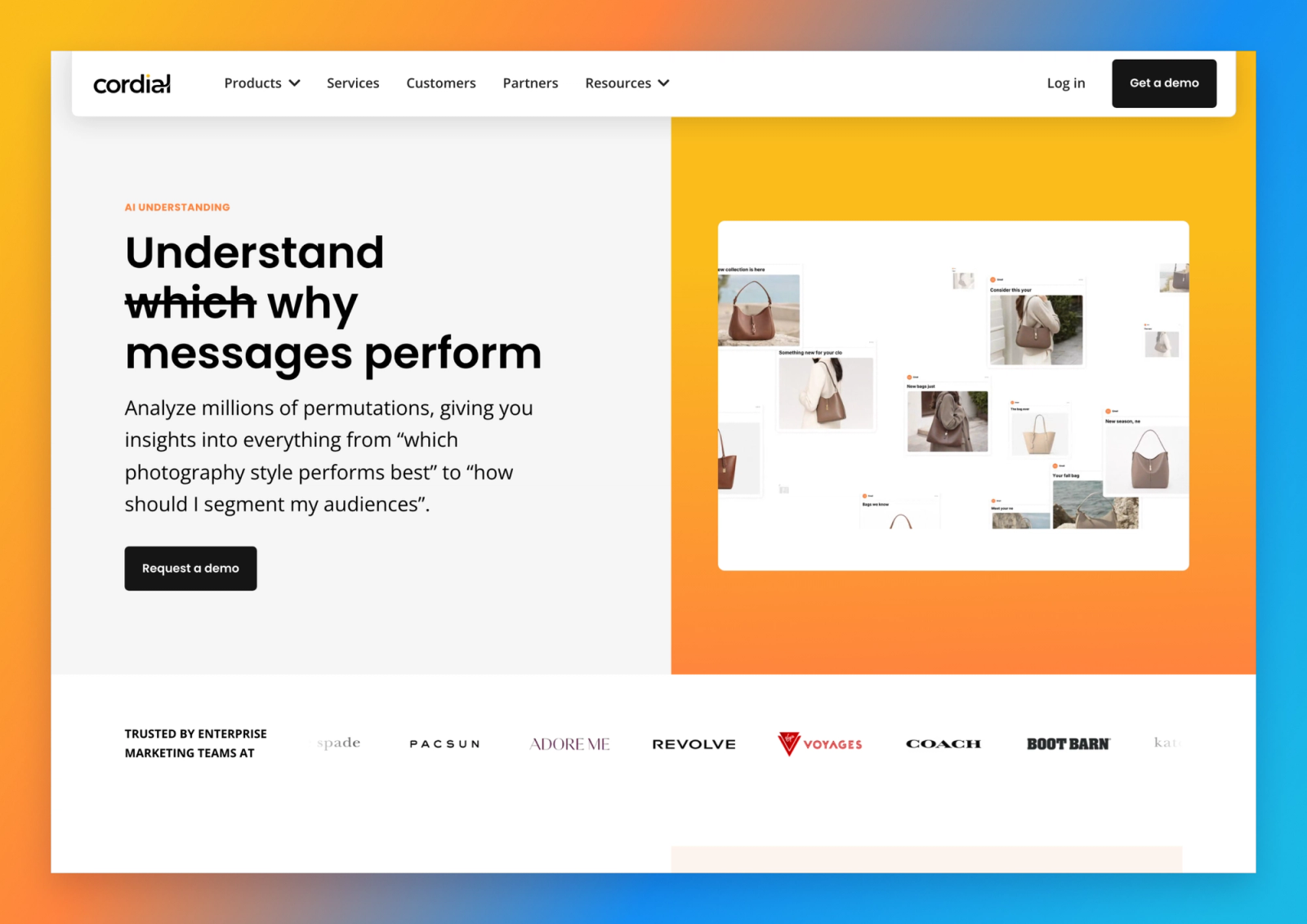
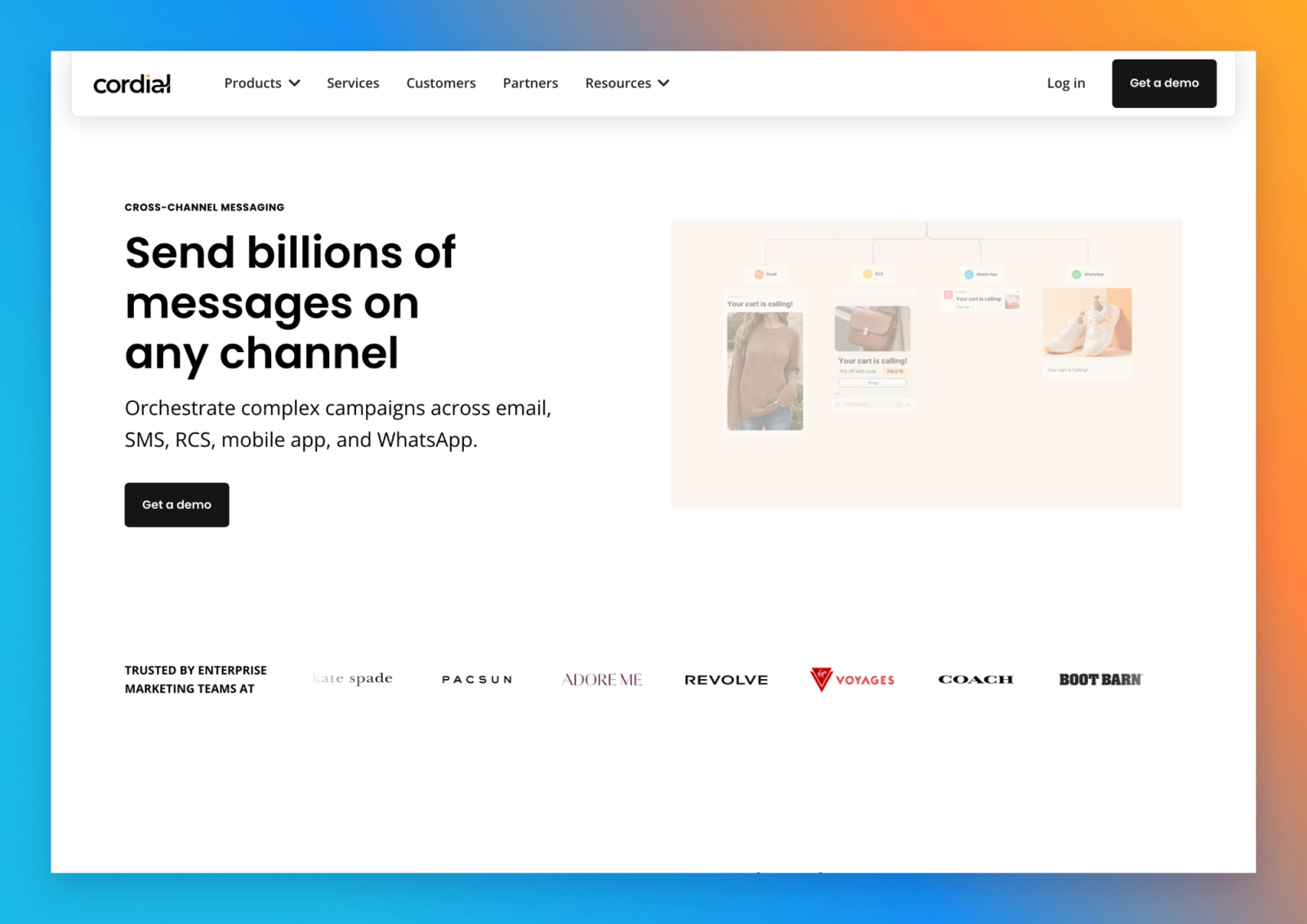
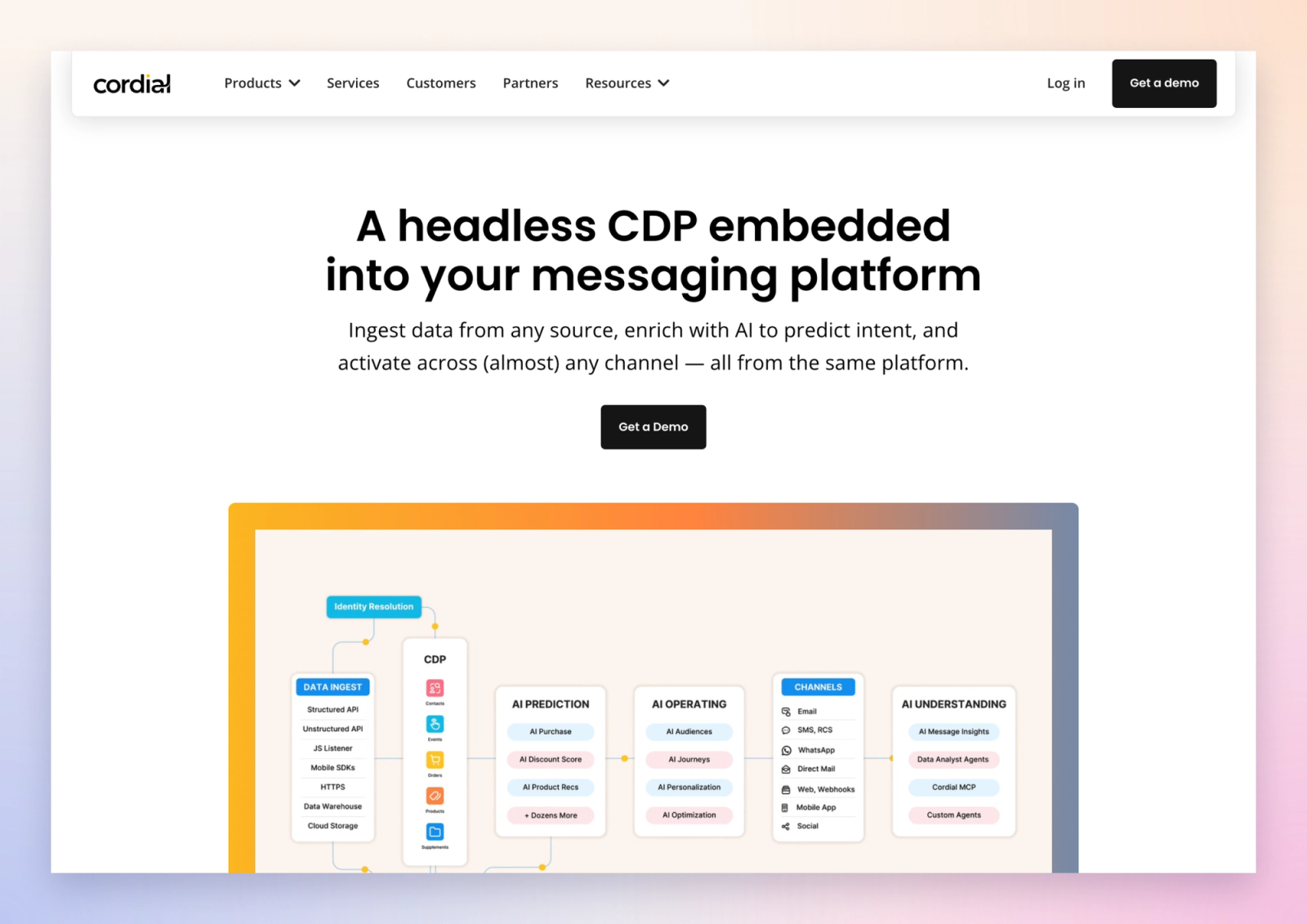
- Five pages: the homepage, Cross-Channel Messaging, Headless CDP, and two new pages that replaced the old AI page, AI Operating and AI Understanding.
- A component system Cordial's team can edit on their own, with a fluid type scale.
- Hero and product videos in WebM and MP4, so they play in every browser.
- A case studies CMS collection, ready for the next cutover.
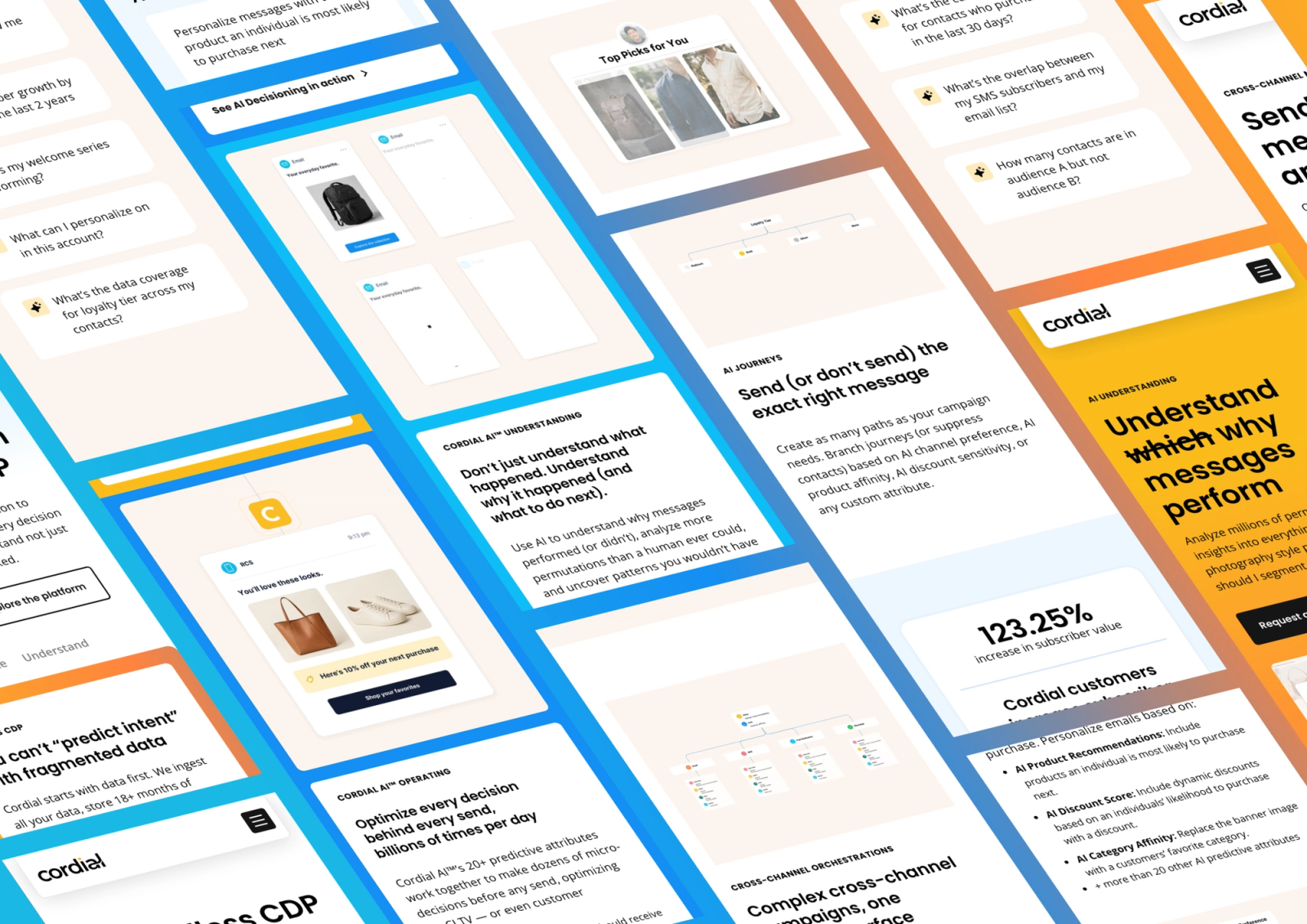
- Desktop QA first, then a separate mobile pass.
Search signals, carried over
A migration can lose rankings in the gaps between platforms. We closed them before launch:
- Titles and meta descriptions carried over from WordPress.
- Canonical tags point at cordial.com.
- 301 redirects were set up in WordPress, plus the ones that had to sit in front of both platforms in Cloudflare, like
/aito/ai-operating. - The Yoast sitemap was adjusted with a short PHP snippet to list the Webflow URLs, so the domain keeps one sitemap.
- Only the two new AI pages went in for manual indexing. The rest re-crawl on their own.
It's the same list we run on every move, from our website migration checklist.
Launch day
The switch went live at 5:30 AM Pacific on October 28, in a working session with Cordial's marketing and IT teams.
Right after, we checked the live site the way a visitor sees it: every page, every redirect, every canonical tag, and every link and asset on the new pages. Every WordPress page kept working as before.
What's next
Each new phase is a few more paths in the Worker. The case study pages go next, then the Resources section, then the rest of the site.
Too much content to move in one weekend? A reverse proxy lets you migrate one section at a time, on the same domain, with a rollback switch for every launch.

About
Cordial is an agentic messaging platform with an embedded CDP. Enterprise brands use it to send email, SMS, mobile and WhatsApp messages from one platform.
Industry
Marketing technology (SaaS)
Company Size
51-200
Founded
2014
Location
San Diego, USA


Kickstart your project today!
Book a call to discuss your goals and how we can help you reach them.
Explore More Migration Case Studies
100/100
Technical SEO score (was 67)
80+
Broken pages fixed


207
pages migrated
98%
of rankings preserved
Let’s Build Your Growth Engine
Are you ready to turn your website into a high-performing marketing asset?
